

Main objectives of the ministry:
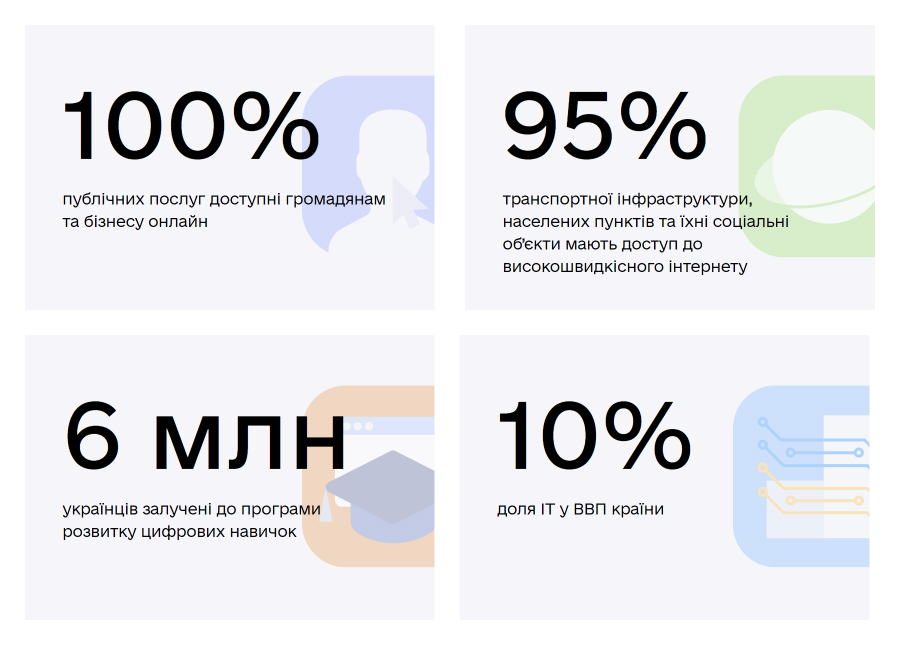
Implementation of electronic management in government processes is another feature of the ministry. The team uses digital tools to optimize its work. One of these tools is Worksection, where all project work is conducted.
The ministry’s team has large and ambitious projects that require coordination of all processes and transparent, flexible communication. Transparent means that information is accessible to every team member. Flexible communication means different channels of communication for each type of task and each project.
Worksection excels at these tasks, and now we’ll explain how a service that seems simple at first glance helps in managing national-scale projects.
Why Worksection?
The most important thing the project management system gives us is certainty. We needed a simple tool with a concise and intuitive interface that would be ready to use without any setup.
How Worksection was implemented within the ministry
A deadline was set for connecting all departments and people to Worksection. The implementation occurs simultaneously at several levels.
First, it was necessary to implement the system within the Ministry of Digital Transformation team. Each person took on a task — to get familiar with Worksection, and then everything went smoothly.
The service has excellent text instructions and short videos that help explain how to launch projects in Worksection and how to use the built-in tools.
The deadline is one year. It may seem like a long time, but there is no better experience in the world for implementing electronic management systems.
We connected people who were used to writing their tasks in notebooks, so they needed time to adjust, and we needed time to link each team in the system.
The main function of such a system for our purposes is to assign tasks to responsible individuals and set deadlines for each task.
We collect tasks in Worksection during every meeting
There is as much offline work as there is online, so we have regular meetings. During them, we discuss projects: we look in Worksection at what has already been done and set new tasks.
To avoid writing everything in a notebook, at each meeting, there is a person who creates tasks directly during the working meeting: describes what needs to be done, assigns responsibility, and sets a deadline for the task.
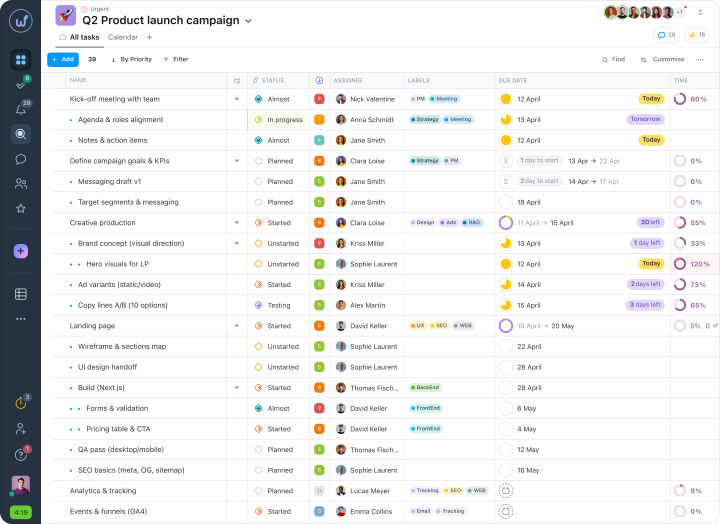
It is important for managers that tasks are recorded in the system. If a task is not completed, it is possible to immediately find out the reason. For initial monitoring of task completion, Worksection will let you know whether an employee has viewed their task, and the priority selection feature will help you choose the right task.
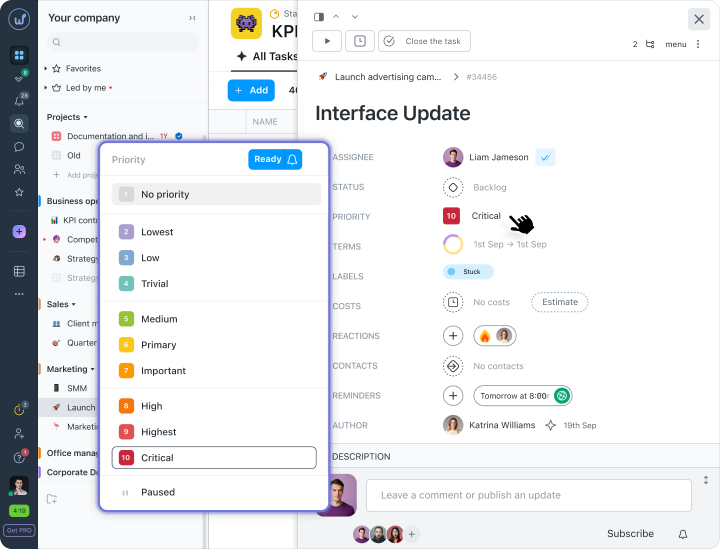
The manager can see any changes to their employees’ tasks: deadline changes, priority shifts, or changes in responsibility, which are displayed in the timeline.
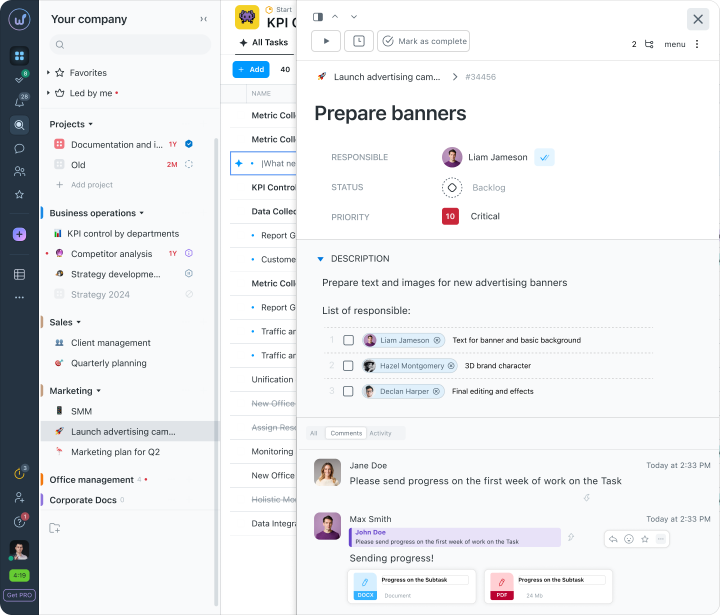
And for the employee, the convenience of the system is that tasks do not get lost or confused with one another. They log into the system at the beginning of the workday and in the task list see what they need to do.
Performance Analysis and Reports
Each employee has tasks that they must complete on time. To understand whether a person can handle the assigned tasks and to see the overall workload on the team — the manager opens a task list filtered by assignee. This way, we can effectively distribute the entire team’s tasks to avoid downtime and overload.
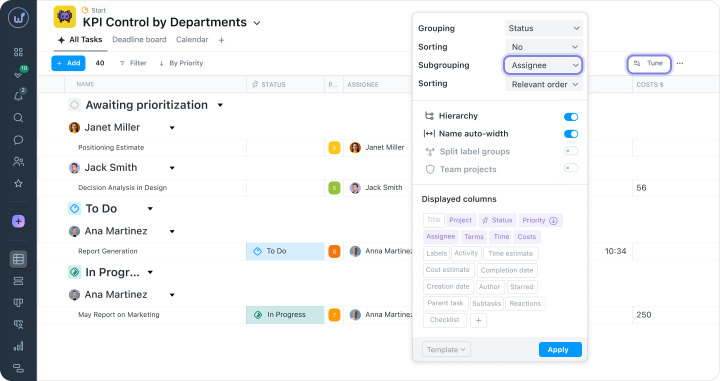
A report from Worksection will show problem areas in the work for quick optimization. Moreover, reports greatly aid in self-management. We constantly generate reports in Worksection to find out how the ministry’s projects are progressing.
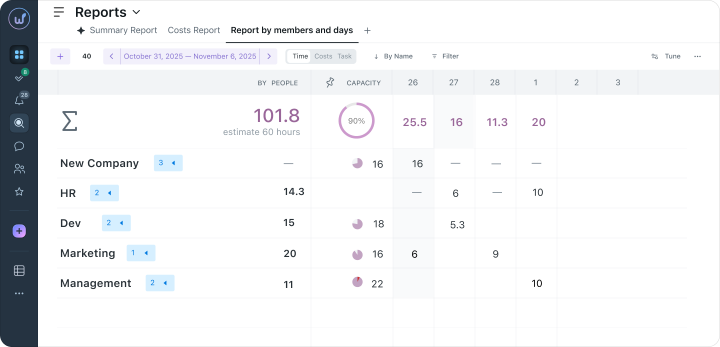
Always aware of project progress
We actively use tags to determine the status of tasks. As soon as the employee begins working, they set the status to “in progress” in the corresponding task.
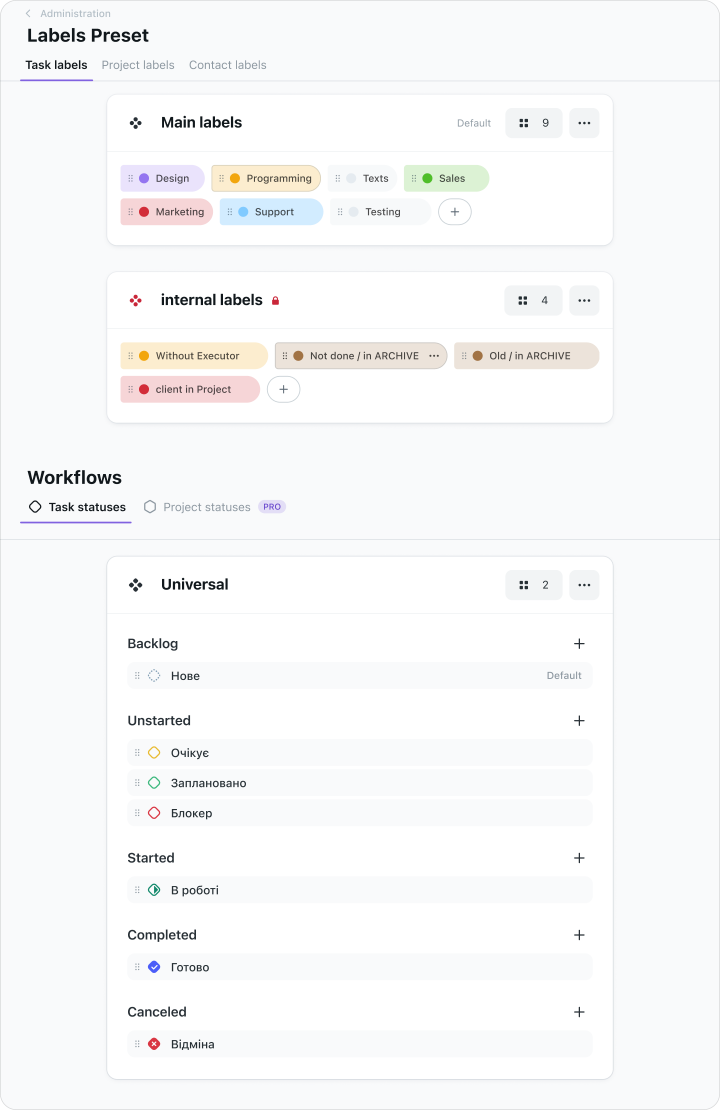
For each project, a specific group of statuses can be created to quickly understand how things are going. The manager receives a notification that the status of a task has changed — meaning they don’t need to worry, the task will be completed.
Simple, functional, efficient
To allow our team to focus on work rather than management, we decided to create a special tool for project management. We chose Worksection because it is a Ukrainian-made product and a simple helper in management that requires no special skills to navigate. Your product helps us a lot.