Planning for product companies

Are you work­ing on amaz­ing prod­ucts that will change the world for the bet­ter? Do you have many diverse tasks and direc­tions in your prod­uct? Mar­ket­ing, prod­uct design, devel­op­ment of new direc­tions, admin­is­tra­tive and HR tasks. All of this can be com­bined in Worksection!
Try Now

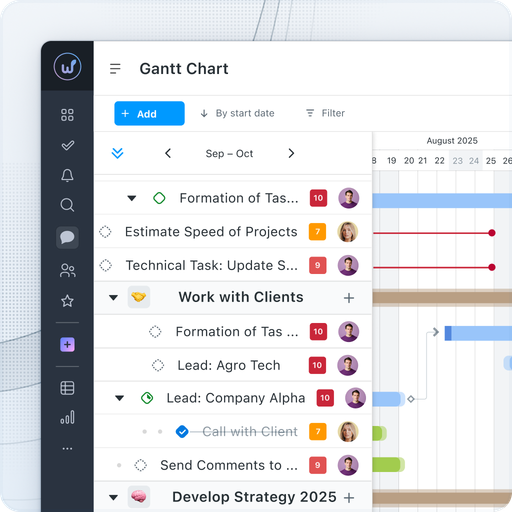
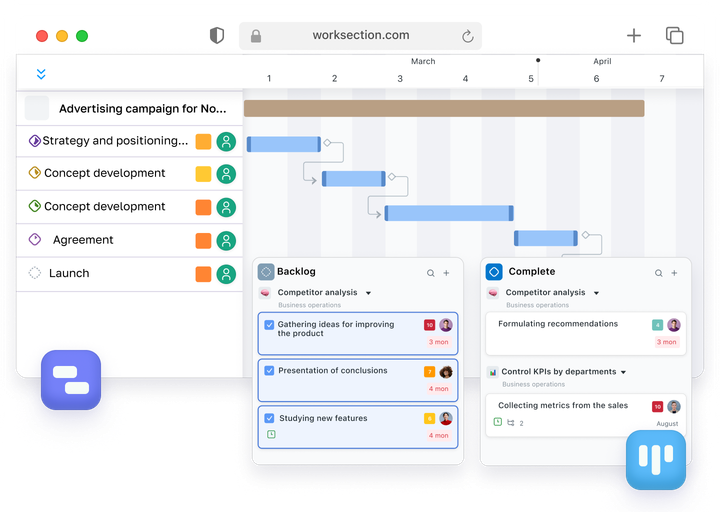
Work­sec­tion pro­vides effec­tive man­age­ment of your projects. With the inter­ac­tive Gantt chart, you can eas­i­ly con­trol dead­lines, track the crit­i­cal path, and mon­i­tor progress. For sup­port­ers of flex­i­ble method­olo­gies, we have con­ve­nient Kan­ban boards with inline edit­ing and automa­tions, and the project dash­board with veloc­i­ty charts will show the real state of affairs.

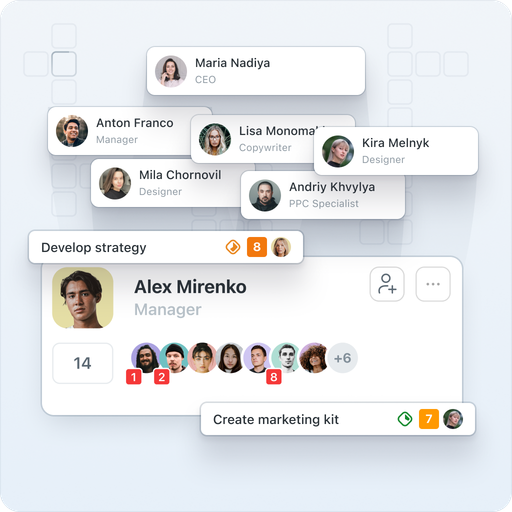
The flex­i­ble sys­tem of roles and access rights ensures infor­ma­tion secu­ri­ty and allows each employ­ee to see only the infor­ma­tion nec­es­sary for them. You are always aware of key strate­gic projects and can quick­ly iden­ti­fy and resolve any issues.

Work­sec­tion is used by: Danone Nutri­cia, Dentsu Aegis, OMD, BBDO, Post­men, VMLY&R, Brain Tank, and over 1600 more agen­cies and companies.

View our clients’ cas­es or request a free con­sul­ta­tion from our won­der­ful sales managers.

Quick team adaptation

Work­sec­tion — an under­stand­able pro­gram. Any­one of any age and pro­fes­sion can fig­ure it out in 20 min­utes. On aver­age, it takes com­pa­nies up to 2 weeks to launch busi­ness process­es through Work­sec­tion. Read about how the team Danone Nutri­cia adapt­ed to Work­sec­tion in the detailed case study.
There are train­ing videos and a sec­tion with answers to more than 1000 ques­tions for employees.


Workload control

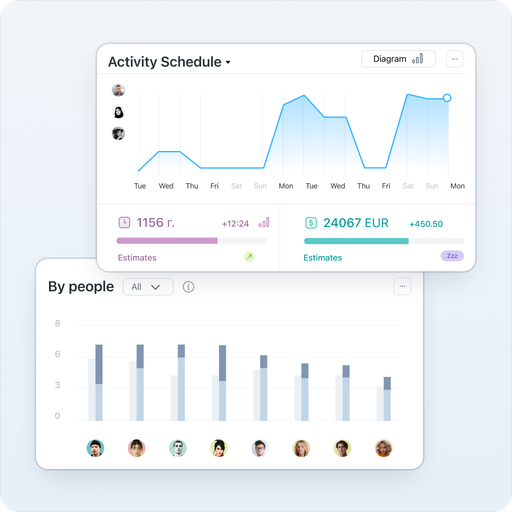
In Work­sec­tion, the man­ag­er sees the com­plete pic­ture of projects and the work­load of each team mem­ber, as well as the team’s dai­ly plan. Use fil­ters to view tasks: closed, urgent, with spec­i­fied sta­tus­es and tags, or with­out them. Adjust the team’s work­load by dis­trib­ut­ing tasks even­ly among participants.

Make sure that employ­ees are not over­loaded with work, as this can neg­a­tive­ly impact the over­all mood of the team and con­se­quent­ly the results.

Convenient communication

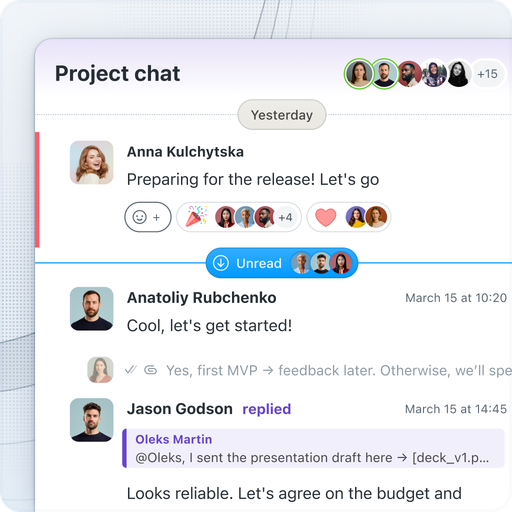
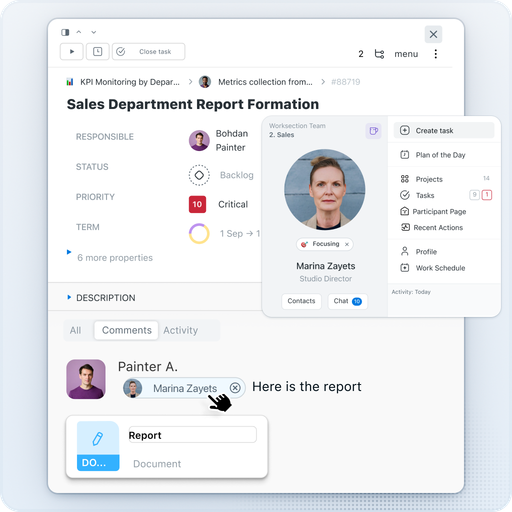
No need to search for infor­ma­tion in exter­nal mes­sen­gers any­more. Com­mu­ni­cate and share files direct­ly with­in tasks, where the dis­cus­sion his­to­ry is stored. For quick com­mu­ni­ca­tion, use the built-in Work­sec­tion mes­sen­ger — with pri­vate, group, and project chats. In tasks, you can see who has been assigned respon­si­bil­i­ty, why the dead­line was moved, and what the man­ag­er replied to the client. AI sum­maries will help you quick­ly grasp the essence of lengthy discussions.

Gantt chart

The inter­ac­tive Gantt chart shows progress across all projects. Move and extend tasks with sim­ple drag-and-drop and cre­ate depen­den­cies between tasks. Switch between time scales — days, weeks, months — or view the Gantt by peo­ple to assess each team mem­ber’s work­load. You will see poten­tial bot­tle­necks that could lead to project disruptions.

Kanban board

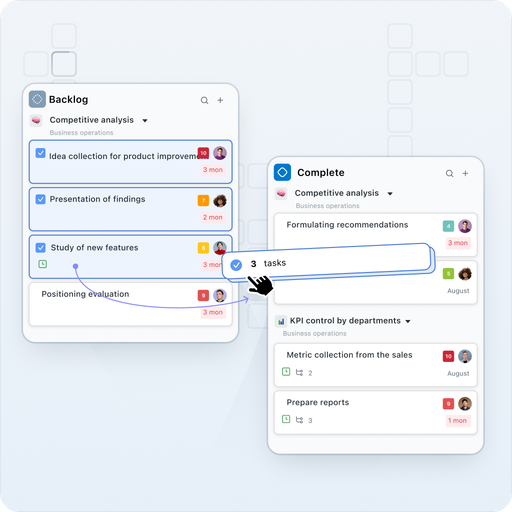
Use Kan­ban to visu­al­ly sep­a­rate tasks by their com­ple­tion sta­tus. A board with inline edit­ing and bulk card selec­tion will help estab­lish a sequence for task exe­cu­tion. Assign a per­son respon­si­ble for each stage — the Kan­ban automa­tion allows for auto­mat­ic sta­tus changes and assign­ments when mov­ing cards between columns.

Time tracking

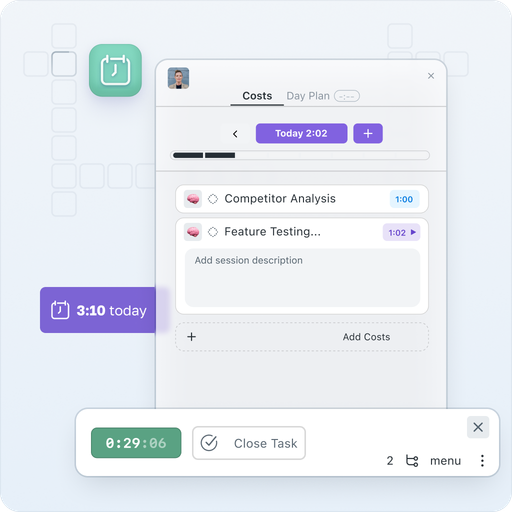
Keep track of where your time is spent in your busi­ness. Built-in timer Start/​Stop with col­or-cod­ed indi­ca­tors (green, orange, red depend­ing on dura­tion) will show the work­ing time of each employ­ee in real-time. Set indi­vid­ual hourly rates and com­pare plan vs real­i­ty. The Time Today” wid­get keeps the dai­ly work­load in sight.

Gen­er­ate a detailed expense report for each project to invoice the client.

Subcontractors

Work­sec­tion is great for work­ing with clients and third par­ties. Con­nect the clien­t’s team and sub­con­trac­tors to the project to col­lab­o­ra­tive­ly set tasks, dis­cuss, and track work. Assign the Guest” role — and they will only see the tasks assigned to them. For those who only need view­ing access — there is a Read­er” role.
Con­trol which projects the client has access to, and which ones they can­not see at all.

Integrations via API, Zapier

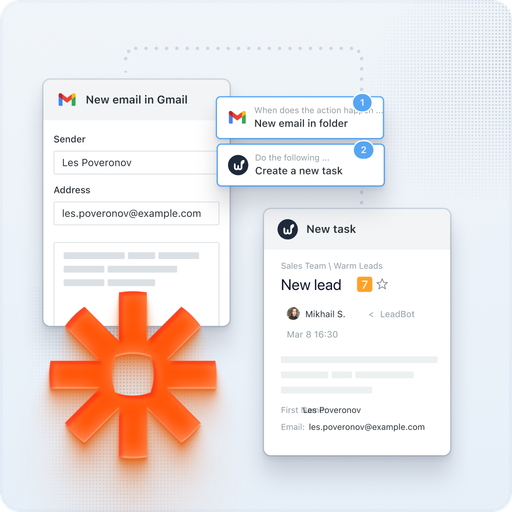
We have imple­ment­ed inte­gra­tions with email, Google Cal­en­dar, Google Dri­ve, Google Docs/​Sheets/​Presentations, Google Meet, Fig­ma, Slack, Telegram, Viber, Key­CRM, Hub­Spot, Pipedrive, NetHunt. Using REST API and Web­hooks, you can import any infor­ma­tion into Work­sec­tion or export the data you need. Zapi­er allows con­nect­ing hun­dreds of exter­nal services.

For exam­ple, with the inte­gra­tion in Telegram, you can reply to task com­ments through the bot in the messenger.

Localizations

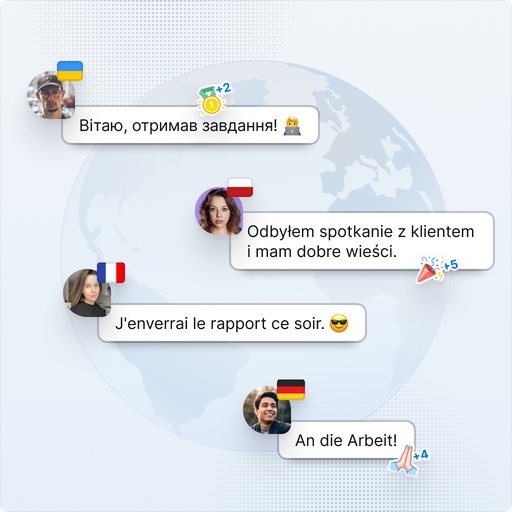
Work with clients from the USA, Europe, and Asia. The ser­vice is avail­able in 10 lan­guages: Ukrain­ian, Eng­lish, Ger­man, Span­ish, French, Pol­ish, Roman­ian, Ital­ian, Kaza­kh, and Czech.
For exam­ple, you can eas­i­ly work with one client on a project in Eng­lish, while with anoth­er client — using the inter­face in Spanish.

Questions and answers about product development in Worksection

How does Work­sec­tion assist in the prod­uct devel­op­ment process?

Work­sec­tion pro­vides a uni­fied space for man­ag­ing prod­uct devel­op­ment — from plan­ning to release. The team can see goals, dead­lines, and sta­tus­es, while the prod­uct man­ag­er can man­age pri­or­i­ties and devel­op­ment stages in one place.

Can tasks and team progress be tracked in Worksection?

Yes. All tasks have sta­tus­es, respon­si­ble per­sons, dead­lines, and sub­tasks. Team progress can eas­i­ly be mon­i­tored through a Kan­ban board, Gantt chart, or per­for­mance reports.

What tools in Work­sec­tion are use­ful for a prod­uct manager?

The man­ag­er can over­see the prod­uct or project using Kan­ban boards, Gantt charts, reports, and time track­ing. These tools help visu­al­ize the big pic­ture, work­load bal­ance, and team efficiency.

Can Work­sec­tion be used for man­ag­ing the back­log and sprints?

Yes. The back­log can be main­tained as a task list with pri­or­i­ties, and sprints can be orga­nized through sta­tus­es or sep­a­rate boards. This helps con­trol iter­a­tions and focus on key tasks.

Does Work­sec­tion sup­port Gantt charts for prod­uct devel­op­ment planning?

Yes, the Gantt chart helps to visu­al­ly plan prod­uct stages, depen­den­cies among tasks, and dead­lines. It is con­ve­nient for mon­i­tor­ing long-term projects and meet­ing deadlines.

How does col­lab­o­ra­tion occur between devel­op­ers, design­ers, and man­agers in Worksection?

All par­tic­i­pants work in a shared space — dis­cussing tasks, adding files, and com­ments. This min­i­mizes infor­ma­tion loss and speeds up agree­ment among teams.

Does Work­sec­tion inte­grate with oth­er ser­vices used by prod­uct teams?

Yes, Work­sec­tion has inte­gra­tions with Google Dri­ve, Slack, Telegram, cal­en­dars, and an API for con­nect­ing oth­er sys­tems need­ed for prod­uct devel­op­ment. This helps uni­fy work­flows and avoid tool duplication.

Is Work­sec­tion suit­able for remote teams in prod­uct development?

Yes. All process­es occur online — tasks, com­mu­ni­ca­tion, reports, and files are acces­si­ble from any­where. The team sees the over­all project pic­ture and can work effec­tive­ly regard­less of location.