Management of marketing, digital, and advertising agency projects

Focus on your goals by uti­liz­ing all of the team’s resources. Are you work­ing with the client on a fixed rate or on Time & Mate­r­i­al? Track how much time your spe­cial­ists spend on the project to cre­ate a detailed invoice for the client. The Work­sec­tion inter­face with its built-in mes­sen­ger, dash­boards, and inter­ac­tive Gantt chart will help keep every project under control.
Try Now
Are you engaged in dig­i­tal mar­ket­ing along with a team of mar­keters, tar­get­ing spe­cial­ists, and SEO experts?

Mar­ket­ing agen­cies are our favorite clients. We cre­at­ed Work­sec­tion pri­mar­i­ly for you. So that your diverse team of spe­cial­ists can work togeth­er on com­plex projects, involve free­lancers, track time and bud­gets, com­mu­ni­cate with the client through the built-in mes­sen­ger, and man­age work­loads on the dashboard.

We know that your tool must be pow­er­ful and func­tion­al to han­dle large amounts of infor­ma­tion, dead­lines, and cor­re­spon­dence, while also remain­ing sim­ple and clear for the entire team. 

And that’s what Work­sec­tion is all about.

Post­men, Dentsu Aegis, OMD, BBDO, Brain Tank, and oth­er dig­i­tal agen­cies and con­sult­ing firms use us.

Rapid team adaptation

Onboard­ing Work­sec­tion lasts on aver­age 2 weeks. We will con­sult you and help with adap­ta­tion. We have train­ing videos and quick sup­port. But the main thing — the inter­face is intu­itive for you and your employees.
You can learn inde­pen­dent­ly with the help of videos avail­able on the Work­sec­tion Youtube chan­nel.


New and template projects

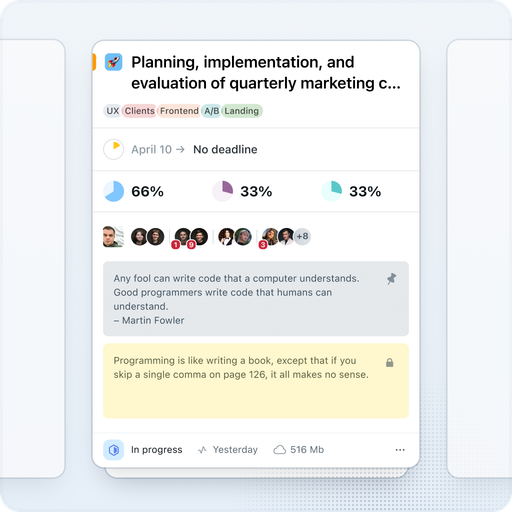
Cre­ate new projects, divide them into tasks and sub­tasks. Each project can be exe­cut­ed by one or mul­ti­ple teams. Use tem­plate projects for a quick start. When cre­at­ing a project, record the planned expens­es to com­pare them with the actu­al ones, set dead­lines, and assign a man­ag­er. Orga­nize client projects into fold­ers and track progress on the project dash­board — in the Overview” tab with team analytics.
Your employ­ees can only see the projects you grant them access to.

Tasks and subtasks

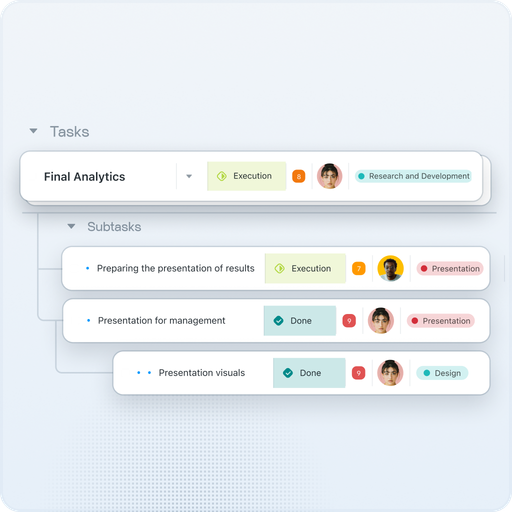
Break down tasks into two lev­els of sub­tasks. Assign respon­si­ble per­sons, plan dead­lines, record spent time and bud­get. Review tasks in a con­ve­nient rep­re­sen­ta­tion — clas­sic list, table with flex­i­ble columns and inline edit­ing, Kan­ban board, cal­en­dar, Gantt chart, and more. Set pri­or­i­ties, use tags for cat­e­go­riza­tion, and sta­tus­es to con­trol exe­cu­tion stages. Save the desired fil­ter com­bi­na­tion as a view and share it with the team. AI search will find what you need even with a par­tial match of the title.

Weather or time tracking

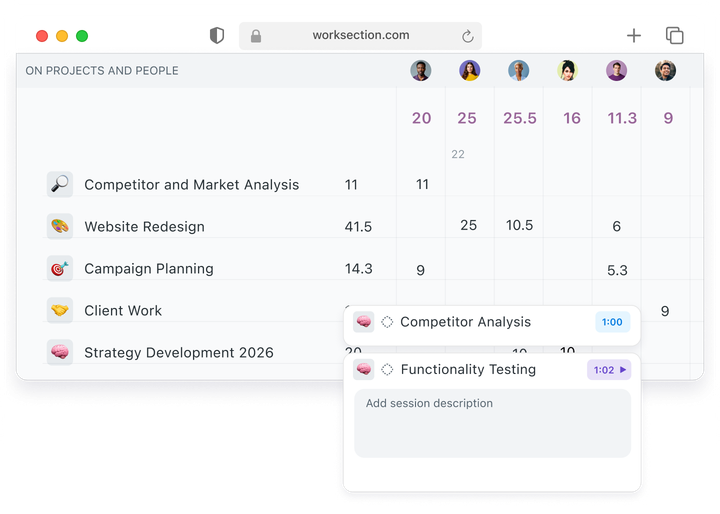
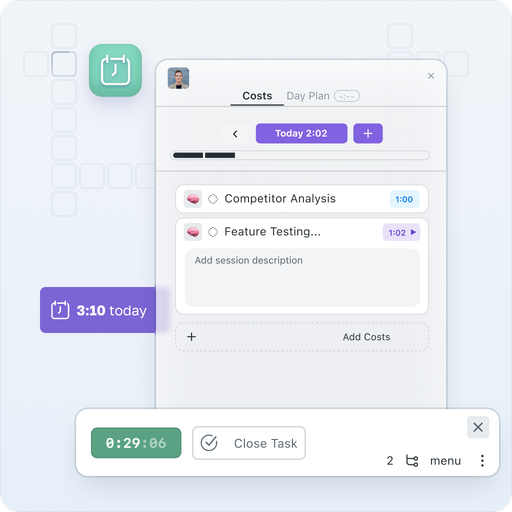
Are you work­ing on a Time & Mate­r­i­al hourly basis? Work­sec­tion is the per­fect prod­uct for your team. Built-in timer Start/​Stop with col­or indi­ca­tors (green, orange, red depend­ing on dura­tion), man­u­al expense entry, cus­tom hourly rates for each employ­ee — all of this will help you com­pare the plan with the actu­als and cal­cu­late the prof­itabil­i­ty (ROI) of your projects and clients. The Time for Today” wid­get keeps the team’s work­load in view. Auto­mat­i­cal­ly export infor­ma­tion to Google Sheets or gen­er­ate reports for client billing.

Manage meetings and contacts

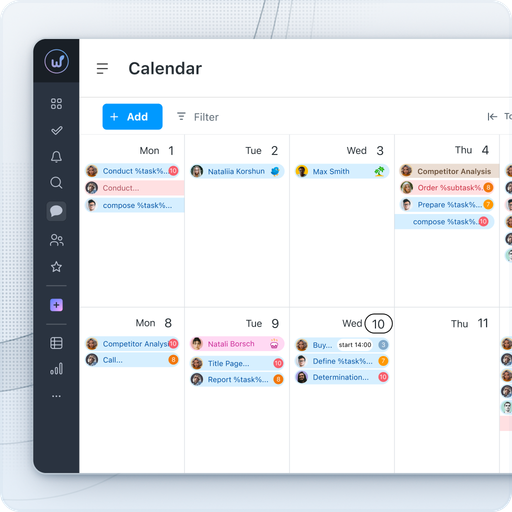
The Work­sec­tion cal­en­dar will help plan meet­ings and show upcom­ing dead­lines. Sync it with Google Cal­en­dar, iCal, or Out­look Cal­en­dar. For dai­ly com­mu­ni­ca­tion with­in the team, use the built-in mes­sen­ger — with pri­vate, group, and project chats. Any com­ment can be instant­ly turned into a new task while pre­serv­ing the context.

Team workload

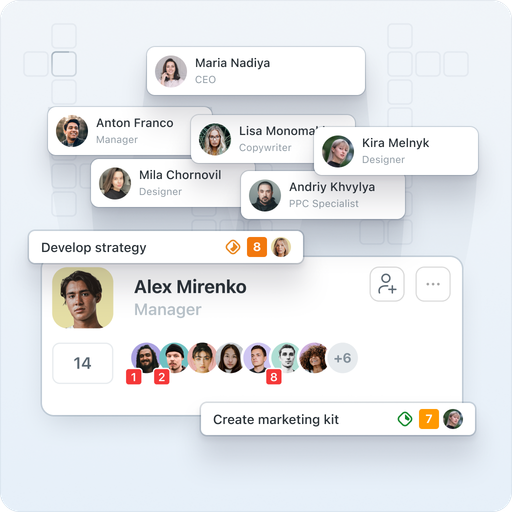
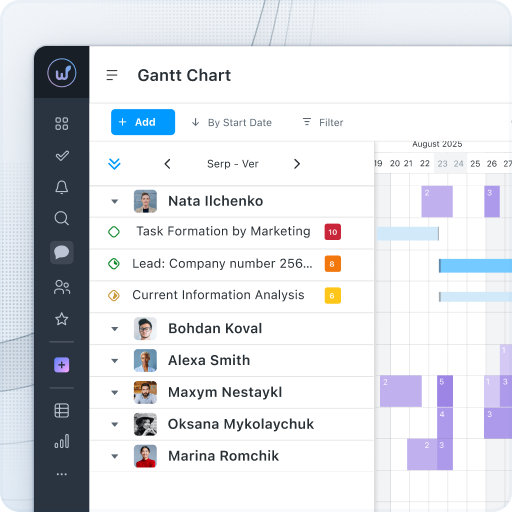
The Gantt chart by peo­ple will show you who is sup­posed to do what and how busy they are. The project dash­board with ana­lyt­ics by peo­ple will dis­play the num­ber of tasks for each per­former and the dynam­ics over the week. The dai­ly plan with an hourly time­line will help the man­ag­er see the entire team’s sched­ule and prompt­ly notice any overloads.
Also man­age remote employ­ees — with online/​offline sta­tus­es and Do Not Dis­turb” mode, you will always know who is available.

Technical support

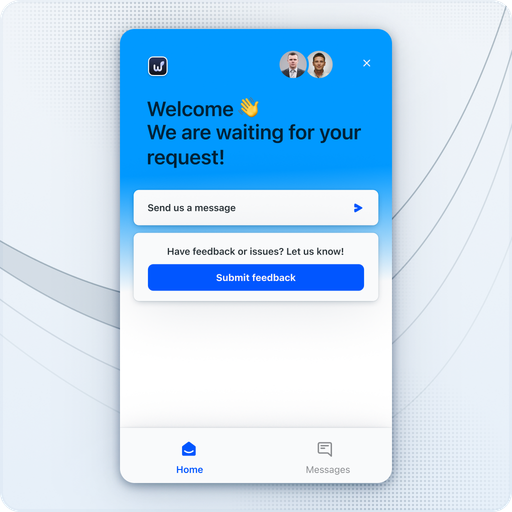
Your employ­ees have a sup­port chat. We respond very quick­ly in a friend­ly man­ner. We also have the oppor­tu­ni­ty to con­duct train­ing for your employees.
Want to learn more on your own? We have pre­pared a starter guide and train­ing videos. We also have a FAQ with con­ve­nient search that is con­stant­ly updated.

Integrations through API, Zapier

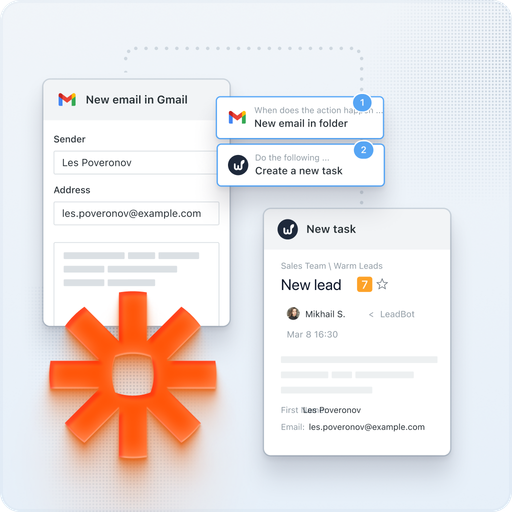
We have imple­ment­ed inte­gra­tions with mail, Google Cal­en­dar, Google Dri­ve, Google Docs/​Sheets/​Presentations, Google Meet, Google Forms, Fig­ma, Slack, Telegram, Viber, Key­CRM, Hub­Spot, Pipedrive, NetHunt. Using REST API and Web­hooks, you can input any infor­ma­tion into Work­sec­tion or export the data you need. Zapi­er allows you to con­nect hun­dreds of exter­nal ser­vices.
For exam­ple, with the Telegram inte­gra­tion, you can reply to com­ments on tasks through a bot in the messenger.