
About the company:
- Architectural bureau;
- More than 10 years in the market;
- More than 70 completed projects and 22 awards;
- 17 people in the team;
- Customers: LUN, SkyWind Group, Kan, and others.
Since 2009, the Mono Architects has been developing architectural designs for individuals and international companies. Mono designs [private homes, showrooms for major brands, and business-center lobbies.
The main goal of Mono Architects is to make premises functional. Layouts are designed from “cubes” in three-dimensional spaces. Premises are divided into areas with different intended purposes. As a result, we provide the customer with an integral, monochrome and useful interior.
“Usefulness, strength and beauty” form the unique secret of project success in Mono Architects.
How did you come to adopt Worksection?
Planning the work and organizing the team with a single tool
At the stage of team development when the number of projects and people increased, we realized that we needed a program for project management in construction. Worksection meets all the criteria. It’s simple, it calms the chaos in communication, and it provides all the functions needed to manage large projects.
At Mono, all projects are divided into 4 stages, with tasks and subtasks of varying complexity and importance. Every task, even the smallest, has a deadline, a person responsible, and a priority. It’s impossible to keep a structure like that in your head once the team has more than 2 active projects.
Worksection helps you build logic and sequence when you’re working on 10 or more projects at once.
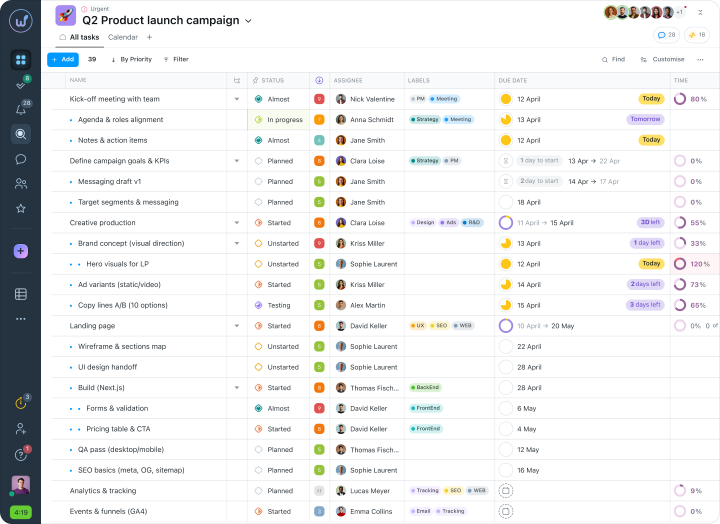
If tasks aren’t recorded in a task tracker, important project details get overlooked.
How WS is useful for architects?
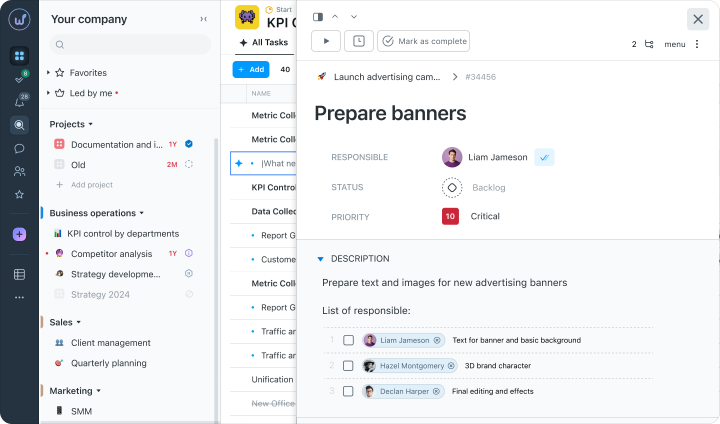
- Checklists
- Priorities
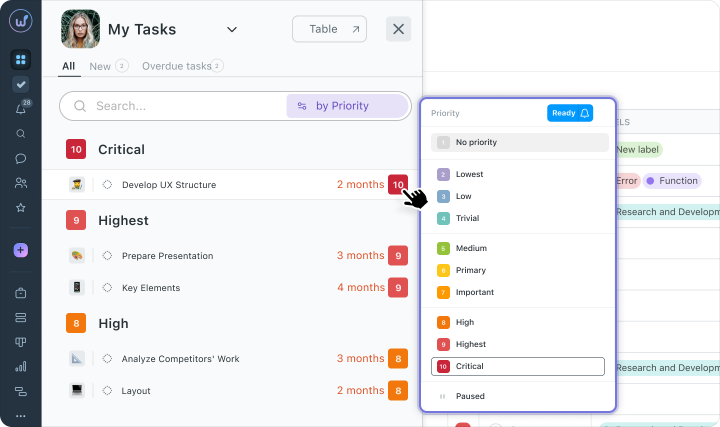
To set priorities, we hold weekly team planning meetings. The results of those discussions are then easily transferred to Worksection. Each task can be assigned a priority from 1 to 10.
- Templates
For instance, tasks for developing a functional model of a facility are included in our every architectural design project. There are many tasks repeated by stages.If only task contents change, we use templates. It is convenient if stages are repeated in each new project. We simply create a new project for a new customer, but similar tasks are set through the templates.
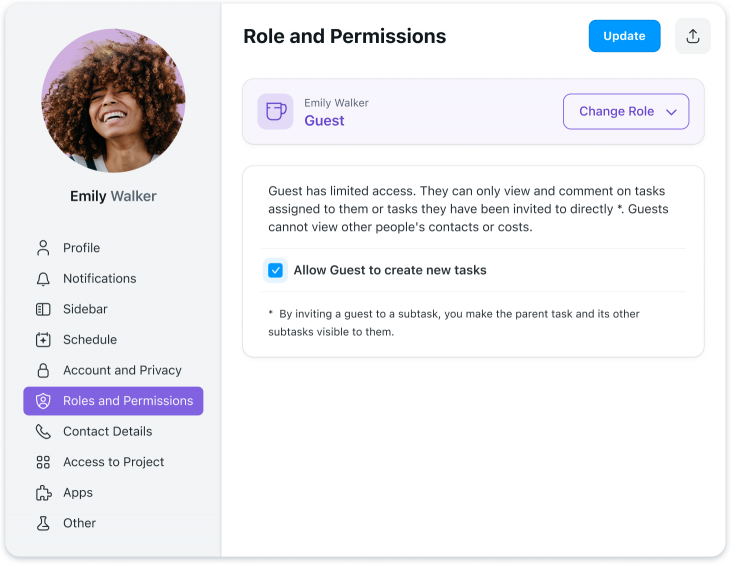
- Privacy
The time tracker in design work
Delays are normal for large projects. The company always knows where the delays are coming from if it tracks its time. At the end of the workday, employees note in Worksection how much time they spent working on a given task.
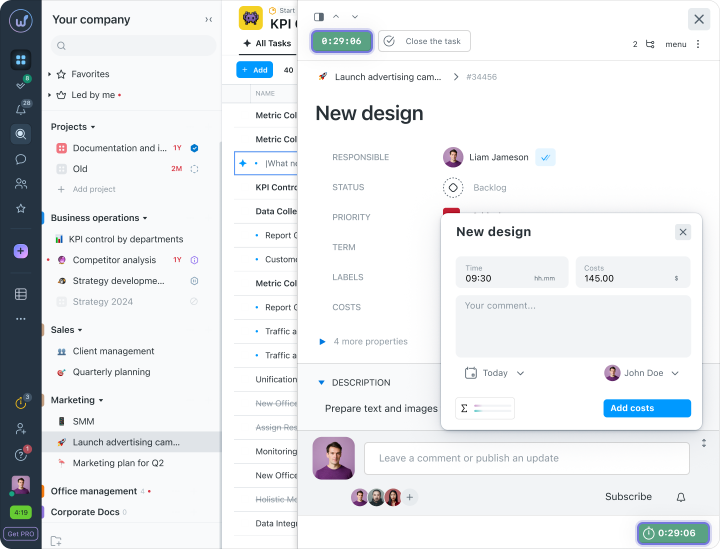
Time tracking is essential for a business. It’s how you can identify which tasks are giving the team trouble and, consequently, causing delays. To do this, we keep an hourly rate per task, to understand — give or take — how much time was spent.
Time tracking is useful to maintain discipline and to analyze the team efficiency.
Running projects with customers:
How does communication with clients work?
On average, we run 12 – 15 projects at once. Private customers may use only chat messengers, and on top of that they don’t even want to read emails. Most often, clients themselves suggest using management apps. This applies to large projects involving many teams.
We handle all our active projects, whether with or without customers, in Worksection.
If the customer is ready to use a project management system, we add such customer in a new project as a customer company.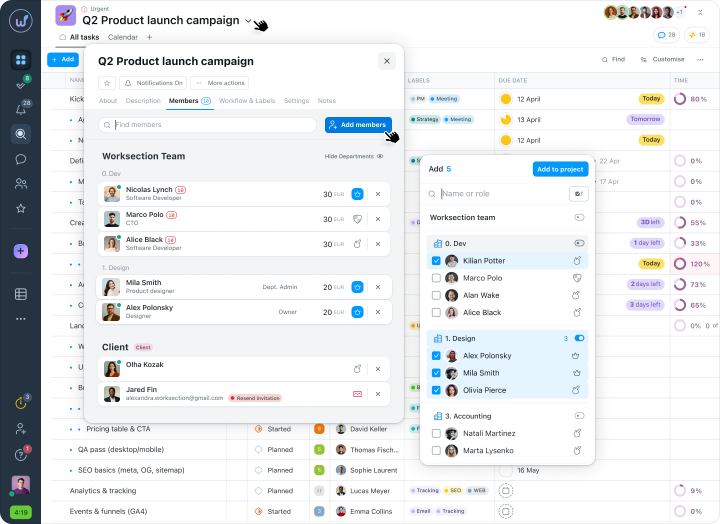
The customer can monitor the status of the work, receive notifications, set tasks, take part in discussions, and share information.
Worksection — is an excellent task manager for [project management in construction. Although, it seems to me, it’s useful for any company that does teamwork. If tasks aren’t recorded in a single interface, the chance of overlooking something is very high.