Solutions
worksection
beta
help
How to expand the task window to full screen?
Full screen mode allows you to work more comfortably with the task card when you need more space for the description, subtasks, comments, or properties.
To expand the task window to full screen, click the button1 in the upper-left corner of the task window.
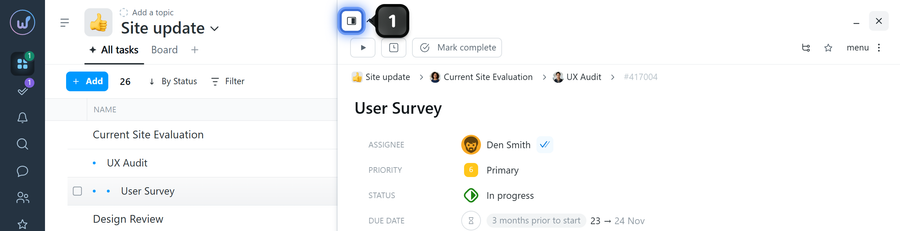
To return to normal size, click the same button again in the upper-left corner.
Leave your review
Did this article help you?
Glad we could help! What was helpful?
Sorry this didn't help. What went wrong?

