Solutions
worksection
beta
help
How to bookmark a task?
"Saved" for tasks in Worksection works like a "star" mark. It helps quickly flag important tasks and find them in lists and filters.
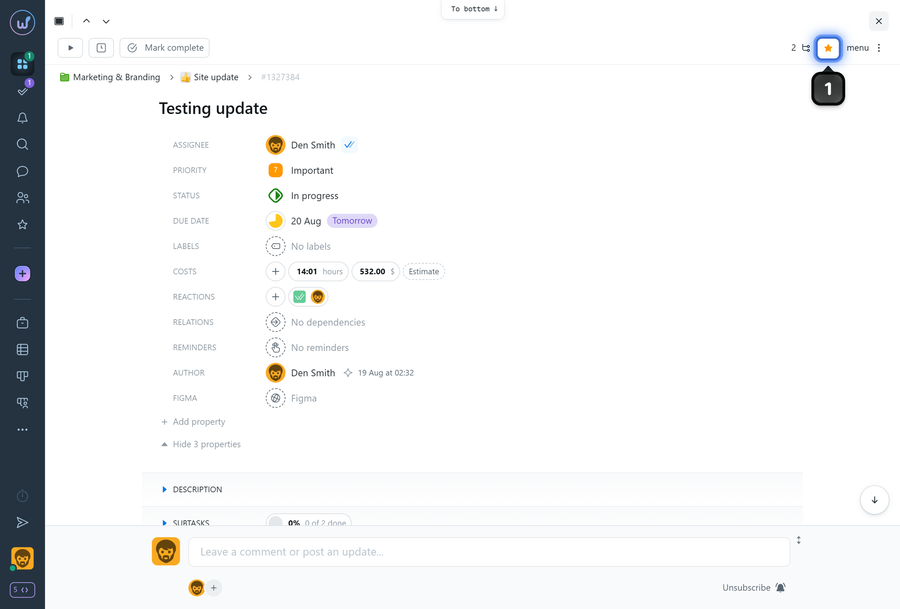
To add a task to "Saved", in the task window click on the "Star"1 (or click again to remove the star and remove it from "Saved").
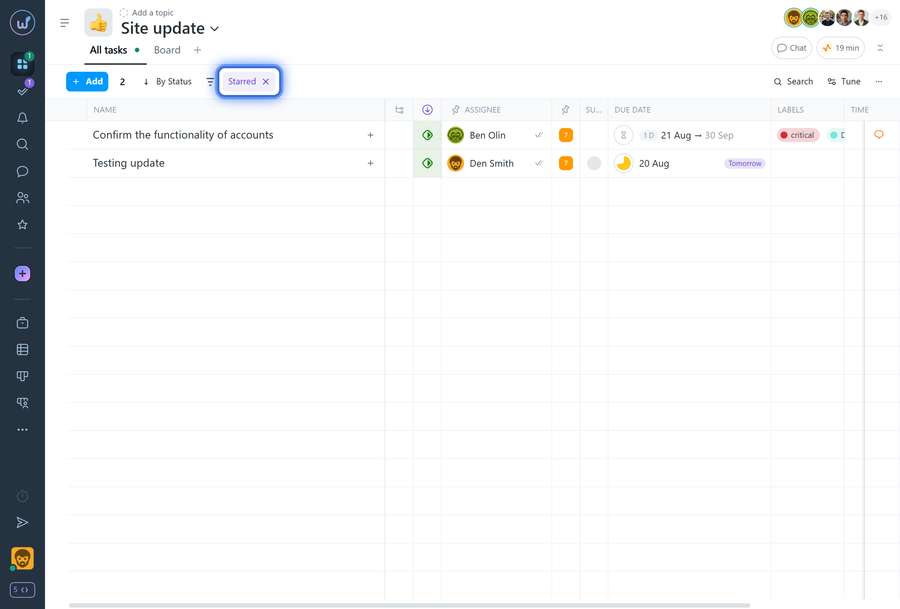
Starred tasks can be quickly filtered in task lists.
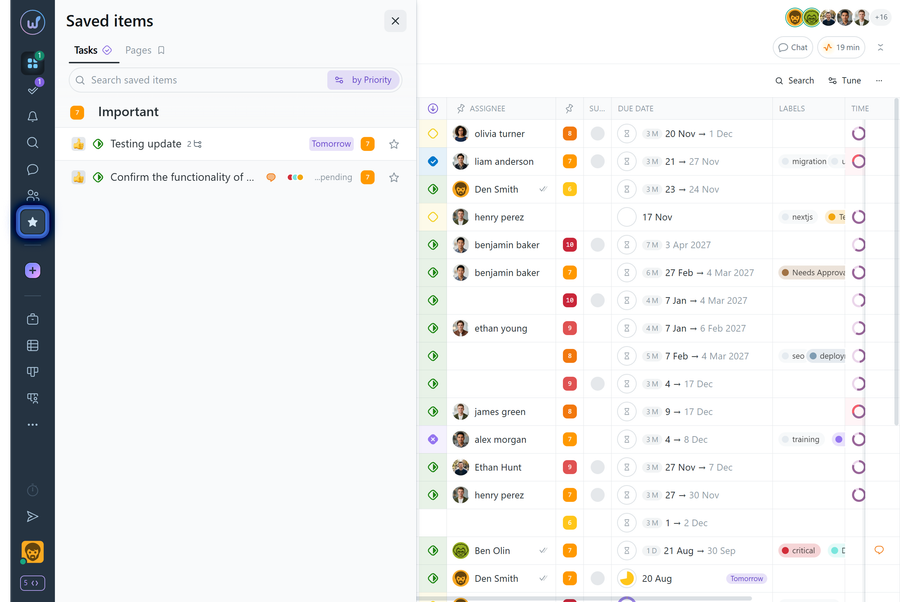
Such tasks will also always be at hand in the left sidebar under "Saved".
Leave your review
Did this article help you?
Glad we could help! What was helpful?
Sorry this didn't help. What went wrong?

