Solutions
worksection
beta
help
How do I enable or disable notifications when creating a project?
When creating a project: in the creation window, before confirming, you can choose whether to create the project with or without a notification. To do this, click the "bell" icon.
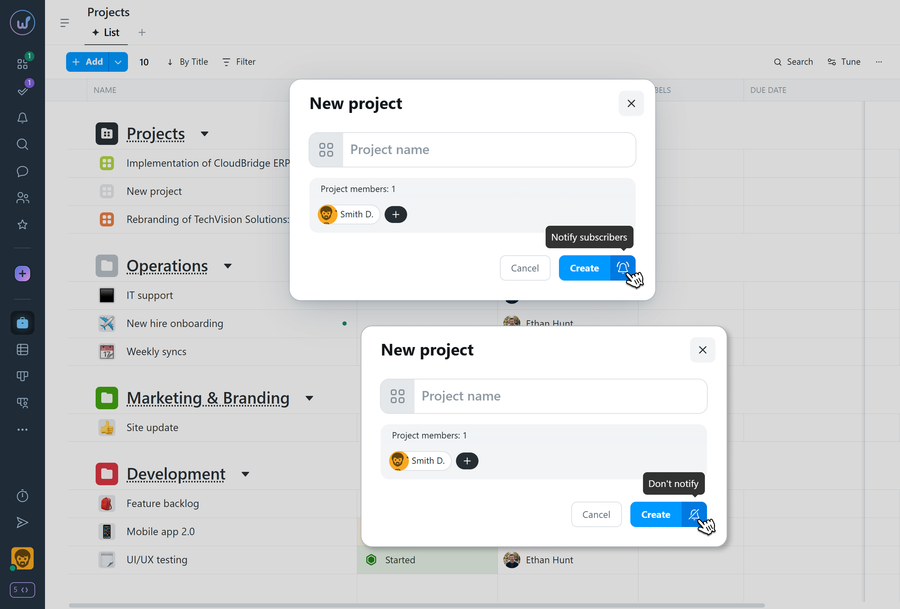
Crossed-out bell - the project will be created without sending a notification.
If "Notify subscribers" is selected during creation, members will receive a notification about the new project.
Tip
For test or draft projects, create them "without notification" to avoid distracting the team.
Leave your review
Did this article help you?
Glad we could help! What was helpful?
Sorry this didn't help. What went wrong?
Previous
How do I create a project?

