Solutions
worksection
beta
help
How to view the account task list?
The account task list allows you to view tasks across all projects (within a single Worksection account). This is convenient when you need to see the full picture without navigating to a specific project.
To open the account task list, click the "Task list" button in the left sidebar.
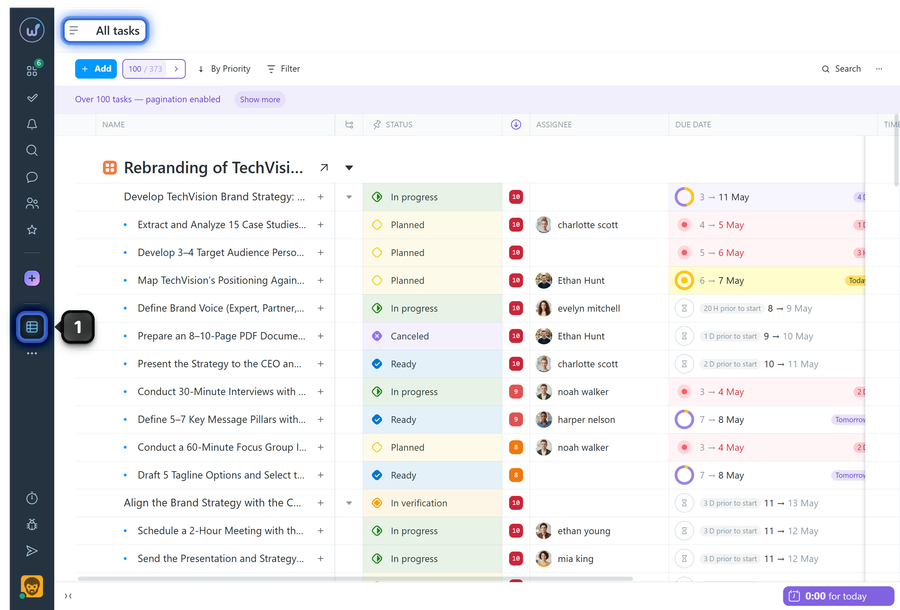
The task list will open across the entire account (for all projects you are a member of).
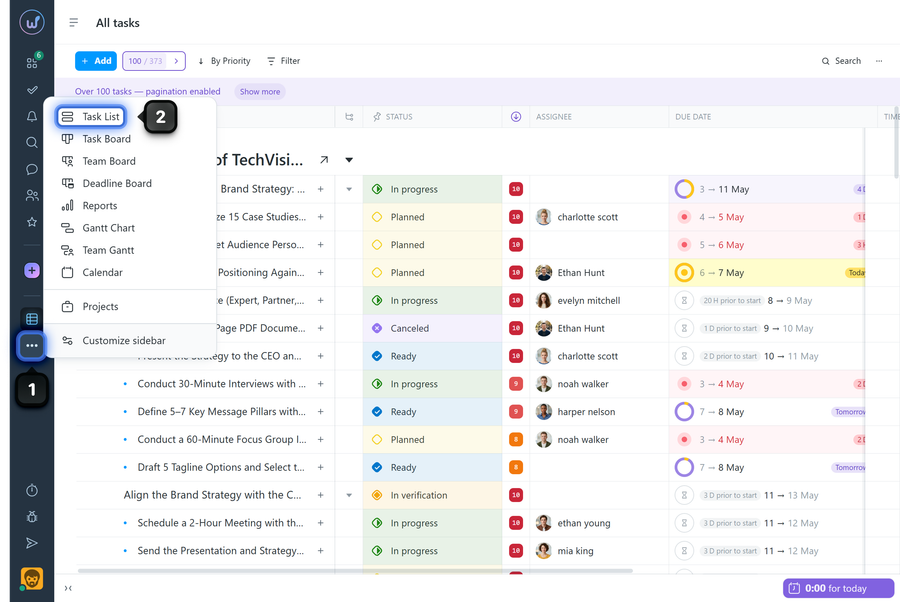
If the "Task list" button is not visible:
Click "…" (three dots)1 and in the menu select "Task list"2.
Leave your review
Did this article help you?
Glad we could help! What was helpful?
Sorry this didn't help. What went wrong?

