Solutions
worksection
beta
help
What actions are available for page tabs?
To open the tab action menu, right-click on the tab name1:
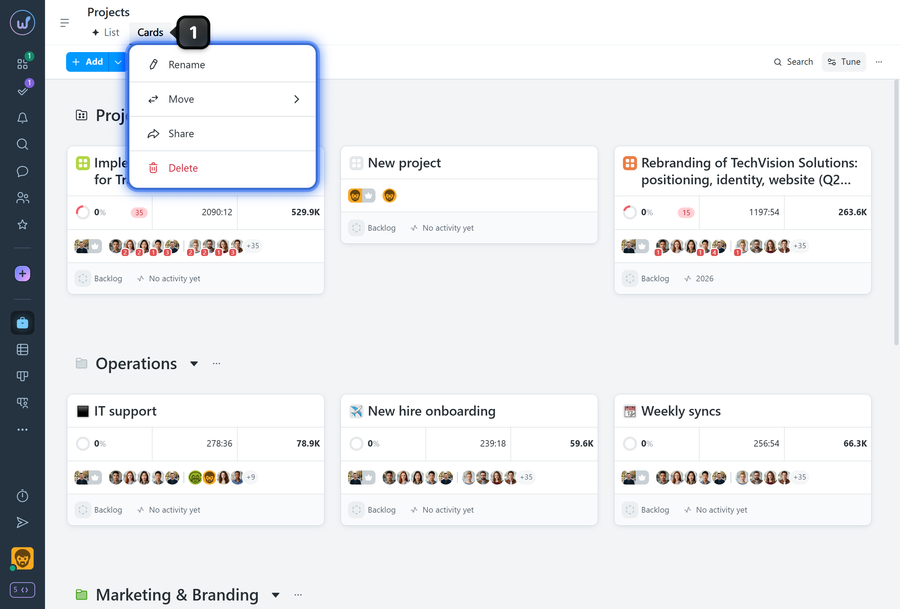
- Rename — set a custom name for the tab (available for all pages except the system "List" tab).
- Move — change the position of the current tab relative to others.
- Share — copy a link to the page and send it to a colleague to view in their own account.
- Delete — you can delete "Cards", "Kanban", and saved pages (created from filters). The "List" tab is a system tab and cannot be deleted.
Leave your review
Did this article help you?
Glad we could help! What was helpful?
Sorry this didn't help. What went wrong?

