Solutions
worksection
beta
help
What project view pages are available?
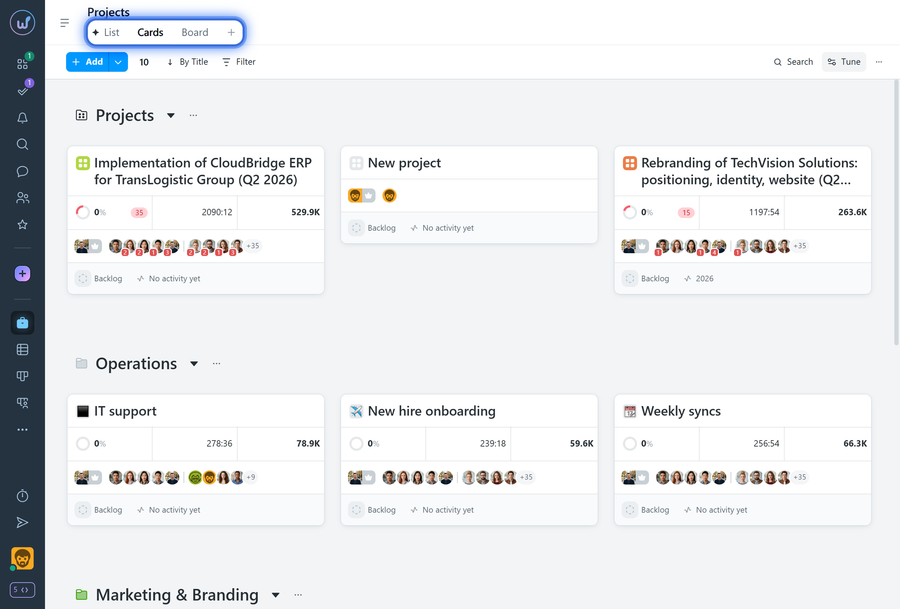
In Worksection, projects can be viewed on pages in different modes: List, Cards, and Kanban.
By default, when the projects page opens, it displays in "List" view.
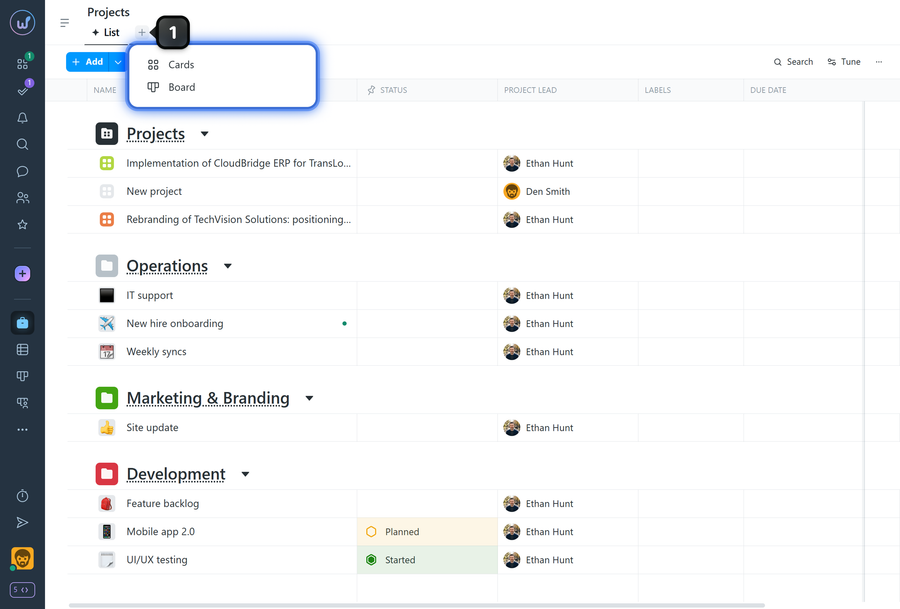
To enable "Cards" or "Kanban Board", click the "plus" button1 in the page tab bar and select "Cards" or "Board" — the system will create the corresponding page.
Switch between pages to view projects in the format you need.
Leave your review
Did this article help you?
Glad we could help! What was helpful?
Sorry this didn't help. What went wrong?

