Worksection includes a built-in Timer for tracking time spent on tasks and calculating labor costs if an hourly rate has been set for the employee.
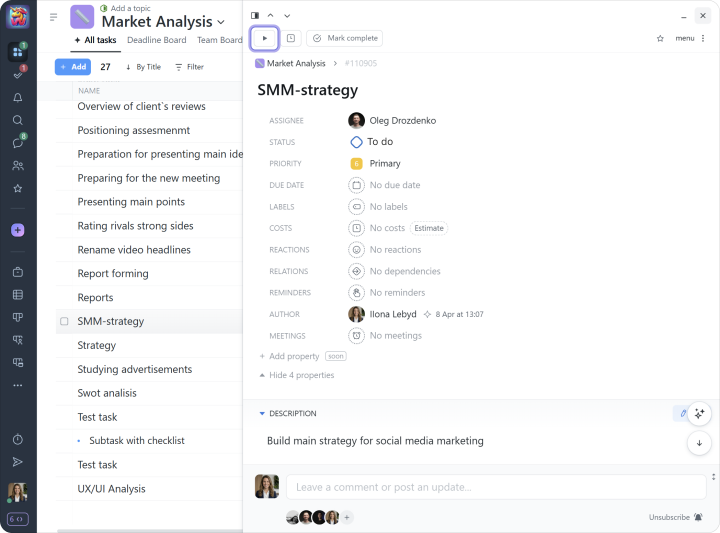
You can start the Timer directly from a task:
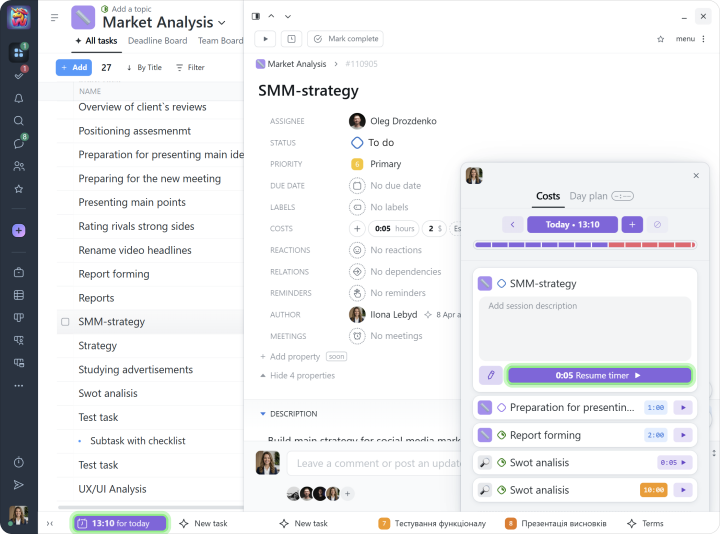
Or from the costs window in tasks where you have previously logged time:
Note The Timer can only run for one task at a time.
If needed, time can also be entered manually.
Administrators can view the active timers of their team members.
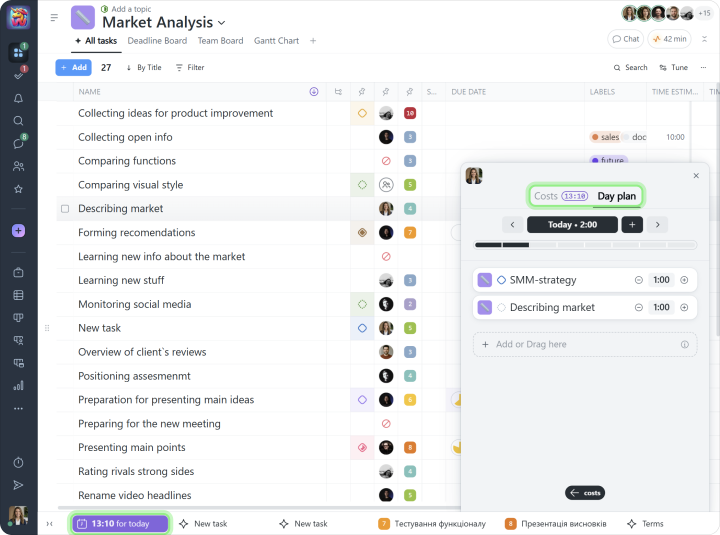
Day plan
This tool helps you organize your workday. Add tasks and the time needed to complete them, and the timeline will instantly show how busy the day is. This makes it easier to avoid overload and plan a realistic schedule.
Tray
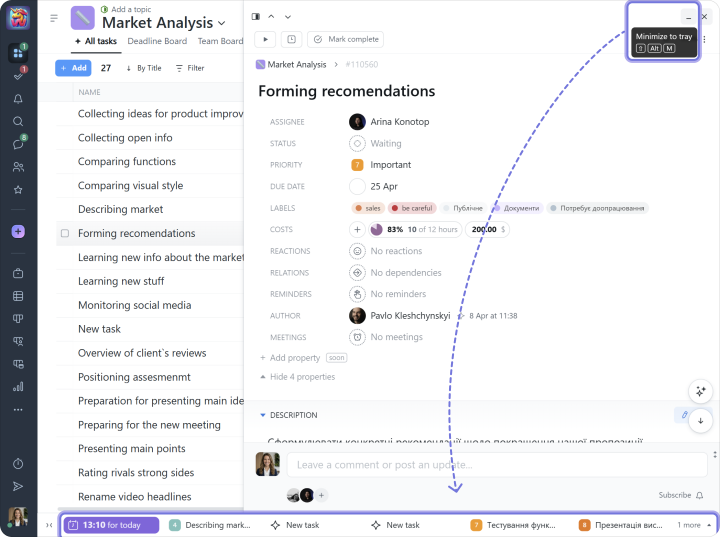
The tray in Worksection appears on every page as a bar at the bottom of the screen. It provides quick access to tasks, task drafts, chats, and the file upload window.
To move a task to the tray, simply click the minimize button in the task window, and the task will be placed there:
Gantt chart
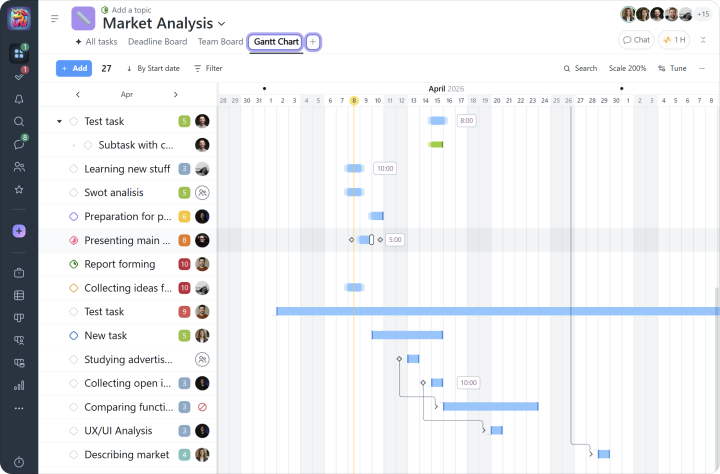
The Gantt chart gives you a visual view of your project plan, making it easy to track deadlines, task dependencies, and their impact on the overall progress of the project.
The chart can also be easily exported to Excel whenever needed.
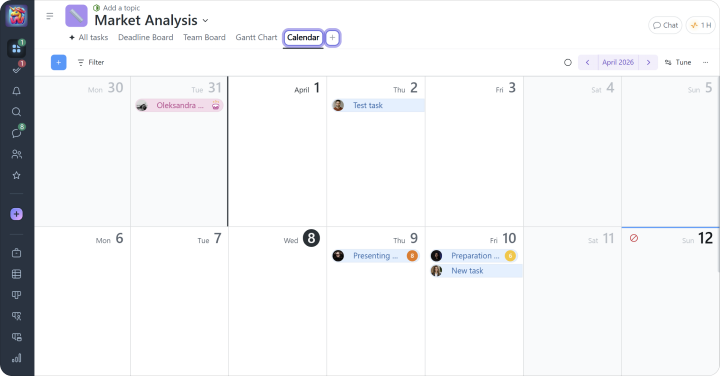
You can also view tasks in the team calendar or sync it with your personal Google or Apple calendar, so task deadlines appear in a familiar calendar format.
The calendar also shows your colleagues’ birthdays, vacations, and sick leaves.
Note Both the calendar and the Gantt chart can be viewed within individual projects or across the entire account.
Kanban
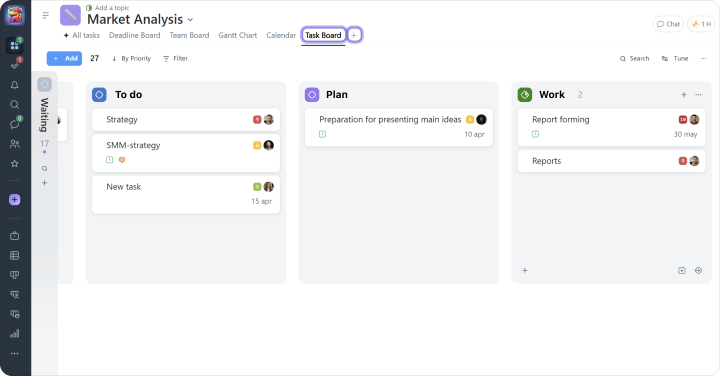
Kanban is an Agile tool for visually tracking tasks and project progress. It helps you monitor how tasks move through the stages of your workflow on the way to delivering the final result.
Note Kanban pages can be viewed both within a single project and across all projects in the account.
In addition to the Gantt chart and Kanban, Worksection also lets you view tasks in List, Kanban by People, Kanban by Days, and Gantt by People formats.