Dashboards
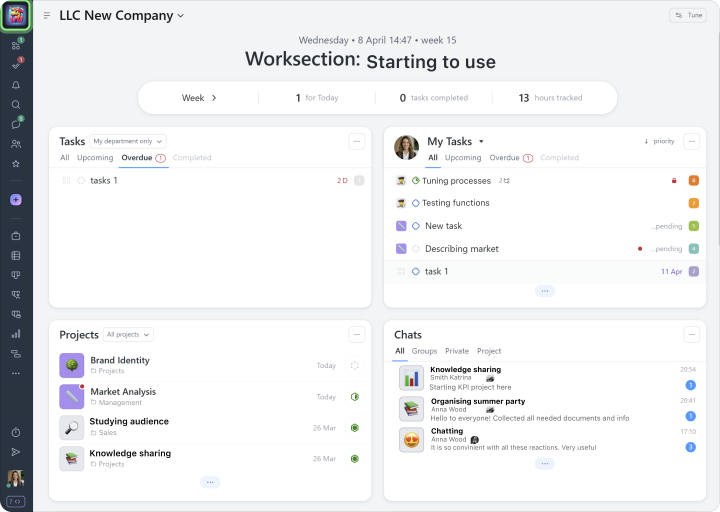
Account dashboard is your control center. It shows the current state of work, overall progress, and team activity. Its widgets bring together key metrics and lists such as tasks, projects, people, events, and chats, with filters and links to more details, so you can instantly see what is happening and take action.
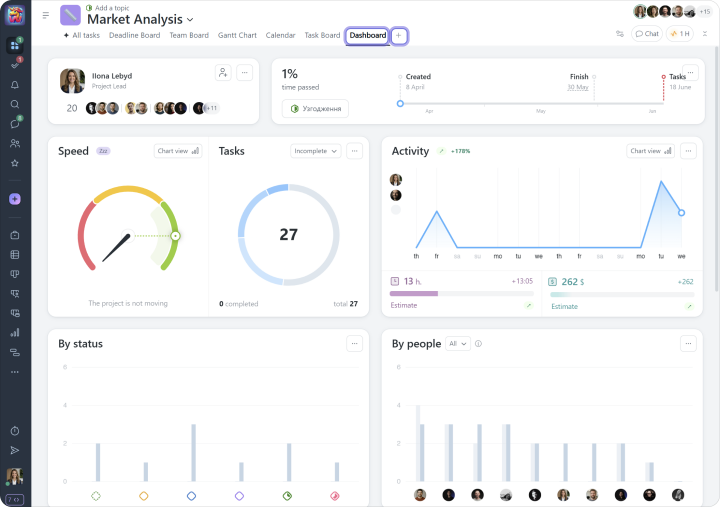
Project dashboard helps you quickly assess the current state of a project using a range of indicators. It is available in every project and is generated automatically based on the data planned in the project, the work already completed, and the tasks that have been closed.
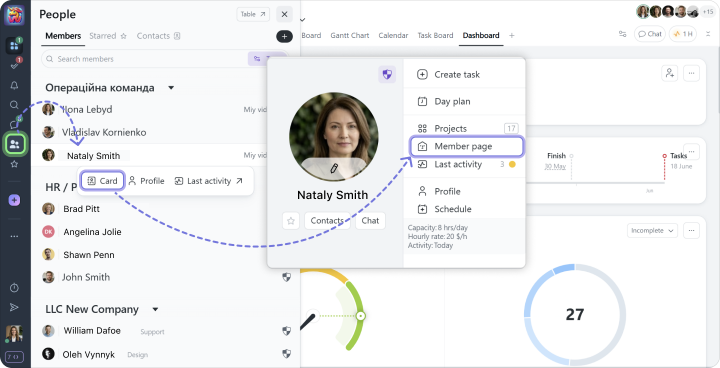
Member dashboard gives you a clear view of each team member’s activity and involvement. It brings together all key aspects of their work in one place, from the list of active tasks and projects they are part of to detailed statistics and the history of their activity in the system