Profile
Before you get started, we recommend reviewing and setting up your Profile.
All employees have access to profile settings, regardless of their role in the account. To open them, click your avatar in the lower-left corner of the screen and select Profile.
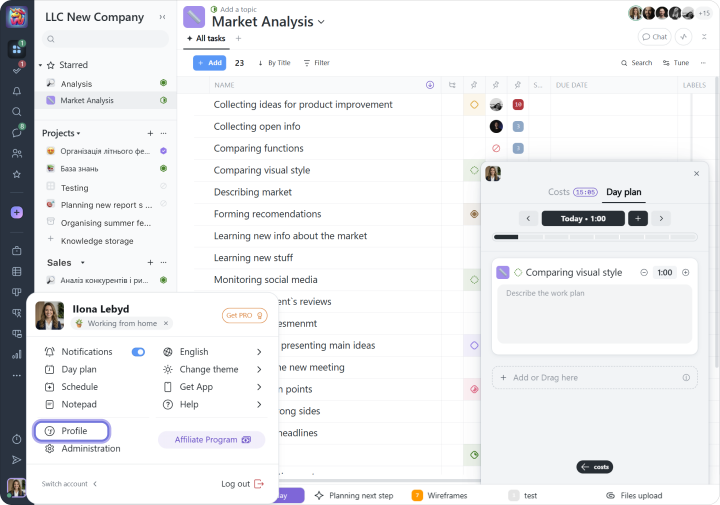
We recommend starting with the following:
1 Add your contact details, including your first and last name, job title, and photo, so your colleagues can communicate with you more easily;
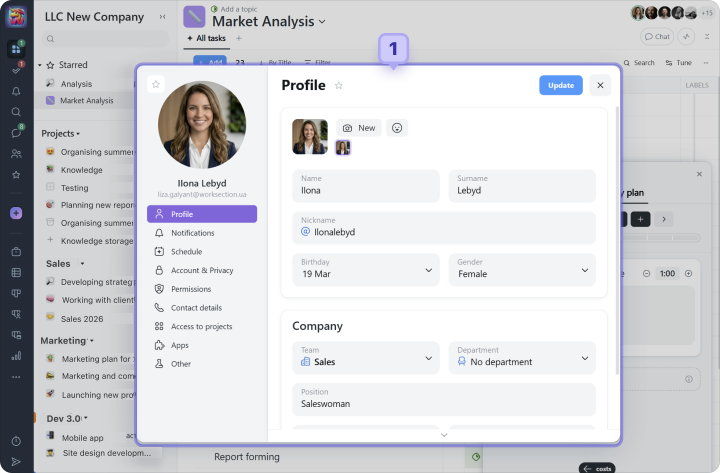
2 Check which role you have in the account (Owner, Administrator, User, etc.);
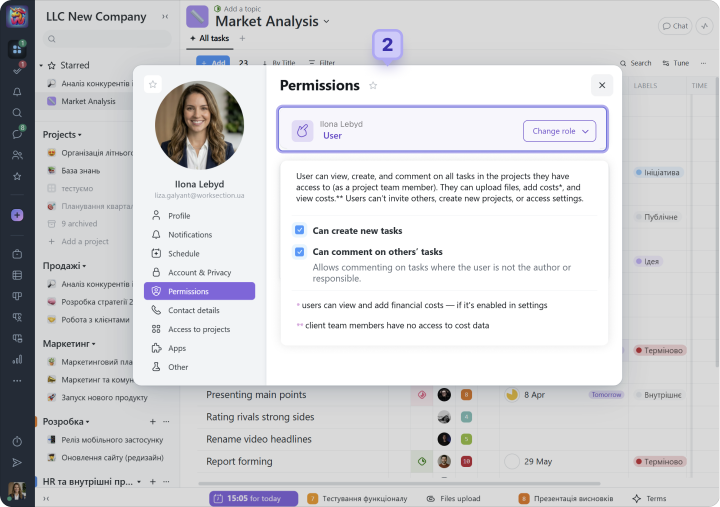
3 Enable notifications via Email, Desktop, and Push;
4 Configure notification types for each channel;
5 Turn the Morning Digest on or off to receive a daily overview of project and task statuses.
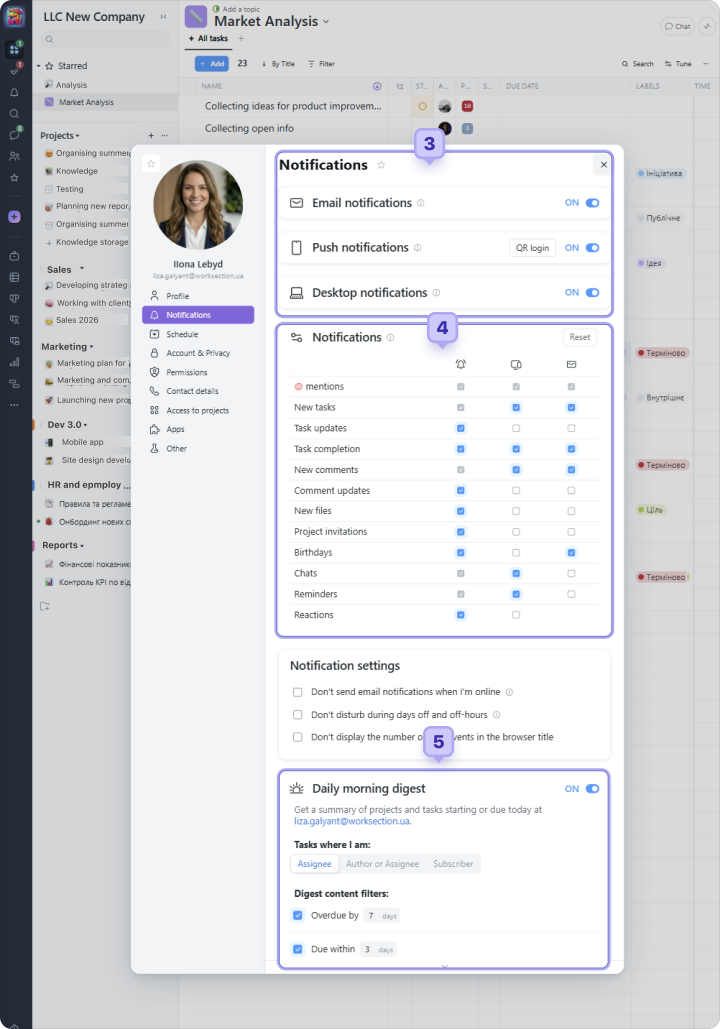
Please note If you need to change settings for the entire account, this option is only available to the Owner and account Administrators who have the “Access to account settings” permission.

