Solutions
worksection
beta
help
How to view completed tasks of a project?
In order to view closed tasks of a project, go to the Tasks and comments section. In the By tasks tab of the View menu, click on Completed1. Then, select a time frame that you need, for example, for a
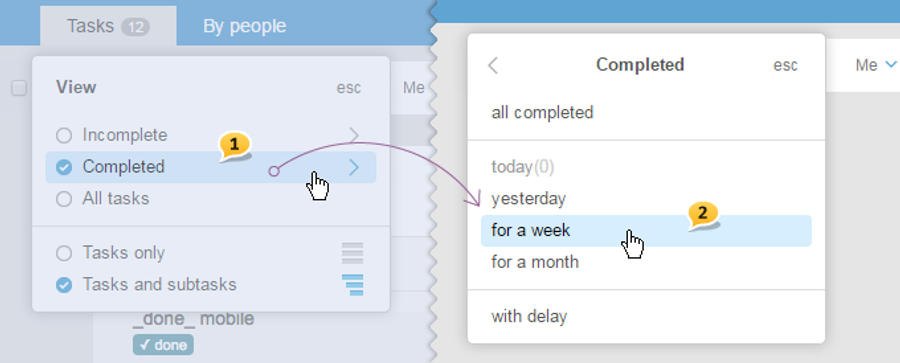
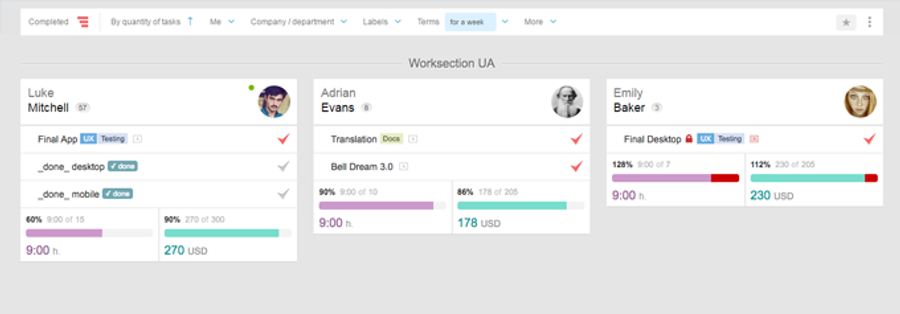
Please
Leave your review
Did this article help you?
Glad we could help! What was helpful?
Sorry this didn't help. What went wrong?

