Solutions
worksection
beta
help
How to organize tasks by labels? (Where to configure labels and who can do that?)
For quick and easy work with tasks in the project, you can use statuses and labels.
By default, there has been 9 labels created in your account, 6 of which are public and 3 are for use within the company (marked with a lock and not visible to your clients).
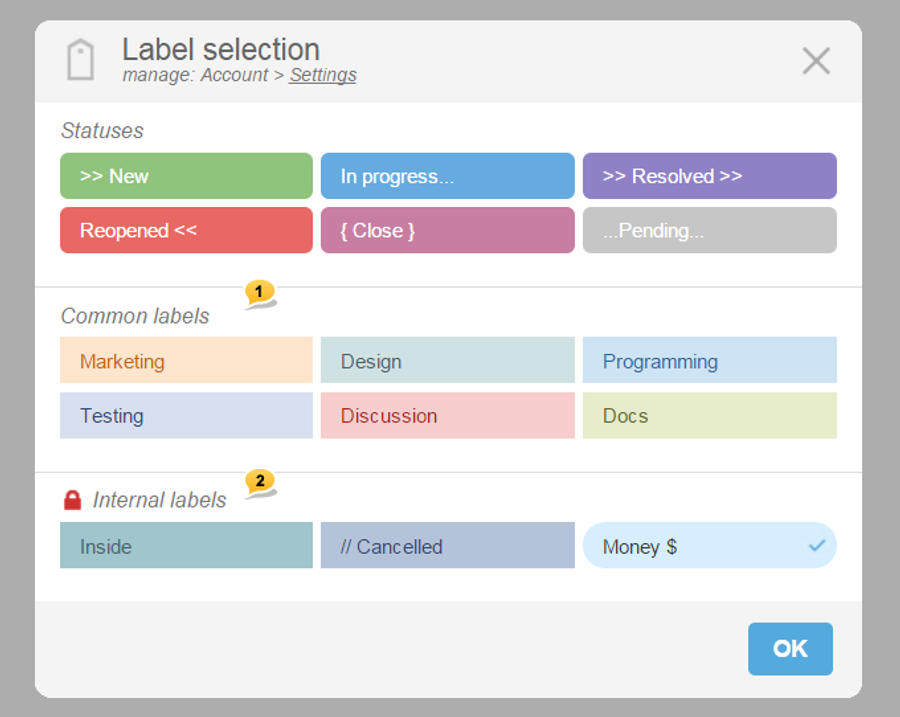
1 — Section of common labels of the account
2 — Section of inner labels (visible only to the company of the account owner)
This can be done at the project creation stage as well as when editing it. Besides, you can assign labels on the fly by using the corresponding item from the drop-down menu of a task.
Assigning a label when creating a task:
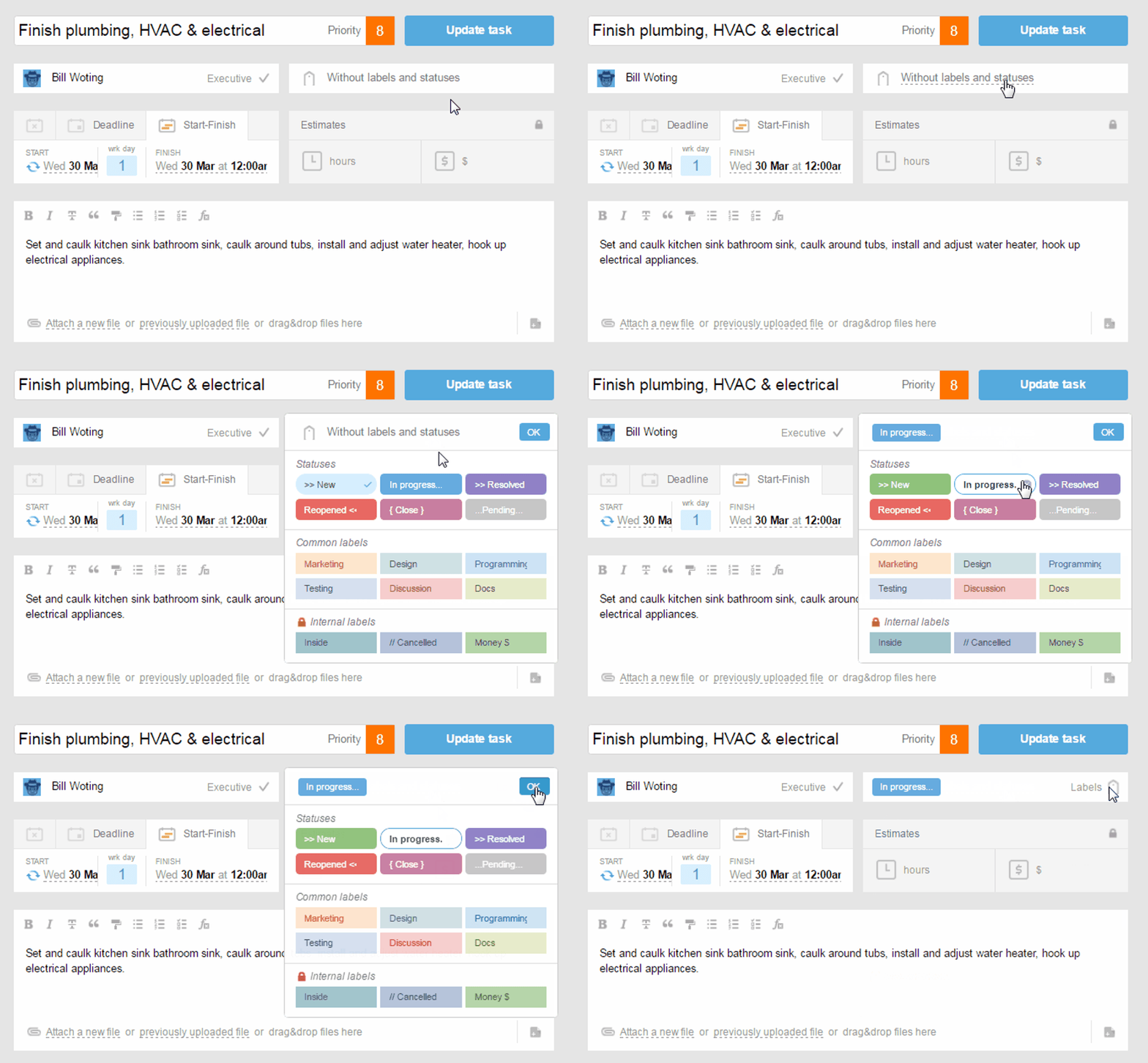
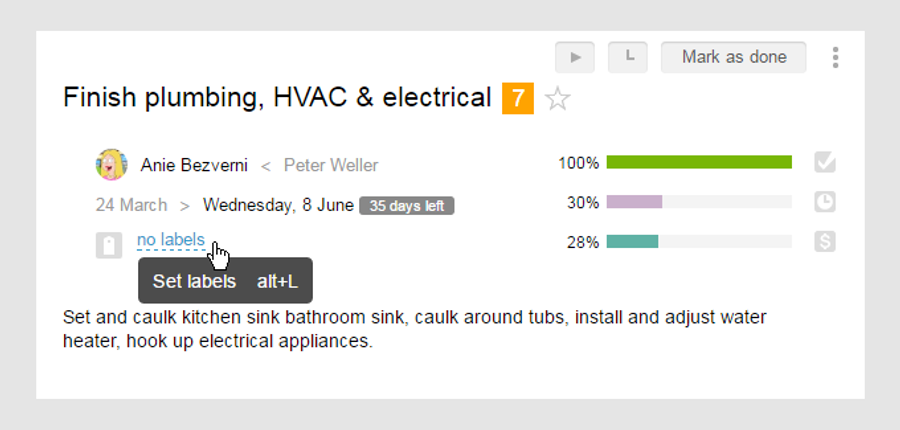
To assign a new label (or modify an existing one) in the previously created task, click on the box with labels, which will open a window to add new labels. Assign a label and select those who should be notified of the assignment of a new label, and click "OK".
Leave your review
Did this article help you?
Glad we could help! What was helpful?
Sorry this didn't help. What went wrong?

