Tasks can be closed by: Owner, Author, Responsible (optional), Administrator with "allow editing everything" permissions, Project manager.
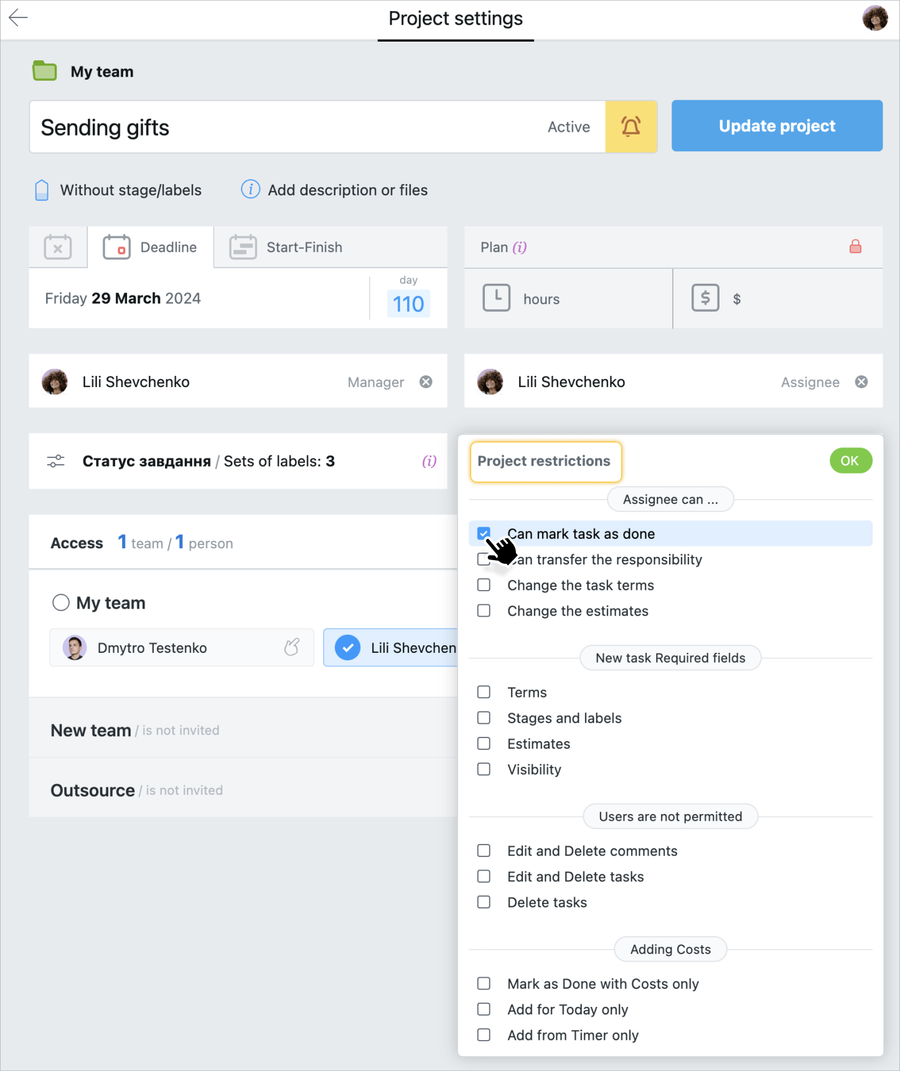
When you create a project or edit a project, you can enable or disable the option"The performer can close tasks".
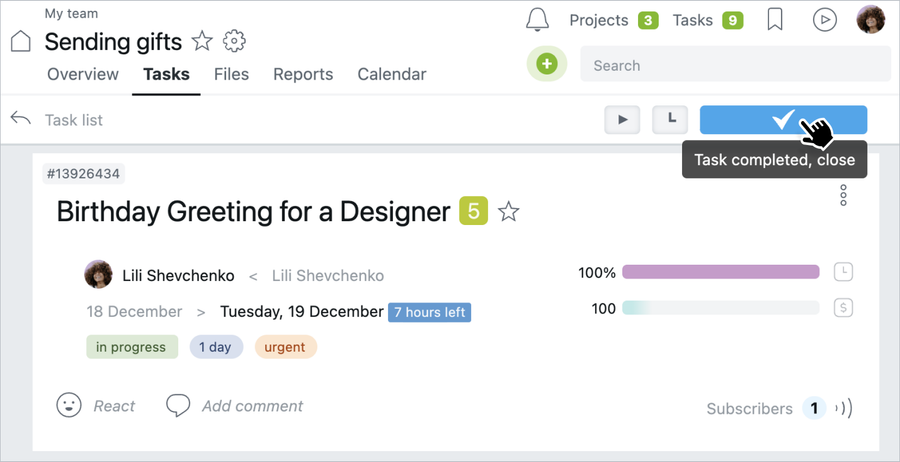
In order to close a task, the person in charge (if this option is enabled in the project settings) must go to the task, hover over the "Done" button, and click on it:
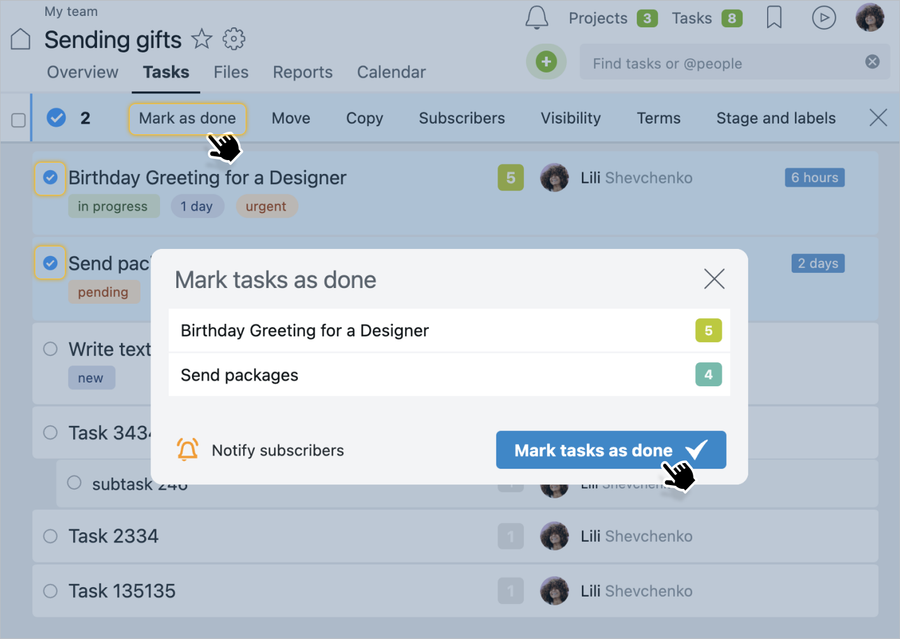
Alternatively, you can select several tasks on the Tasks page and close them as a group using the context menu:
Note! If you need to check the task before closing it, you must first disable the option "The performer can close tasks". After completing the task, the Responsible person sets a label (for example, the task is "awaiting review") and sends a @mention to the reviewer, and after the review, the Author closes the task.