Solutions
worksection
beta
help
How to check a task before closing it?
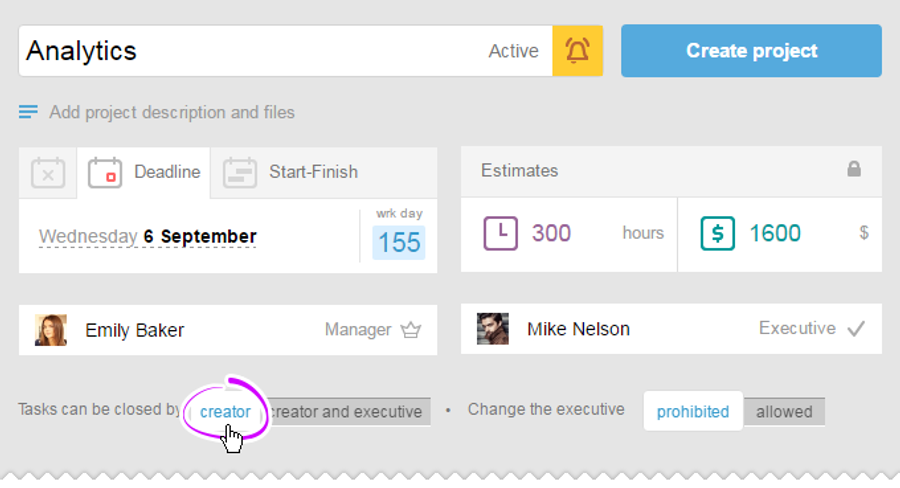
When a task needs to be checked before closing, you can set it right in the project that tasks can be closed only by the "Author":
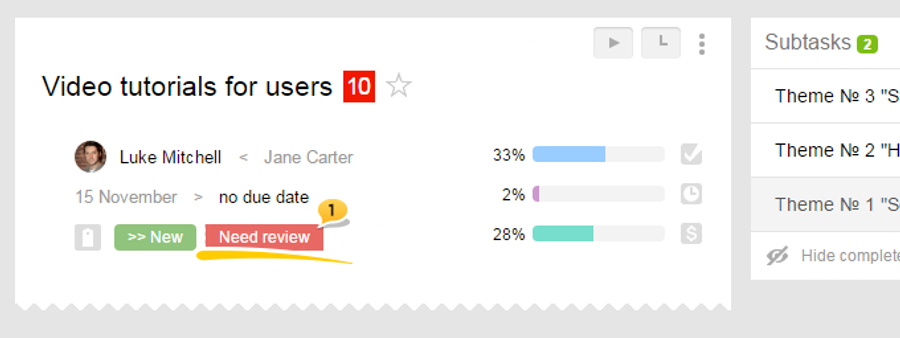
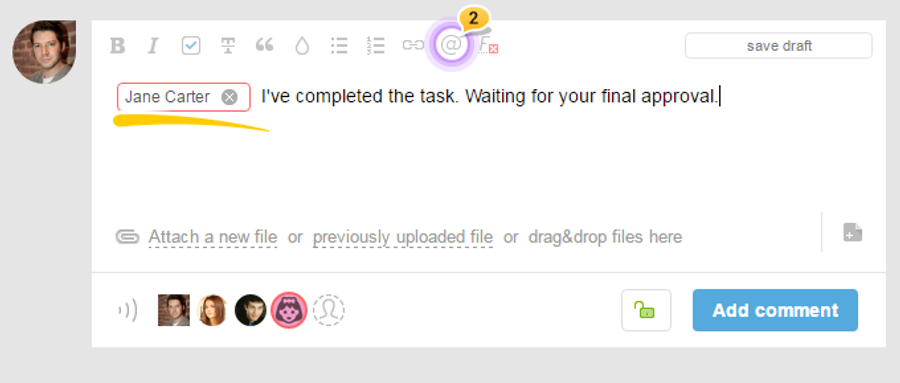
and sends @mention2 to the person who will be reviewing the task, and after it has been checked - the author closes the task.
Please note: Statuses and labels can be added only by the owner or an administrator of the account in the Account Section - System Settings.
Leave your review
Did this article help you?
Glad we could help! What was helpful?
Sorry this didn't help. What went wrong?

