Solutions
worksection
beta
help
Who can mark task as done?
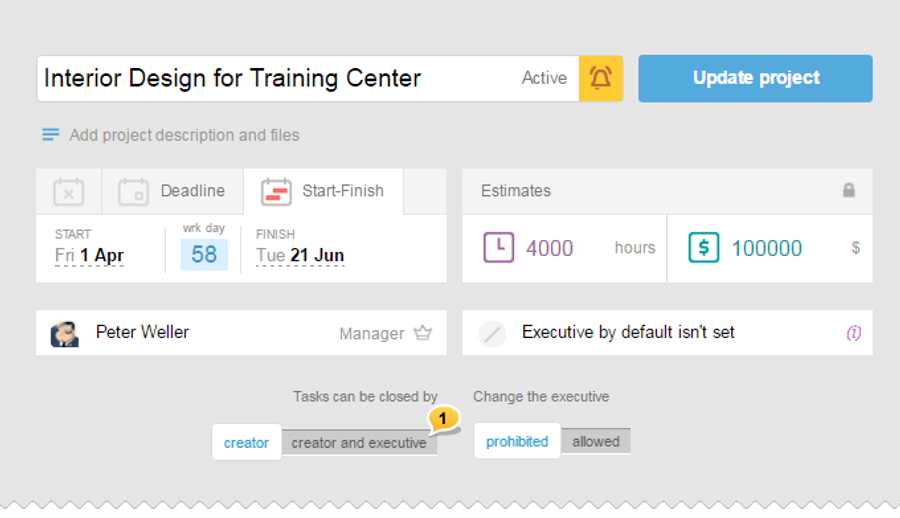
You can specify who can close the task when creating the project. To do this, on the «Create Project» page, drag the slider to the desired position in the respective block1.
Also, you can change this setting later by going to the project settings and changing a parameter and pressing the «Refresh Project» button.
Leave your review
Did this article help you?
Glad we could help! What was helpful?
Sorry this didn't help. What went wrong?

