Solutions
worksection
beta
help
How to launch a task's timer?
Any task or subtask can have its own timer launched.
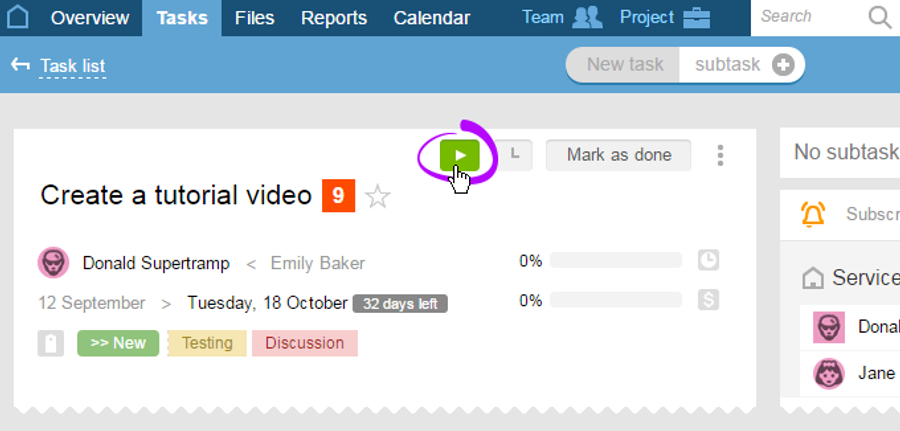
From the Task or Tasks and comments sections (from the task's line):
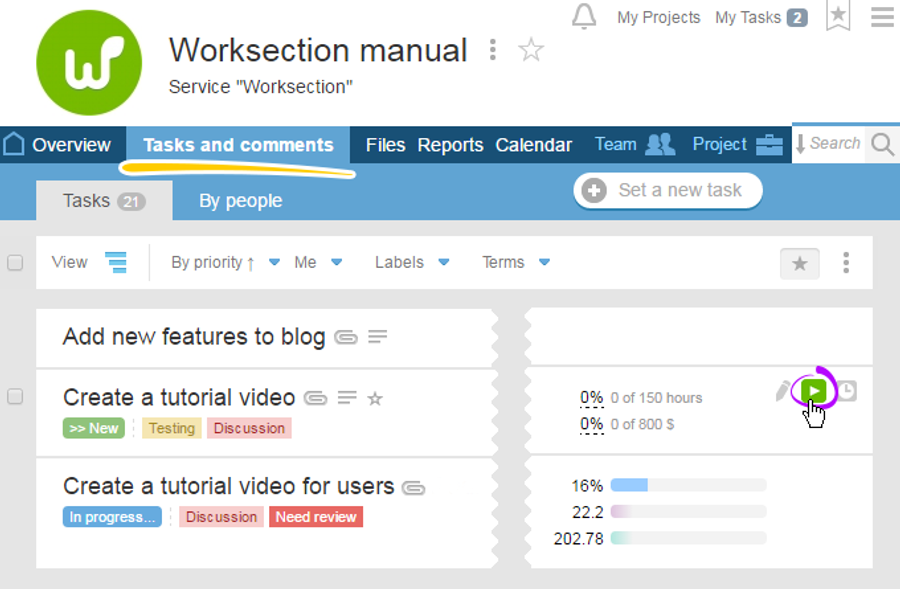
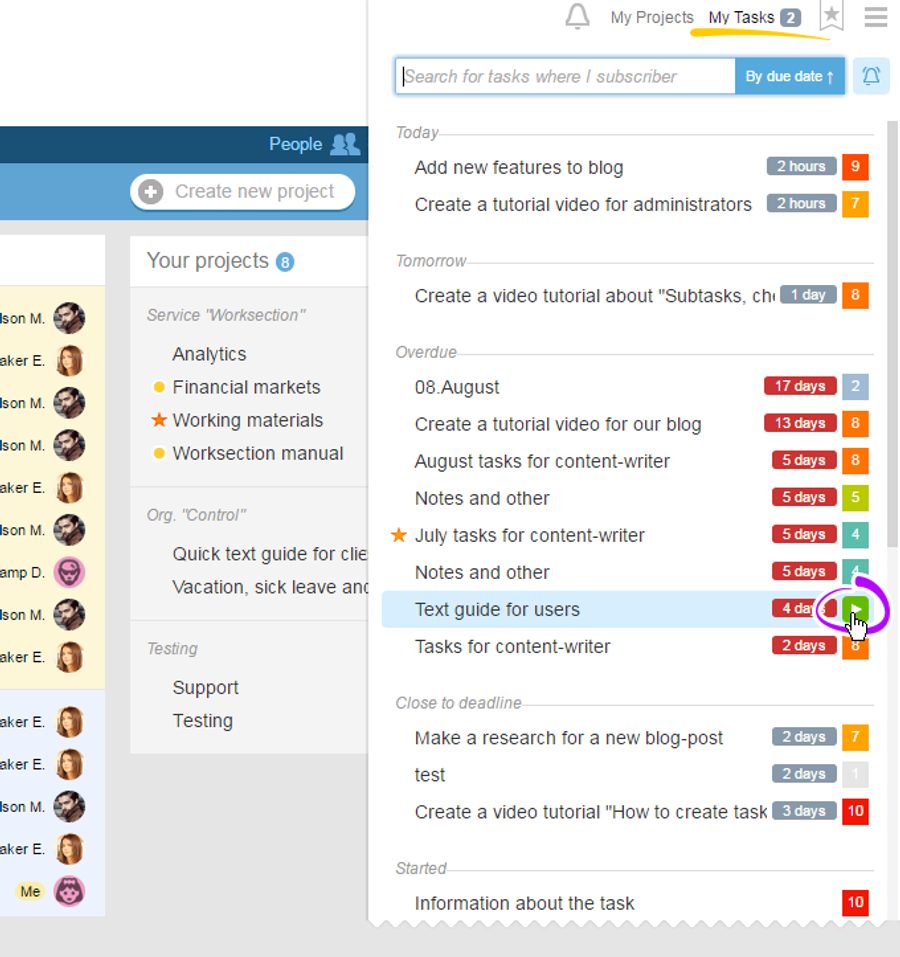
And, also, from the "My tasks" quick-access menu:
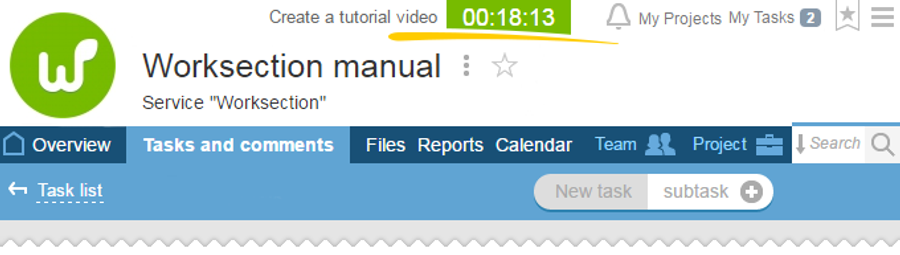
Launched timer can be seen in the upper part of any account's page
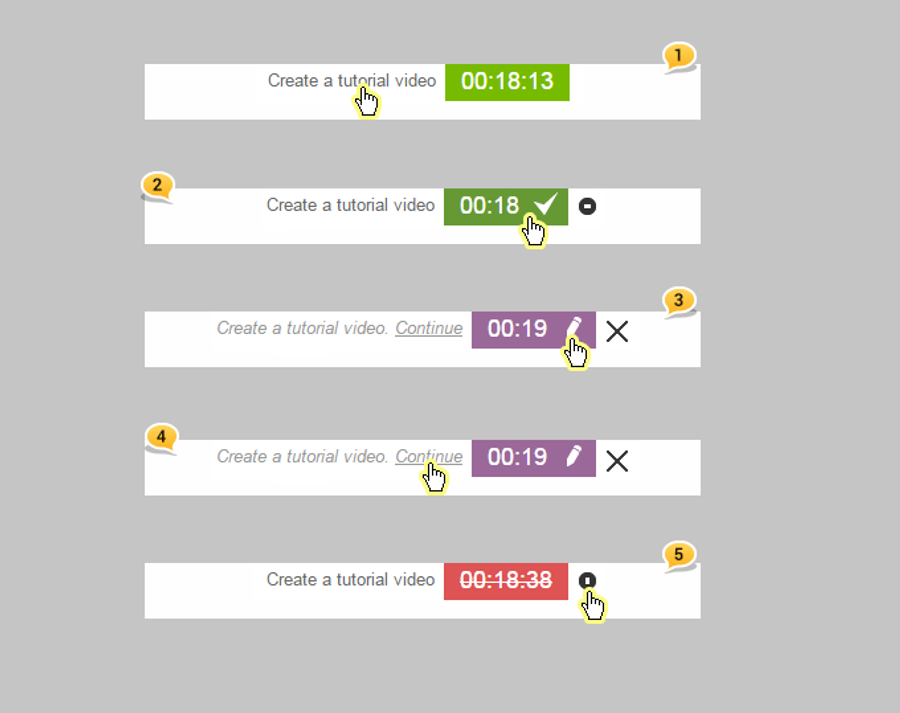
Actions that can be performed with timer:
1 - Go to a task
2 - Stop timer
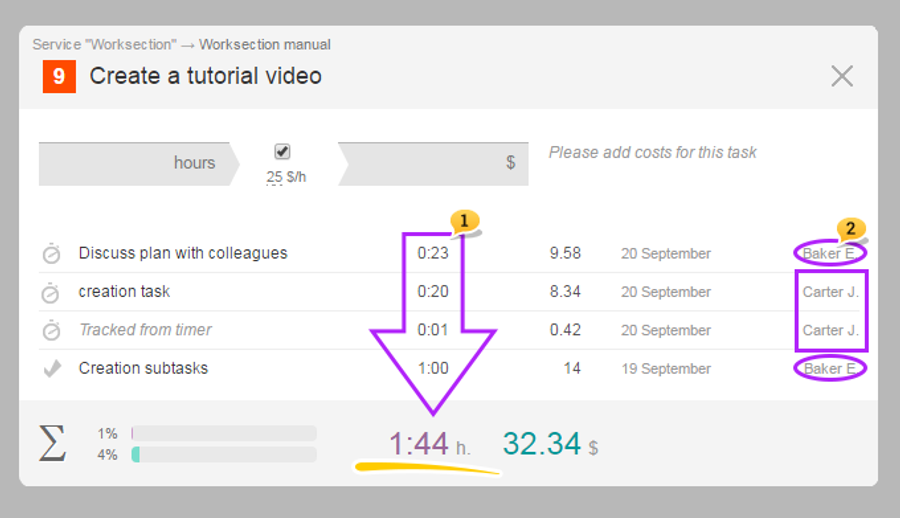
3 - Describe and track time
4 - Continue timer
5 - Delete timer
After
Leave your review
Did this article help you?
Glad we could help! What was helpful?
Sorry this didn't help. What went wrong?

