How to configure a customized list of tasks and save it to favorites?
How to configure a customized list of tasks and save it to favorites?
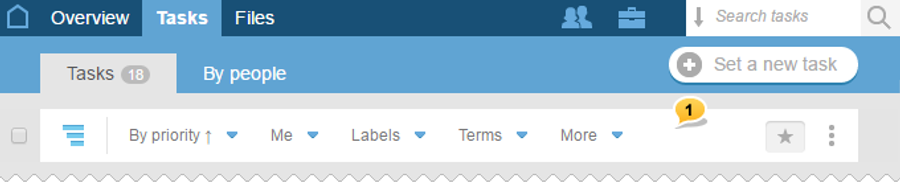
On the Taskspage, there are two types of filters: simple and advanced. The simple filter is located on the filter panel 1 under the list of all the tasks.
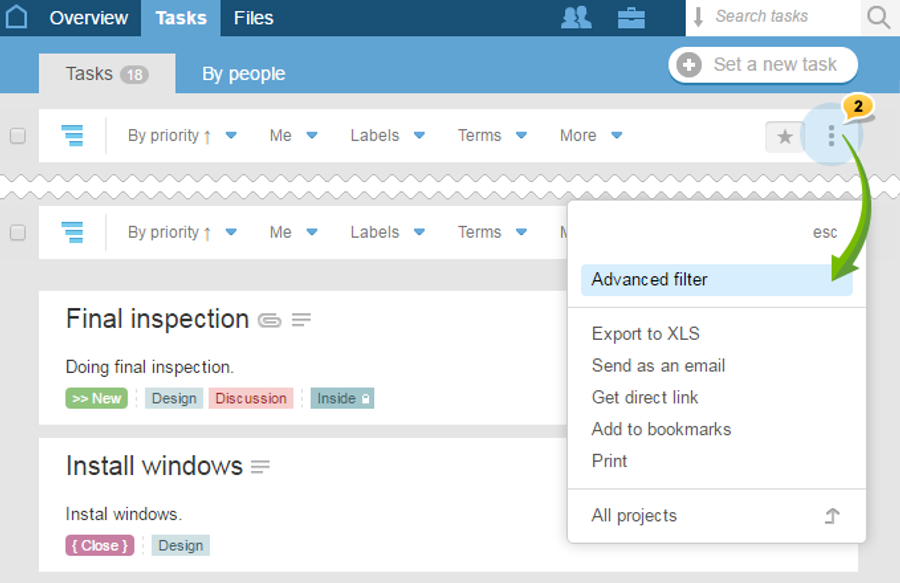
The advanced filter allows you to refine your search by many parameters. In order to apply the advanced filter, open the context menu on the filter panel and choose «Advanced filter»2.
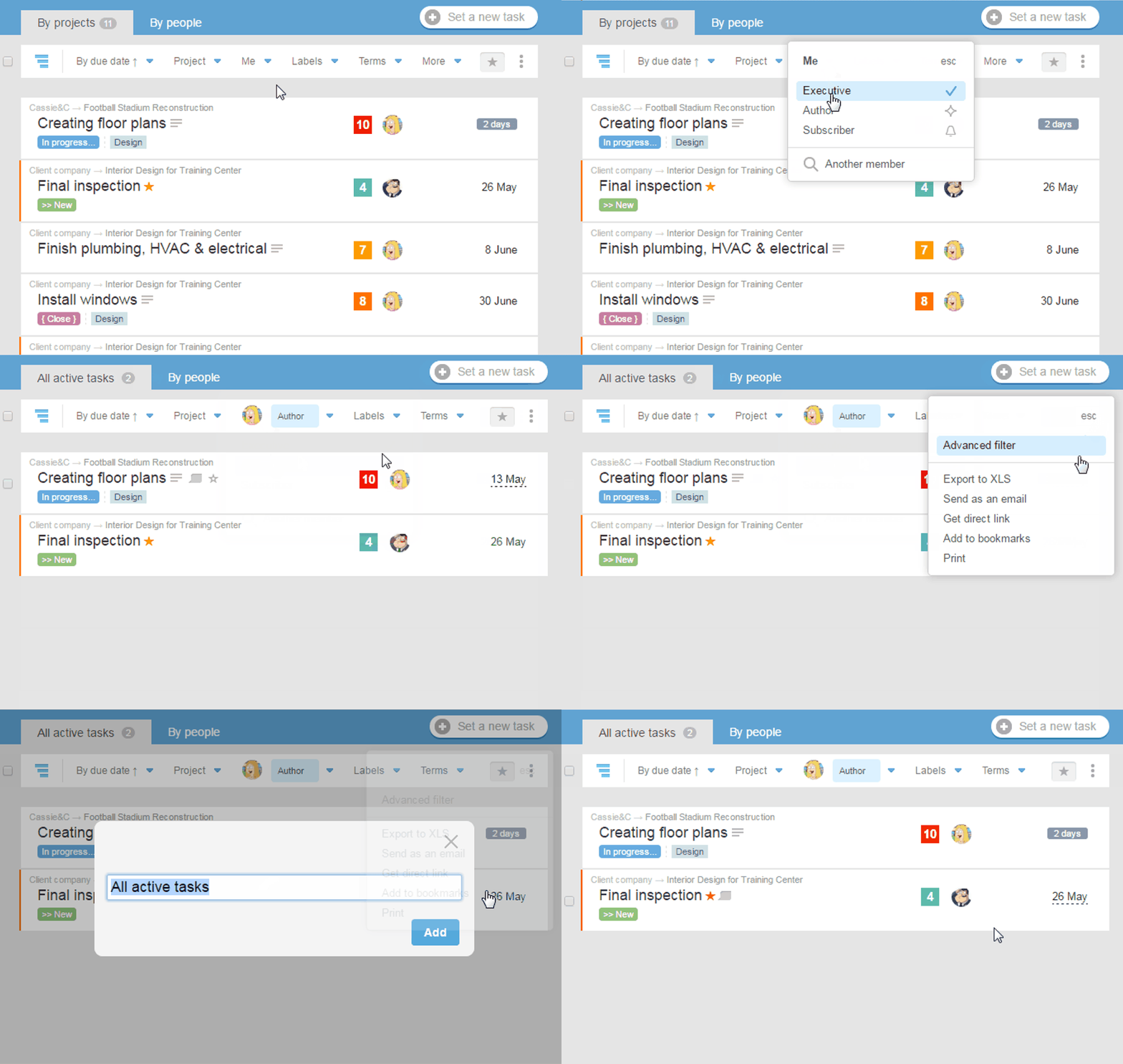
You can filter the list of tasks according to your personal liking and save it as a separate page by adding to Favorites. This way you can always open the list of tasks already with the previously applied filters and configure them again.
There are two ways to add a list to Favorites:
Method № 1
Open the context menu on the right of the filter panel, select «Bookmarks», adjust the name of the page to be saved and click "Add" button:
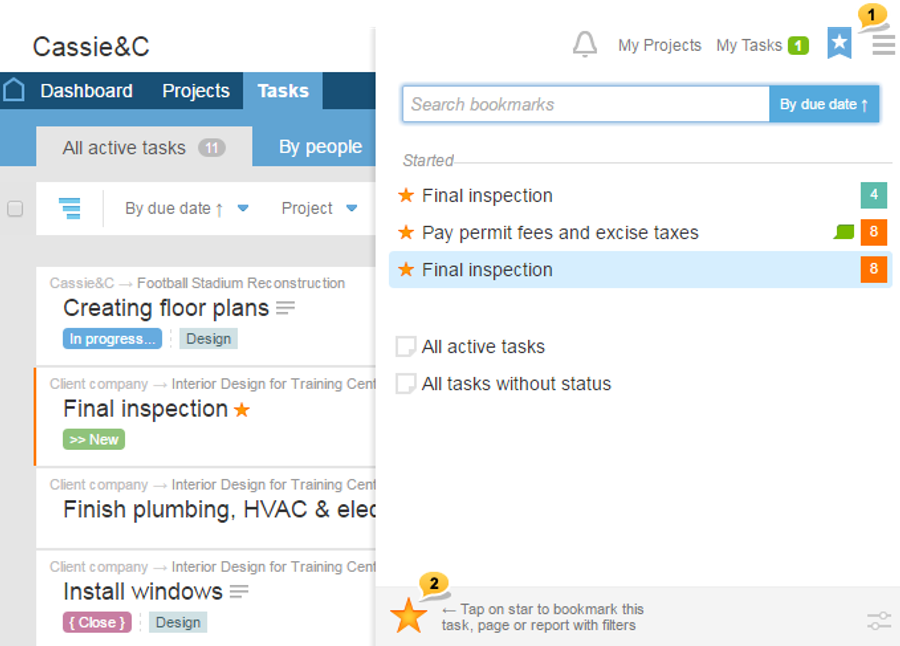
Method № 2 Open the Bookmarks 1in the personal menu and click on the big star2 in the bottom of your screen. Edit the name of the page to be saved and click «Add»: