Solutions
worksection
beta
help
How can I send only certain types of messages?
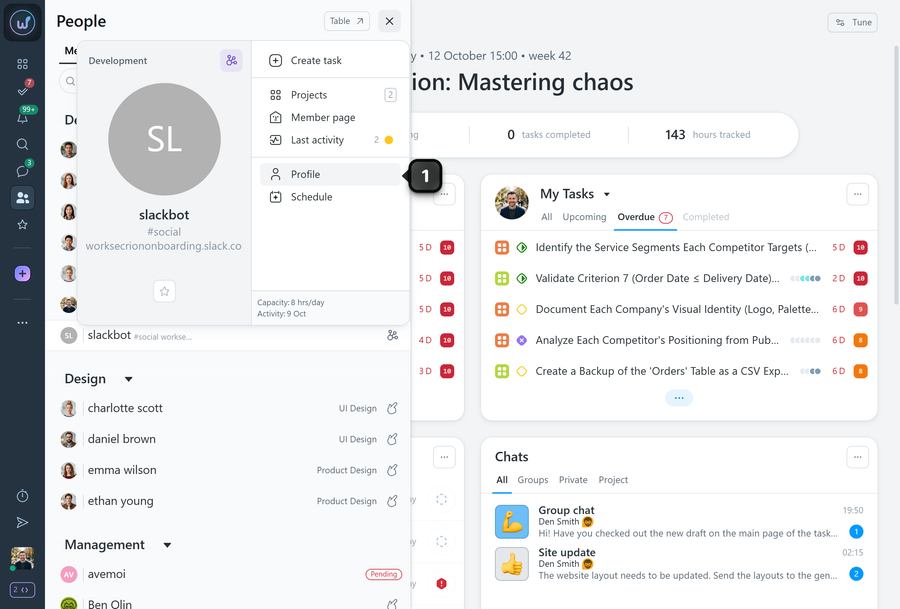
All settings of the Slack bot are in its profile, just like for other members.
Open the member card of the Slack bot and select “Profile”1.
In the “Notifications” section, choose the events for which messages should be sent to this channel.
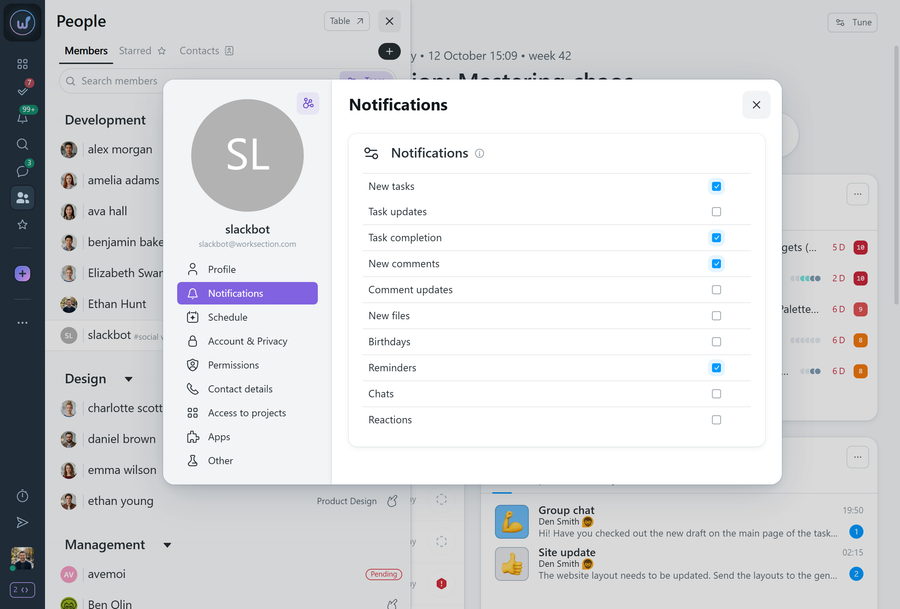
In the “Other” section, you can additionally turn on:
- automatically adding the bot to all new projects;
- auto-subscription to all new tasks.
Leave your review
Did this article help you?
Glad we could help! What was helpful?
Sorry this didn't help. What went wrong?

