Solutions
worksection
beta
help
Examples of using Zapier with Worksection
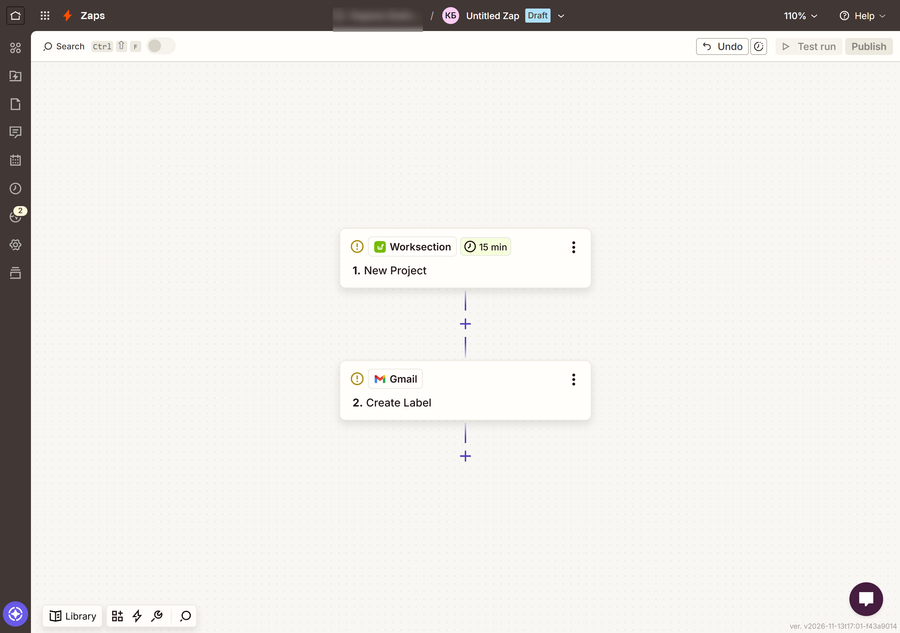
Create a project – create a mail label
When a new project is created in Worksection, a new label is created in Gmail with the name of this project. Now you can label emails related to your projects in a structured way.
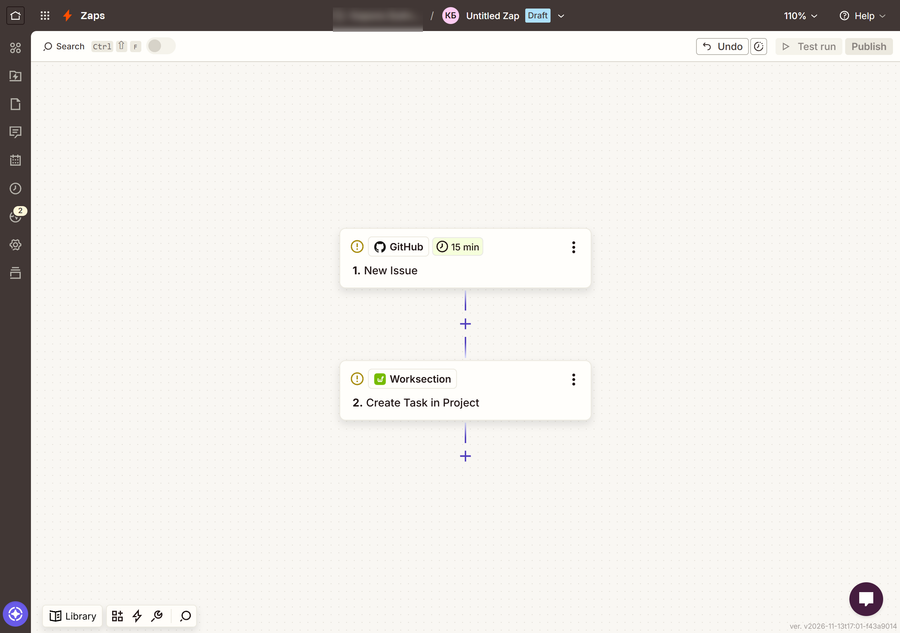
Create an issue in GitHub – create a task
When a new issue appears in your GitHub repository, a task is created in the selected “Issue Control” project in Worksection. The task name is set as “New issue: Title”. The description from GitHub is added to the task description. Since we agreed on the regulations, we set the priority to “5” for all subsequent tasks.
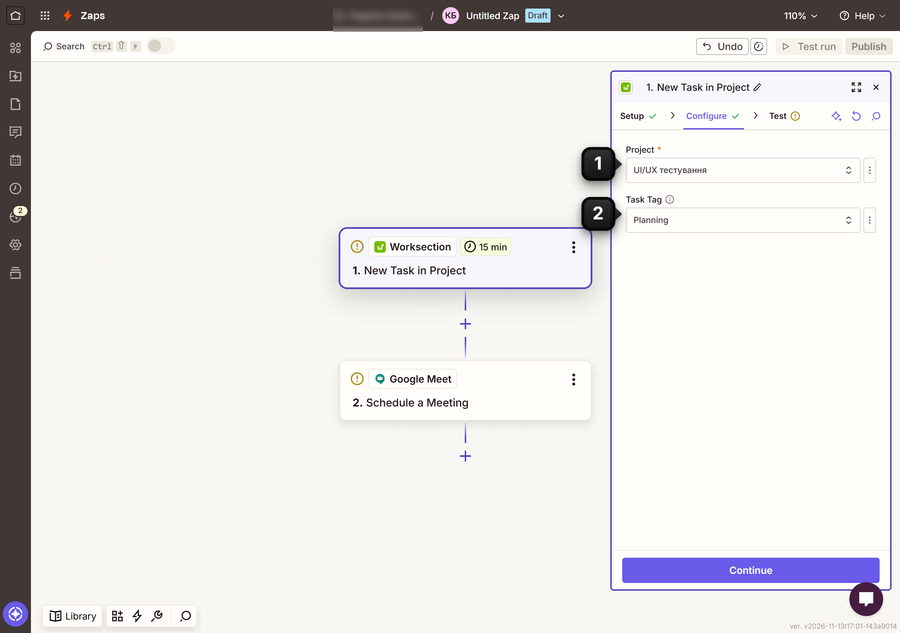
Create a task with a specific tag – create a Google Meet meeting
When a new task is created in the selected project1 with the selected tag2, a new Google Meet meeting is created and an event is added to the calendar.
Please note! Zapier lets you use many combinations of both services and field settings. Take a look at the available services and their fields – this may give you an idea for a business process that is perfect for you.
Leave your review
Did this article help you?
Glad we could help! What was helpful?
Sorry this didn't help. What went wrong?

