Solutions
worksection
beta
help
Available Worksection triggers in Zapier
A trigger in Zapier is an event in an app that causes a Zap to run. As soon as you turn a Zap on, Zapier checks this trigger: when something happens in Worksection (a project, task, or comment is created, etc.), Zapier receives and analyzes this information for the next steps specified in your Zap.
List of triggers:
- New Comment in Task – is triggered when a new comment appears in the selected Worksection task.
- New Project – is triggered when a new project is created in Worksection.
- New Task in Project – is triggered when a new task appears in the selected Worksection project. If a tag is set in the “Task Tag” parameter, it is triggered only for tasks created with the selected tag.
- Task Completed in Project – is triggered when a task in Worksection is marked as completed. Does not work on subtasks.
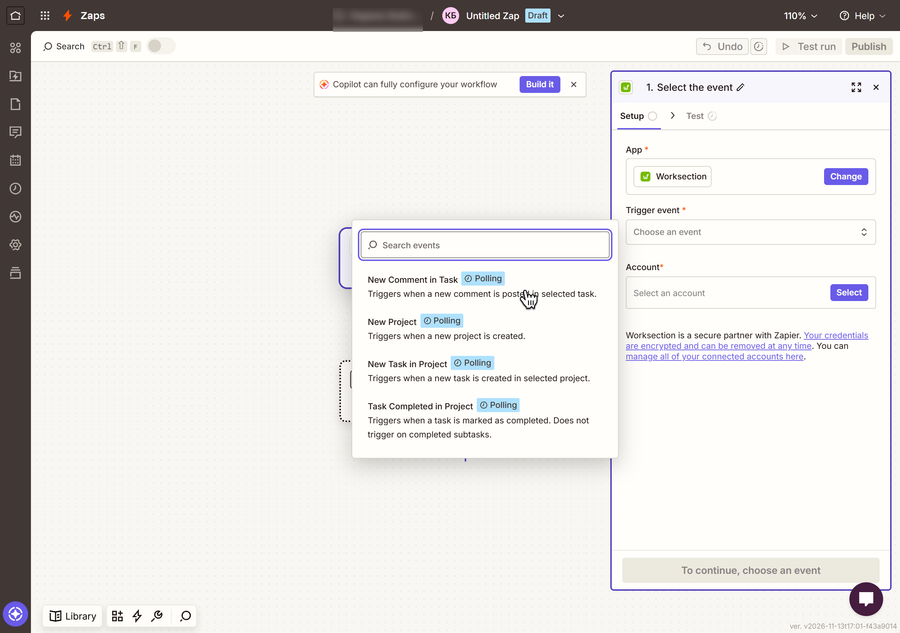
Example of a trigger when creating a new comment
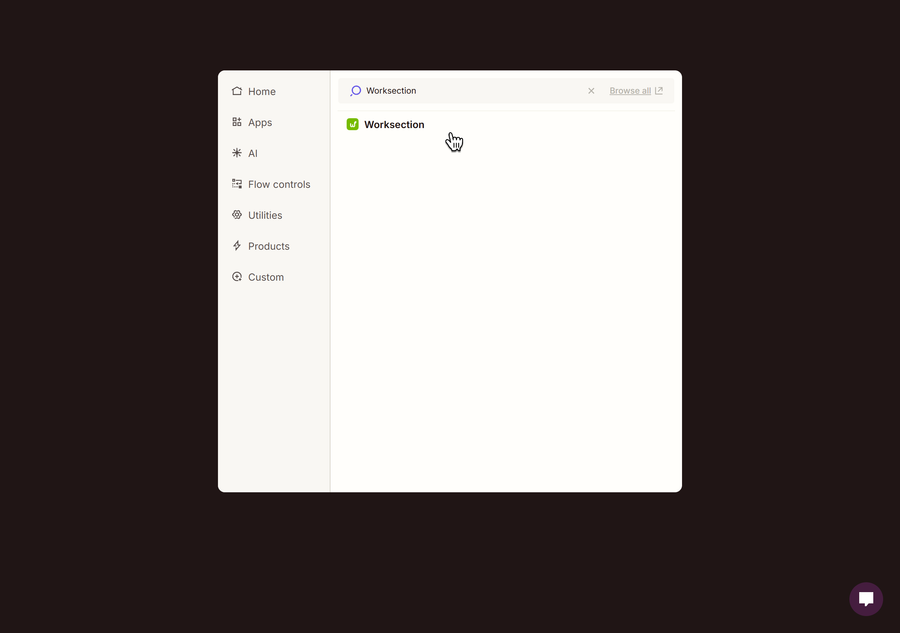
Click the new trigger field and use the search to find the Worksection app.
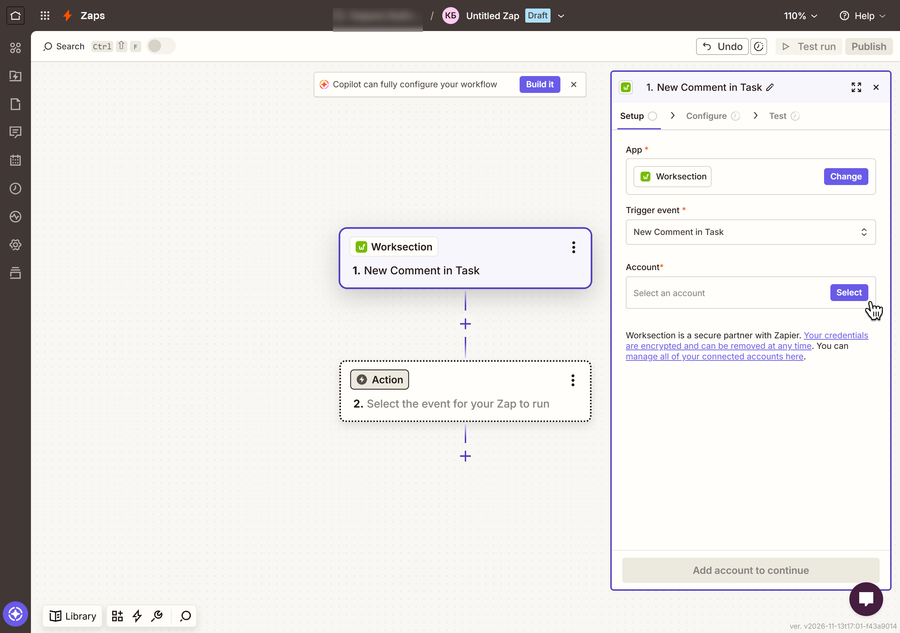
Select the New Comment in Task event.
Fill in the required “Project” and “Task” fields, then click “Continue”. This trigger will fire when a new comment appears in the selected task of the selected project.
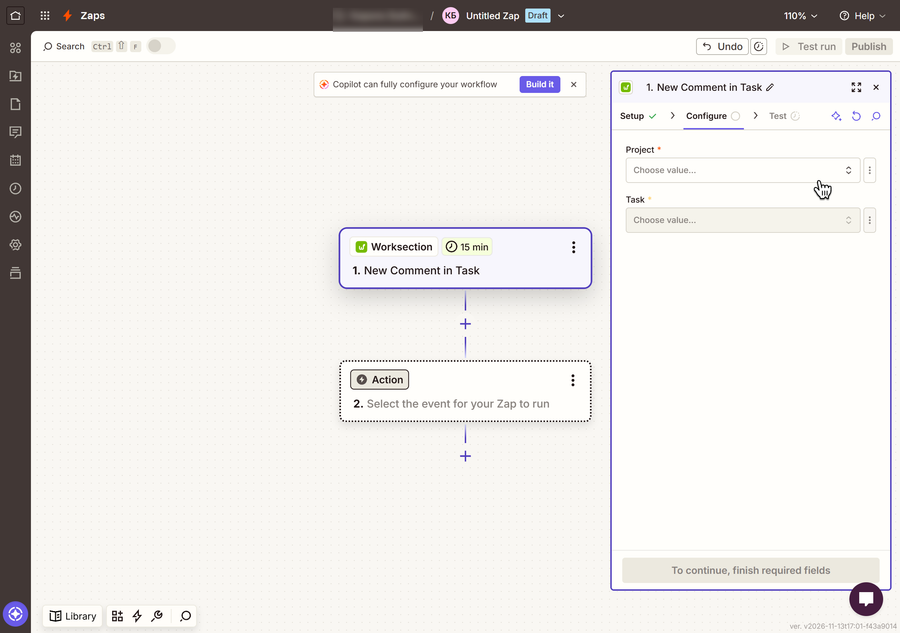
After creating the trigger, you can proceed to the next step – creating actions.
Leave your review
Did this article help you?
Glad we could help! What was helpful?
Sorry this didn't help. What went wrong?

