Solutions
worksection
beta
help
Available Worksection actions in Zapier
Actions in Zapier transfer new data to Worksection by calling the API.
List of actions:
- Close Task – close a task in the selected project.
- Create Comment in Task – create a comment in a task.
- Create Project – create a new project in your Worksection account.
- Create Task in Project – create a task in a project.
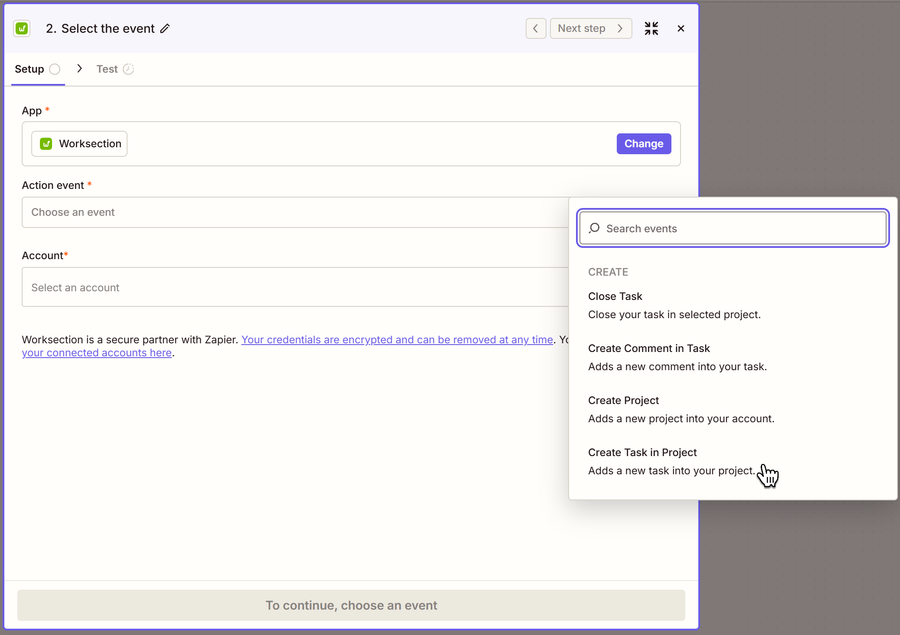
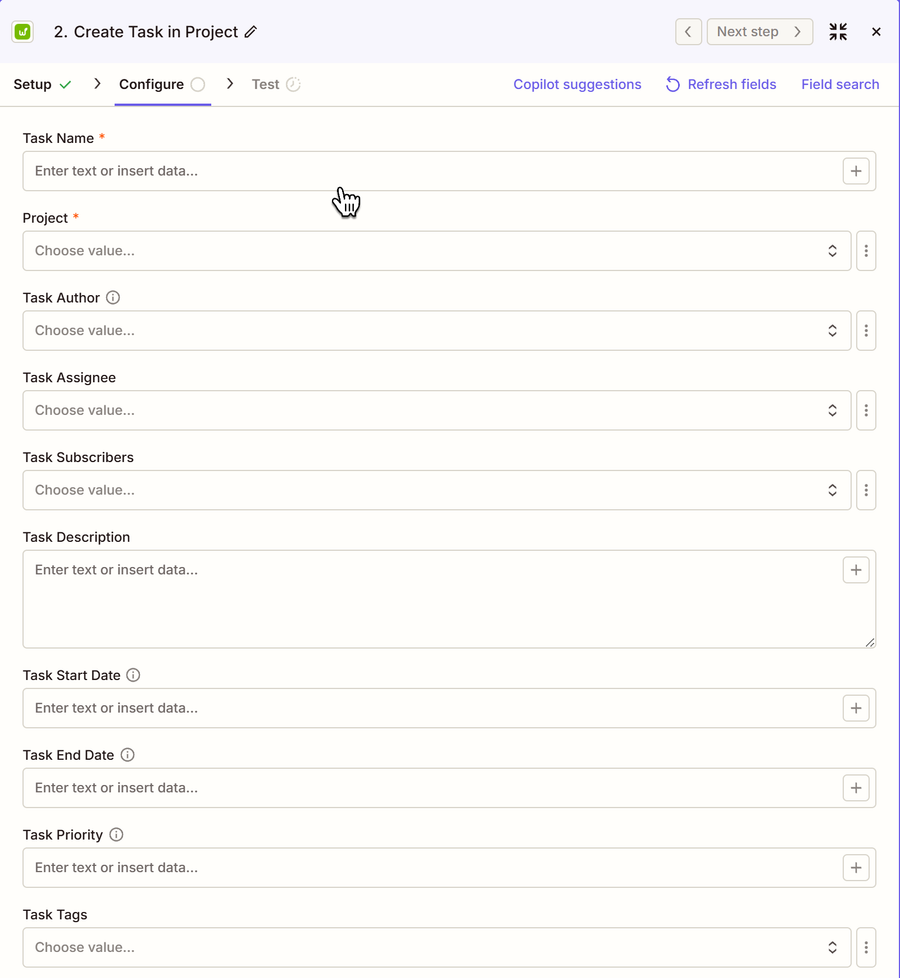
Each action has its own list of input fields. For example, in the Create Task in Project action, you need to fill in the following fields.
Example of an action that creates a task in Worksection
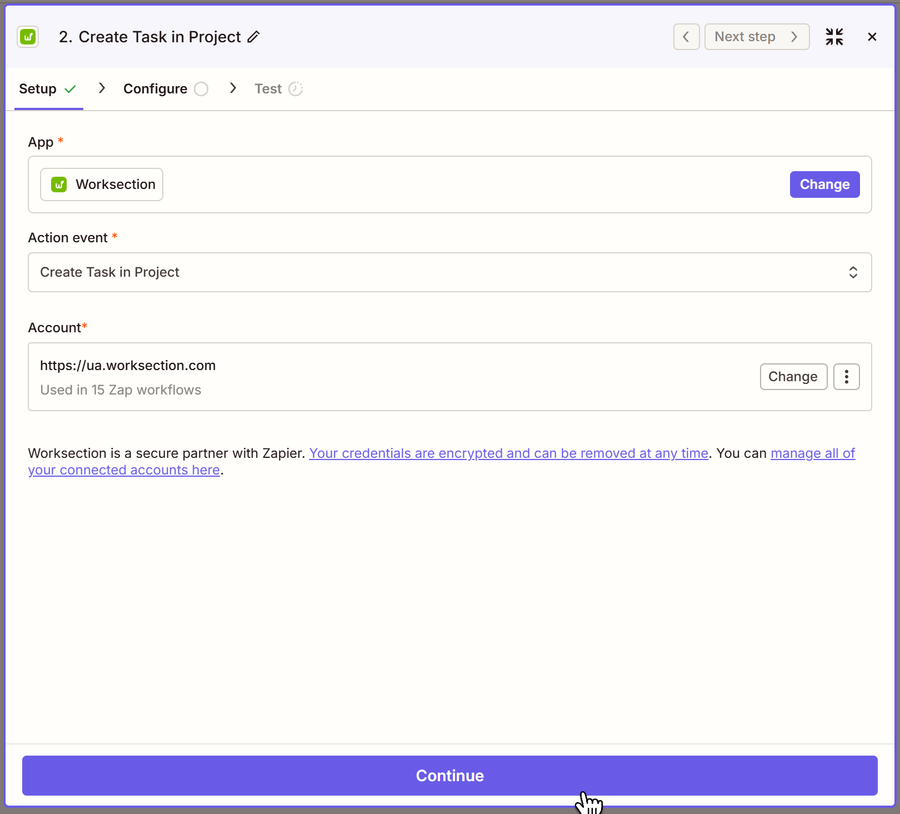
Select the Create Task in Project action and click “Continue”.
Fill in the following fields. Required fields are marked with an asterisk.
After creating the action, you need to test and launch your Zap.
Note Zapier allows you to set up many combinations of triggers and actions of different apps. Good luck creating the magic of automation!
Leave your review
Did this article help you?
Glad we could help! What was helpful?
Sorry this didn't help. What went wrong?

