Solutions
worksection
beta
help
How do I view Team Gantt?
Team Gantt is a Gantt chart view where tasks are grouped by member. It helps you assess your team’s workload: which tasks are assigned to each member and for which periods they are planned.
You can view Team Gantt for the whole account or within a single project.
This feature is available on the Business and Premium plans.
How do I open Team Gantt?
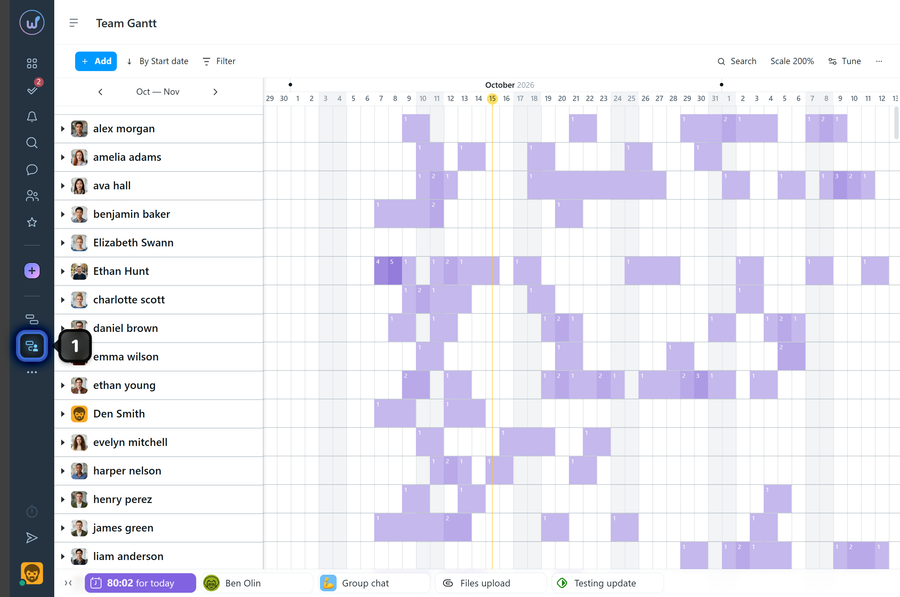
To open Team Gantt for the whole account, click the “Team Gantt” button1 in the left sidebar.
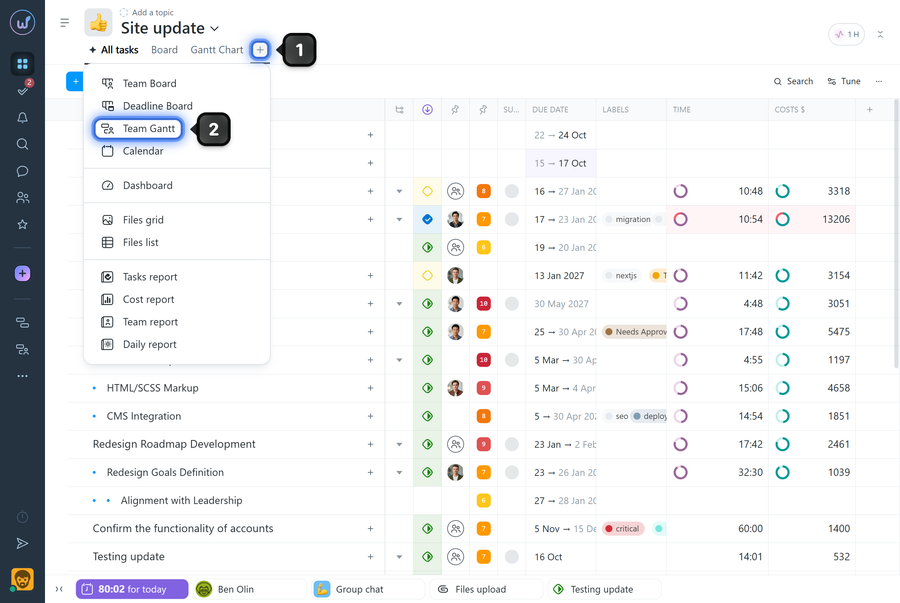
To open Team Gantt within a project, click the “+” button1 on the project page and choose “Team Gantt”2.
How do I view member workload?
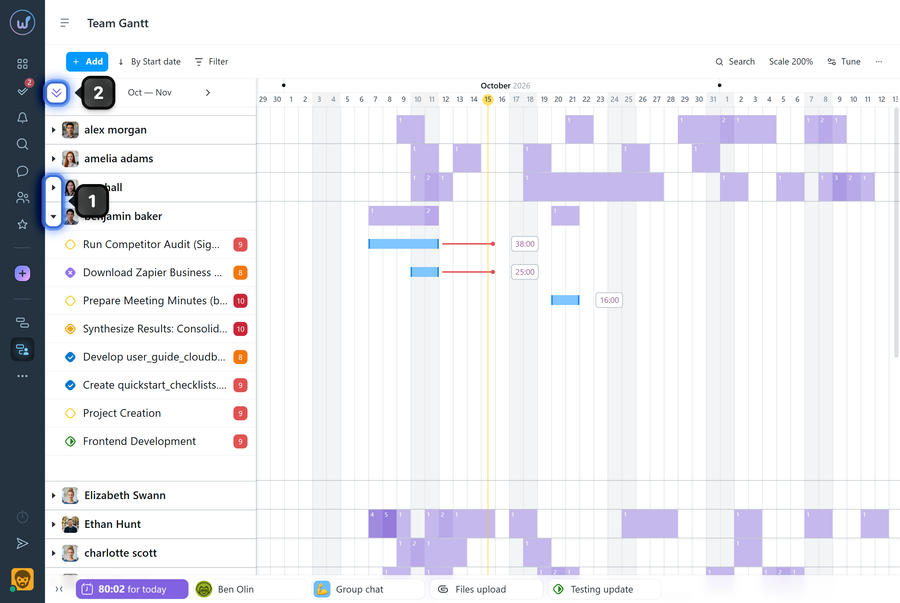
On the chart, each member is shown in a separate row. To see their tasks on the timeline, click the expand icon1 next to the member’s name. To expand all members at once, click the “Expand all” button2.
How do I change a task’s assignee?
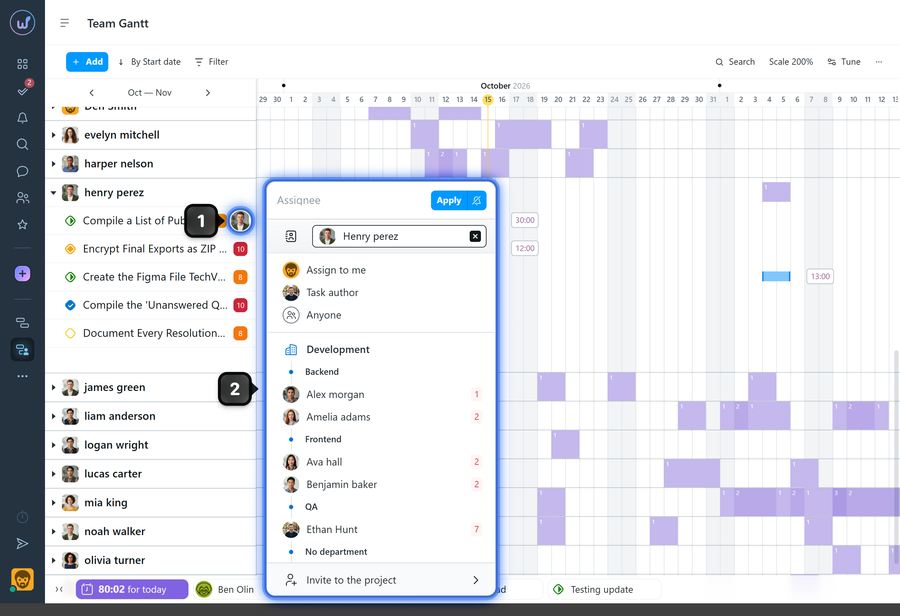
Click the assignee’s avatar1 next to the task name and choose a new member from the list2.
Leave your review
Did this article help you?
Glad we could help! What was helpful?
Sorry this didn't help. What went wrong?

