Solutions
worksection
beta
help
How to set the hourly rate for an employee?
After rate activation in each user's profile, there is a field to record an employee's personal rate. It is necessary to fill only in the case when an employee's personal rate differs from the default rate in the account settings.
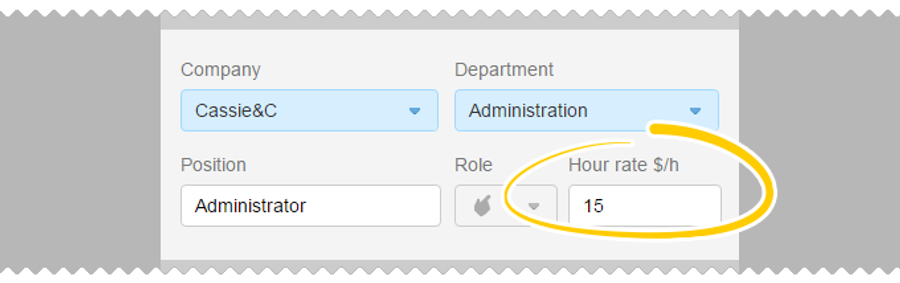
Please, note! This field can only be filled out by Administrators with the Personnel Management permissions. Member with the «User» status does not see this field and cannot set the rate. The user also does not see the other participants' rates.
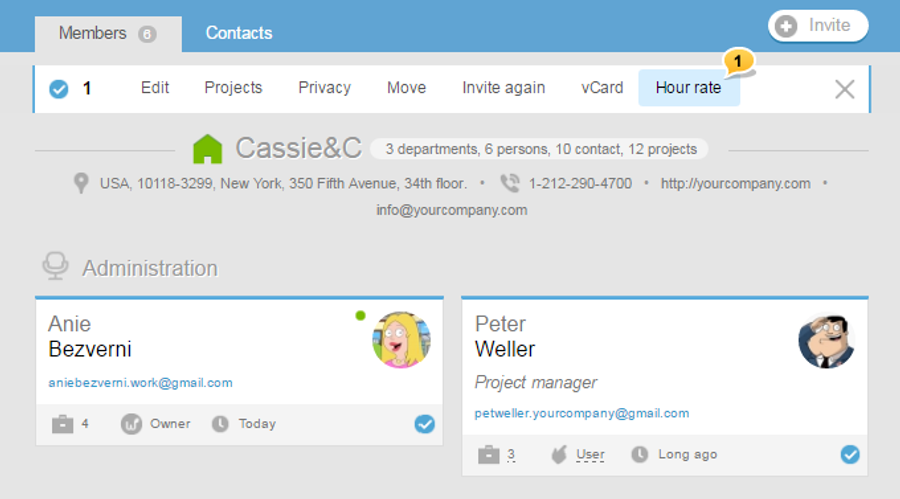
Bulk rate setting can be done on the Team page or shared People page. Mark cards of those participants whose rate you would like to change. In the top menu, click on «Rates»1, then enter the total value, and apply.
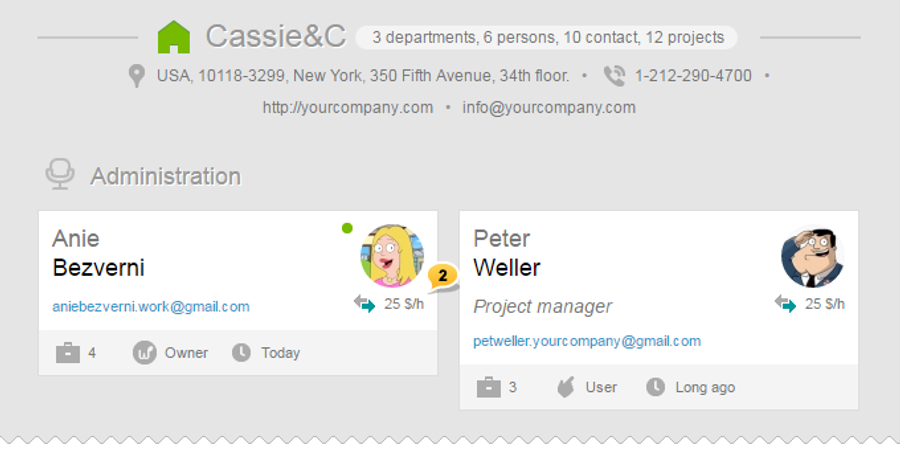
Personal rates2 are marked with the special icon 
Leave your review
Did this article help you?
Glad we could help! What was helpful?
Sorry this didn't help. What went wrong?

