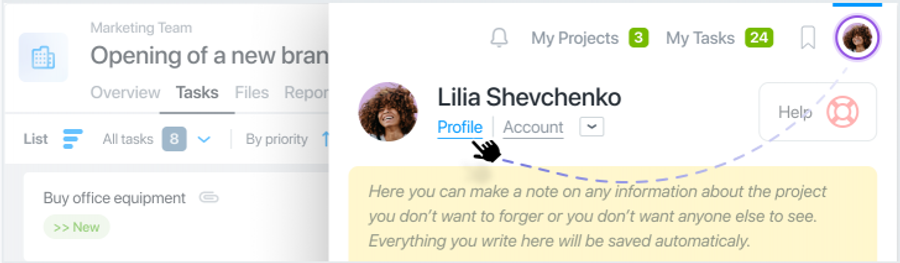
You can upload files directly from your Google Drive. But you need to enable Google integration first. To upload files from your Google Drive to Worksection, you need to activate access to your Google Drive in your Profile. To do this, click on your avatar in the upper right corner and select Profile.
Then enable access to Google Drive.
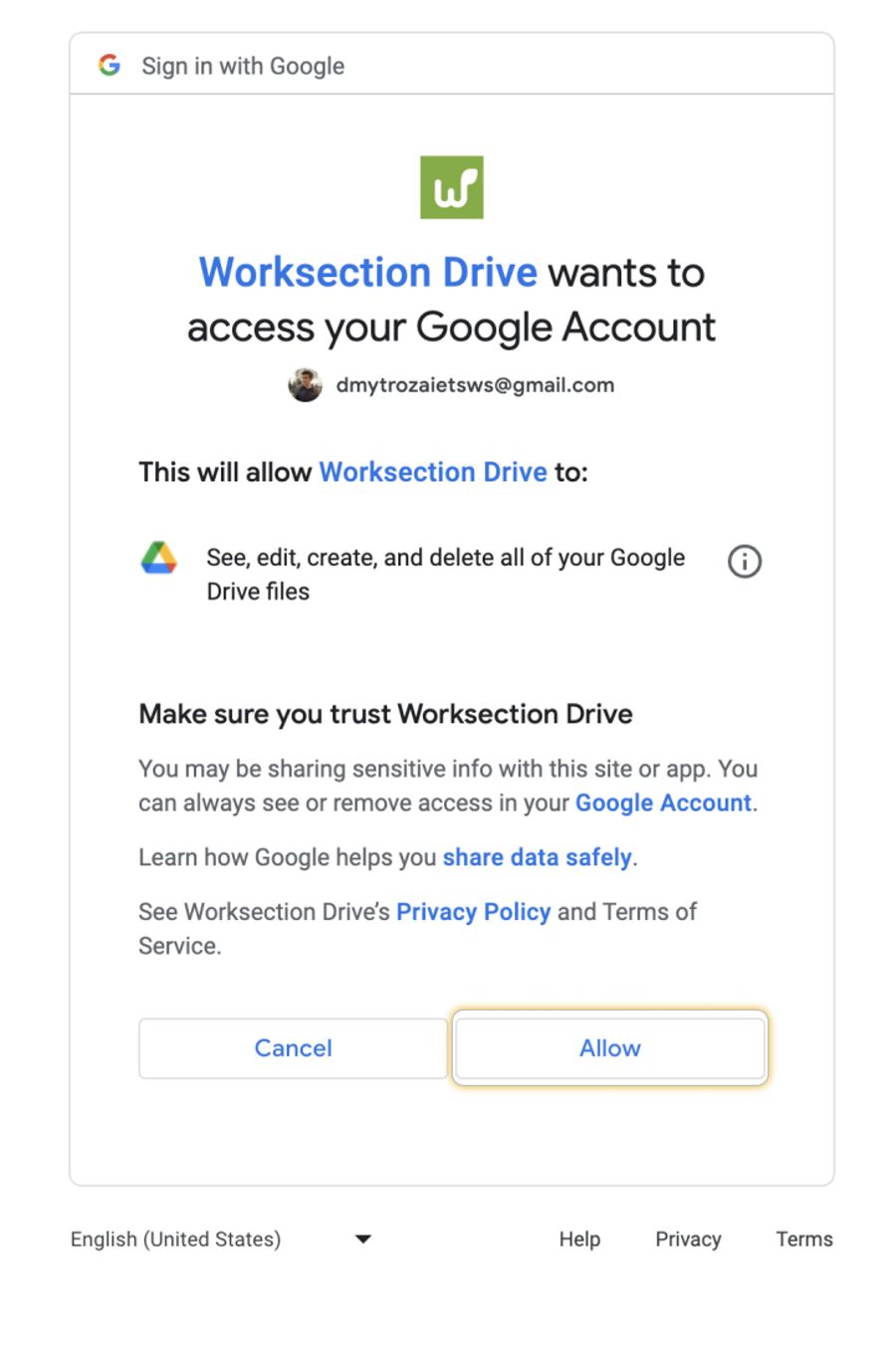
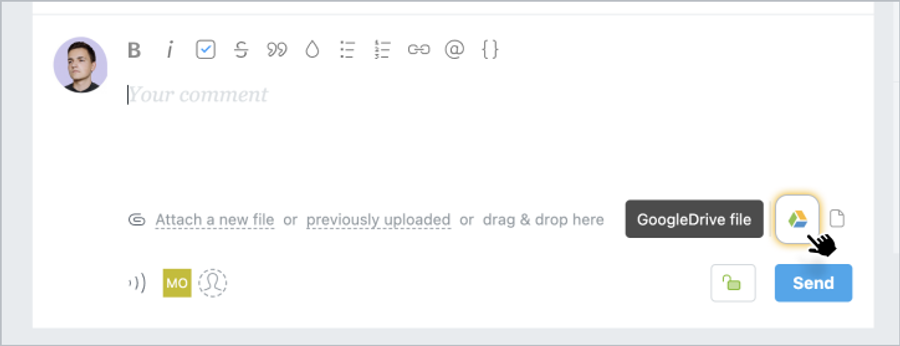
After that, you will be redirected to a page with the following request, where you need to click on Allow: After that, when you create a task or comment, a Google Drive sign will appear, which will start selecting files from your storage.
Physically, the files remain in your Google Drive under your full control, and users see the most recent and up-to-date version. If you connect documents, spreadsheets, or presentations from your Google Drive, only you can allow/deny editing.
Attention: If you delete a file or change the access level to a file on your Google Drive, it will automatically make it unavailable in Worksection.