Solutions
worksection
beta
help
Can I view documents and pictures online?
To view the contents of files and documents directly in the browser online, click on the thumbnail image and it will open in full screen (without leaving the current page).
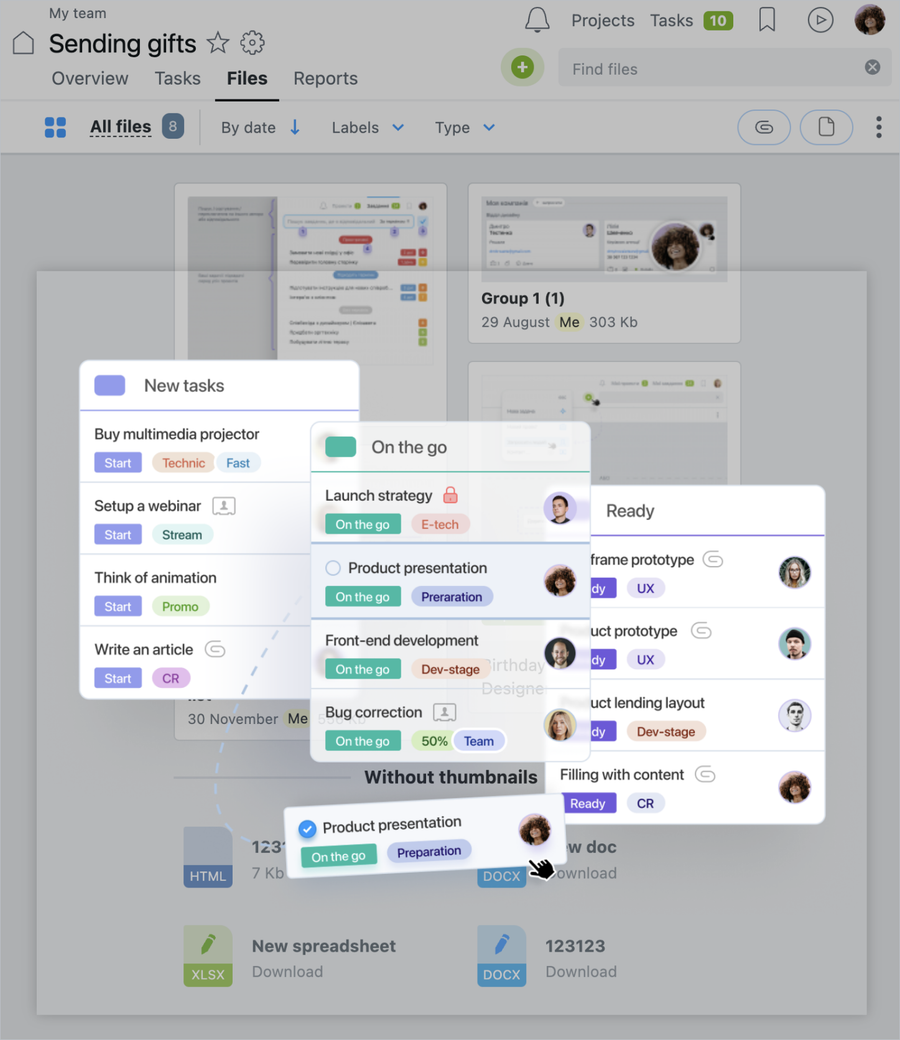
And let's read the content of the document:
- on the panel, you can see all the files that are attached to a certain comment or task
- if the image is larger than your screen, we'll reduce it and let you know the percentage of the reduction. Clicking in a small area of the reduced copy that interests you, you increase the image to its actual size
- turn over the images using the mouse or by pressing «Left / right arrow»
- pressing the «ctrl + right arrow / ctrl + Left arrow», you move the line of thumbnails
- if you press ENTER or «ctrl + down arrow» - you will be prompted to download the current file
- You can get a direct link to the viewed file - chain icon at the bottom right side
- if you are viewing a transparent PNG / GIF format - we'll show it to you in all its glory
- if you would like to view DOC, PSD or XLS formats — we will show it with the help of Google nanotechnologies
Leave your review
Did this article help you?
Glad we could help! What was helpful?
Sorry this didn't help. What went wrong?

