Solutions
worksection
beta
help
How to attach previously uploaded files?
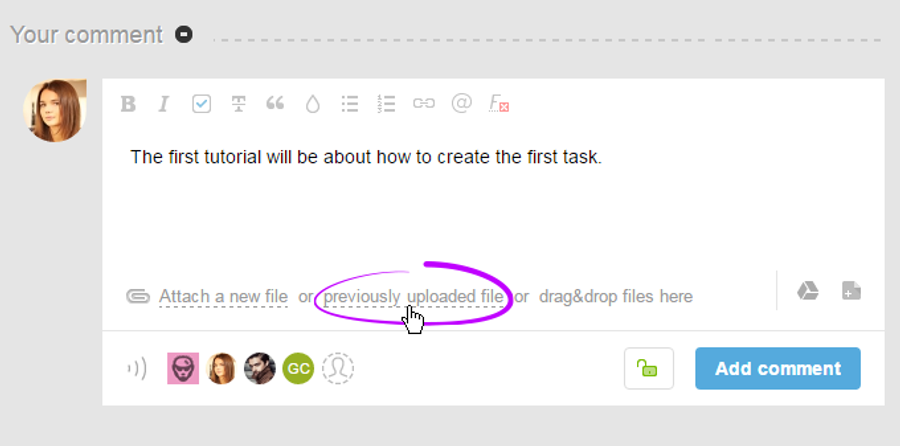
Click on previously uploaded in the comment box:
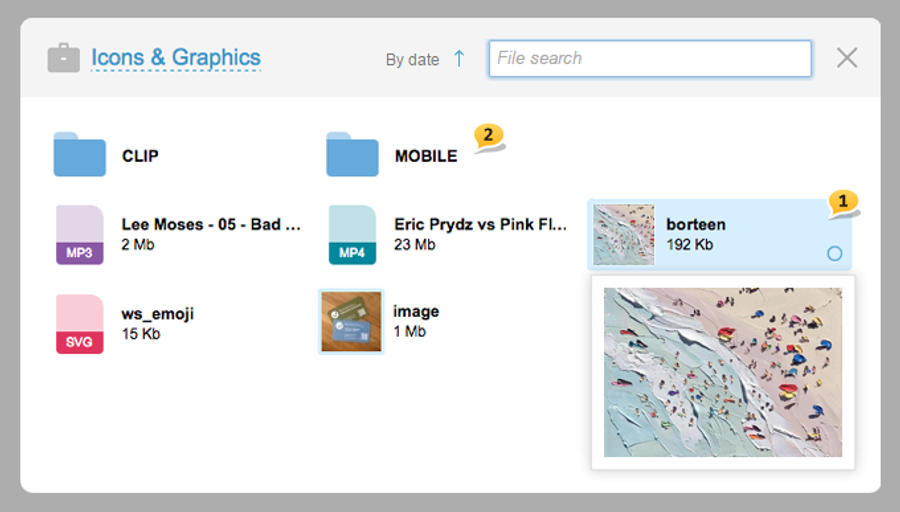
You will see a window where previously uploaded images are shown. When you hover over them, they will zoom out1 and there you will see two system folders, CLIP и MOBILE2 — where all the files ever copied or downloaded are automatically stored. Click on the desired file, and then click on Attach:
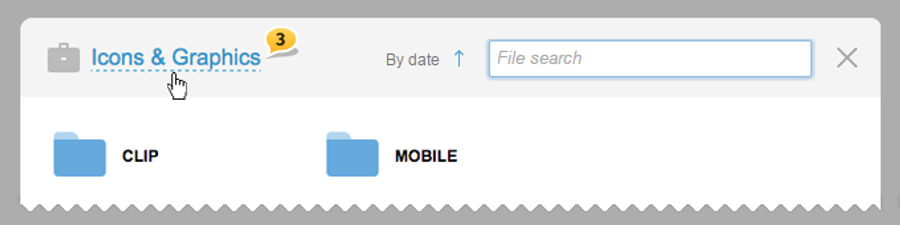
Also, attach previously uploaded files from other projects. In order
Leave your review
Did this article help you?
Glad we could help! What was helpful?
Sorry this didn't help. What went wrong?

