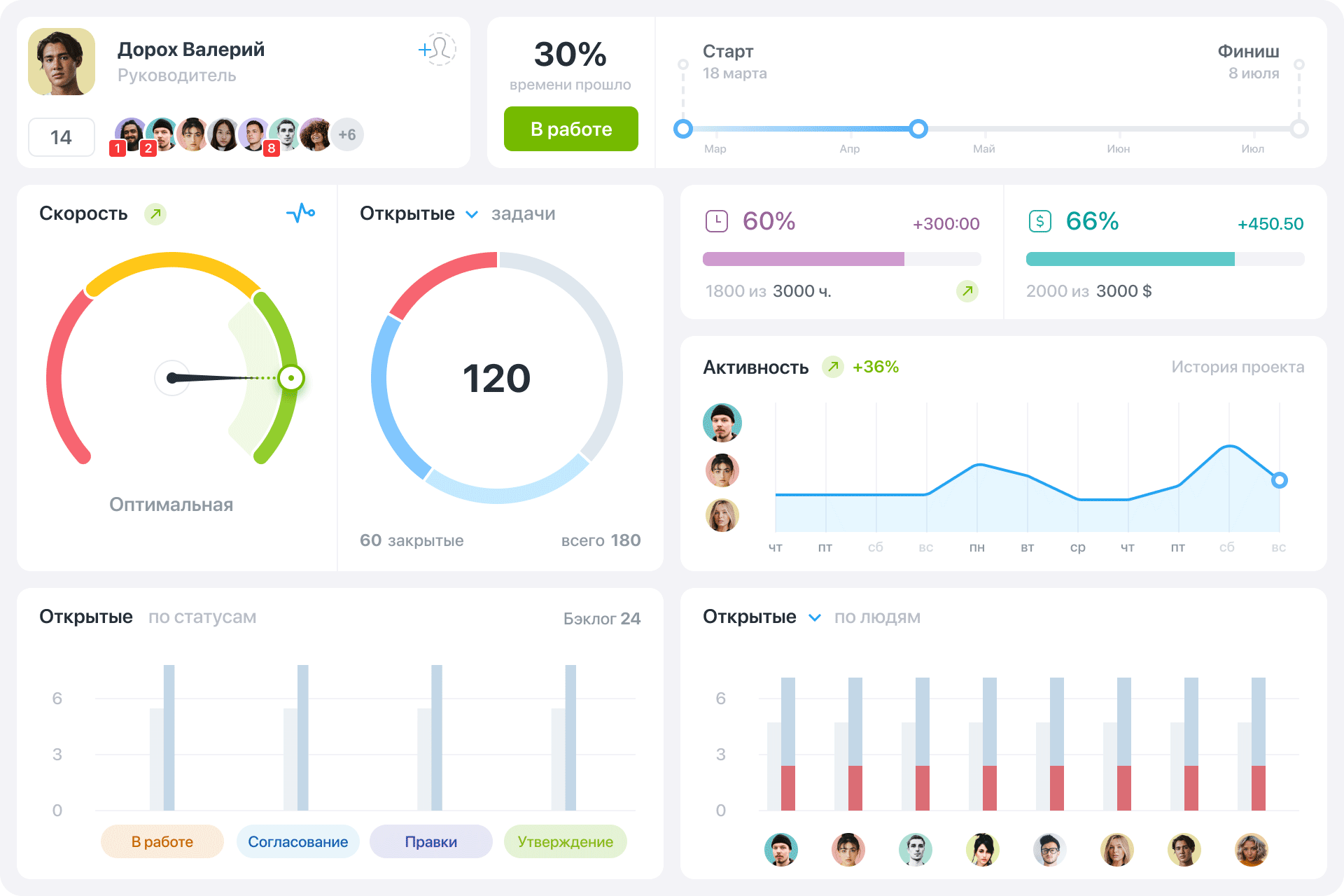
All key project metrics in one place. Interactive charts make it easy to analyze your entire project quickly.
Tasks
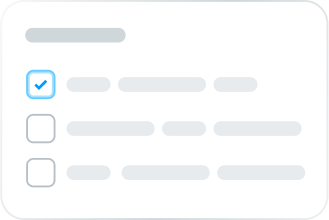
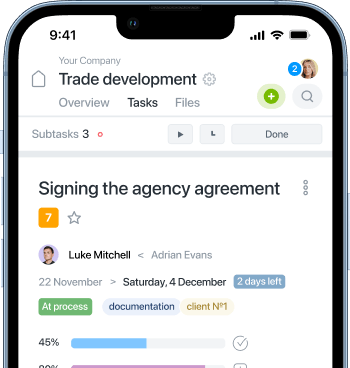
Create tasks for yourself and your team, attach files, and communicate in the comments section of each task.
Time&Material
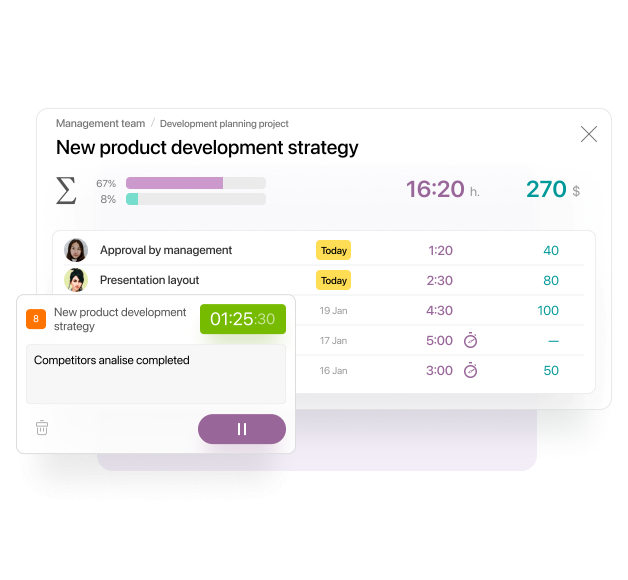
Plan time and resources to complete tasks. The built-in timer helps you track the time spent by each employee. For companies that bill by the hour, our time tracking feature provides detailed reports on the time spent on each project or task, making billing and analysis straightforward.
Gantt chart
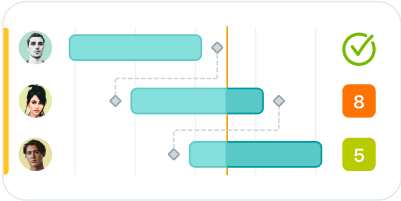
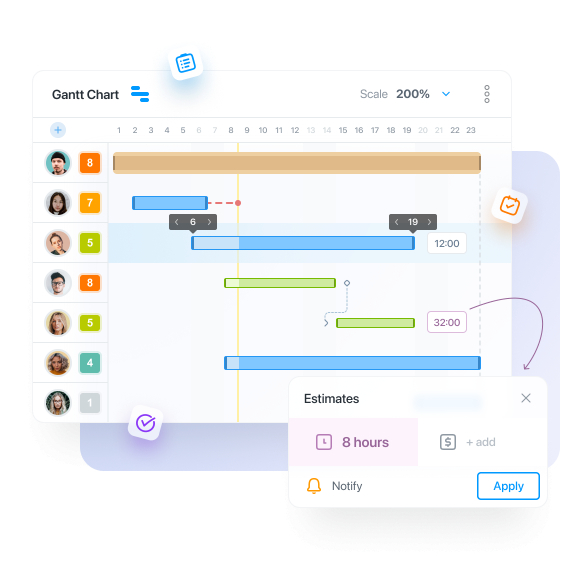
Use the Gantt chart to visualize your project timelines and create task dependencies. This powerful tool lets you see due dates and relationships between tasks, enhancing planning and control.
Kanban boards
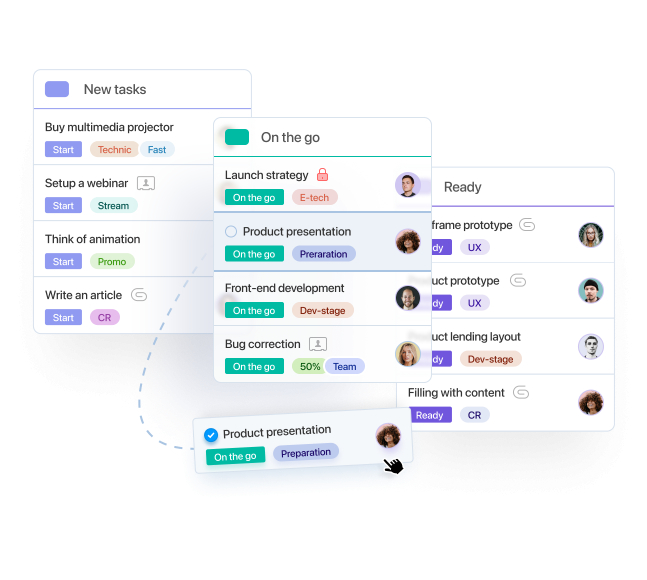
Kanban boards provide a visual and simple approach to Agile project management. Easily control, customize, and optimize your workflow with intuitive visuals.
Team communication
Each task features a contextual comment feed, enabling the team to communicate, share links, and attach files.
Reports
Customizable reports let you analyze projects, team performance, and costs for any time period. Sync with Google Sheets to create any custom report you need.
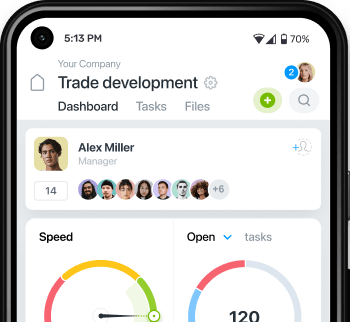
Easy control and quick access to projects and tasks on the go or during client meetings with mobile iOS and Android apps.
Gantt chart
The interactive Gantt chart will show all project tasks, timeframes, and responsible executives on a convenient time scale. Set a sequence for your tasks for a new task will open automatically upon completion of the previous one.
Flexibility in project management
Track your tasks in Kanban, find bottlenecks, complete your projects in time and make your workflow for your clients absolutely transparent.
Track time and financial expenses
Using timer will make your work process effective. Expenses tracking offers you full control and possibility to adjust planned expenses without lost resources.
Pricing
Flexible plans built to grow
Start small, manage efficiently, and scale effortlessly as you expand
$5 per seat monthly billed monthly$3.75 per seat monthly billed annually
Users1
ProjectsNot limited
Storage2Gb per seat
Everything in Free, plus
Custom Roles
Read-only Access
Advanced Filters
Project Dashboards
Project and team reports
Business
Popular
$1090
$120
$30 discount per year
$10 per seat monthly billed monthly$7.5 per seat monthly billed annually
Users1
ProjectsNot limited
Storage5Gb per seat
Everything in Basic, plus
Guest Access
Time Off (Vacations & Sick Leaves)
Gantt Chart
Private tasks and comments
Document Editing
Time & Material
Status-based Automations
Daily Planner
Two-factor authentication (2FA)
Custom domain (URL)
API
Premium
Popular
$15135
$180
$45 discount per year
$15 per seat monthly billed monthly$11.25 per seat monthly billed annually
Users1
ProjectsNot limited
Storage10Gb per seat
Everything in Business, plus
Project Kanban
Enforced 2FA
External File Storage (S3/FTP)
On-premise Backups
IP Restrictions
Using Worksection has reduced chaos, ensured tasks are no longer lost, and provided the ability to plan resources effectively.
Large brands involve complex campaigns and multi-level tasks that cannot be planned on paper or in an Excel spreadsheet. As a result, we turned to Worksection.
With Worksection, we can track the direction of our projects, understand the next steps, and assess how well we are performing.
If tasks are not tracked in a single interface, there is a high likelihood of missing something. Worksection is an excellent task manager for managing construction projects.
Worksection has some really cool features. For example, time tracking. When we first started working with the system, I began to analyze how much time the design department, Shopify department, and Node.js team spend on projects. And when I converted all this into what we should be earning, the numbers I had were higher than what we actually received. So, let’s say, analysis emerged.
Worksection not only keeps all project information but also allows us to analyze the company’s results
Worksection eliminates information overload and allows for communication directly within the system.
The project’s work is tied to specific dates and times. It is important for us that people are always aware of what, when and where we will do it.
What is the advantage of the Worksection program for managing projects and employees in public institutions? It is a logical tool that does not have a pile of complex functions. The most important things are always at hand.
Worksection has significantly helped us grow threefold! Information is never lost, and projects are completed faster. Our clients are also happy because they can see the process, which increases trust and loyalty.
I organize projects in Worksection so the team knows their tasks, project progress, and can share information with each other.
It is very convenient to see the financial reporting for the project, how much budget is allocated, how it is distributed, and how much is currently left.
We have been managing projects with Worksection for several years. This product allows us to bring together various specialists to work on a single project.
We can’t imagine our company without Worksection. We receive a constant flow of new orders and clients, and we would have gone crazy without it!
Worksection is the transparency between the company’s management, employees, and clients. If you use the system correctly over a long period, it allows for a centralized point of trust for all participants in the process.
Worksection allows us to structure our work and, most importantly, track employee time and measure the efficiency of work on projects for our clients
We were able to fully map out our company’s management structure and project workflows using Kanban boards and Gantt charts in Worksection.
We initially implemented Worksection in one department, and it significantly simplified our reporting process! We no longer deal with XLS files and work chats!
Worksection is a simple solution that requires no prior training or expertise in project management