If necessary, the Owner or Account Administrator can completely disable 2FA in the account settings.
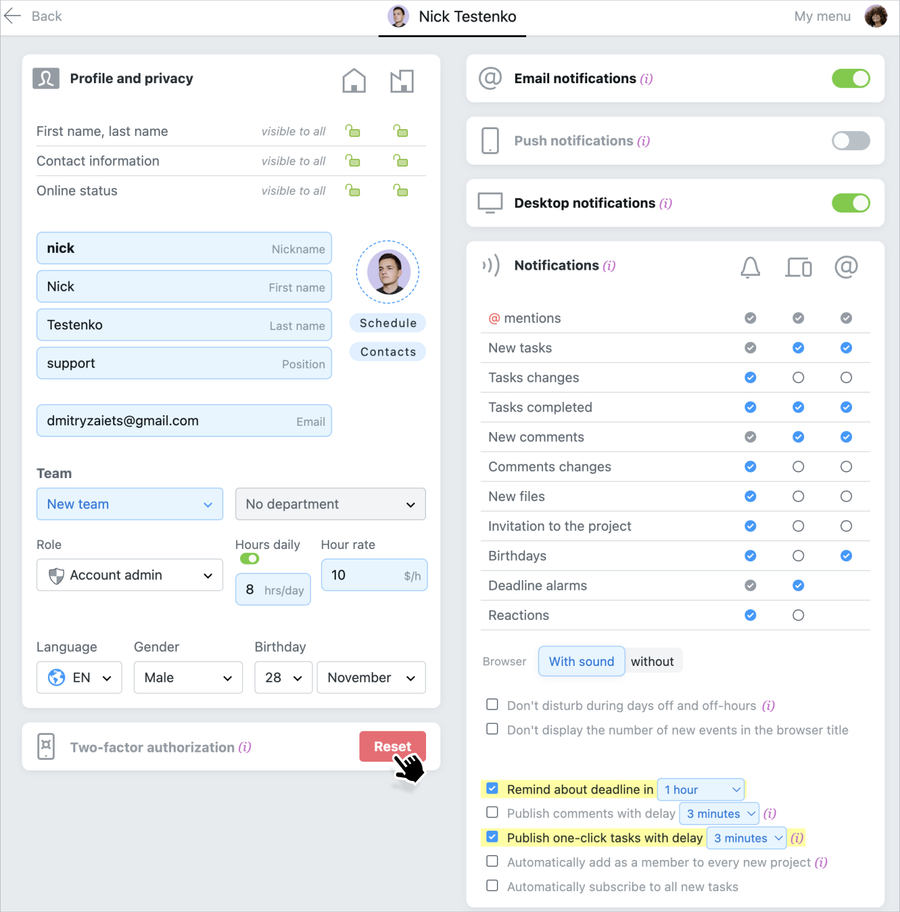
It is also possible to reset the two-factor authentication settings for an individual member. To do this, go to the participant's profile page in the People section and click the Reset button in the two-step authentication menu. The participant will be logged out of all Worksection sessions and the next time they log in, they will be prompted to scan the QR code again to restore 2FA.