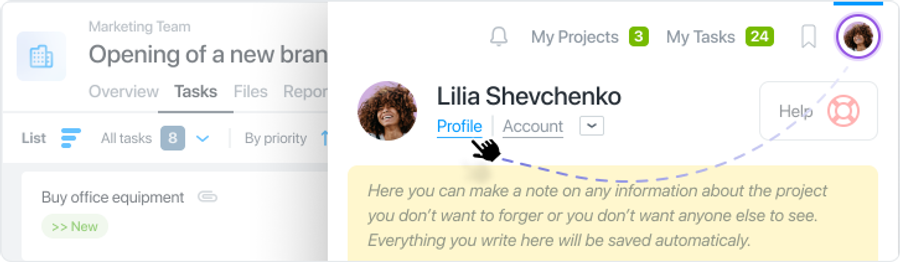
To delete your profile from the account click on your avatar in the upper right corner and go to “Settings and profile”:
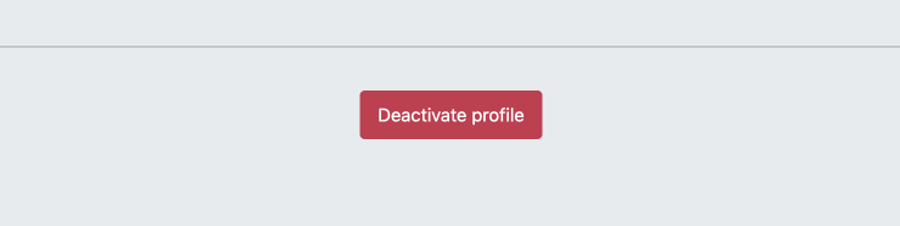
Scroll down the page. At the very bottom you will see the "Delete profile" icon. Click on it.
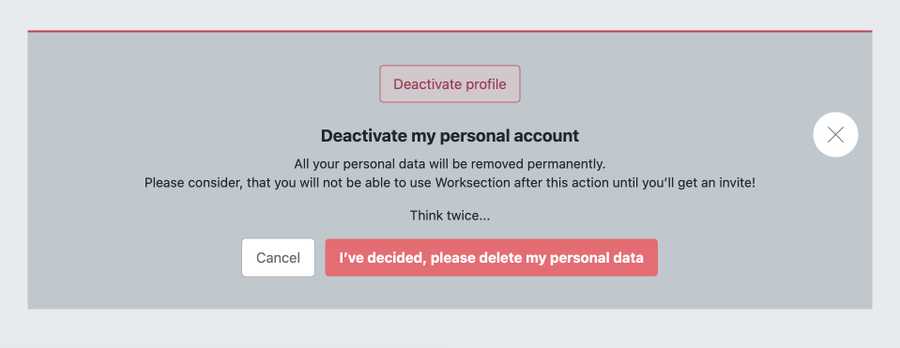
The system will ask if you are sure you want to delete your profile. If you still decide to do it, please confirm by clicking on “I'm sure I want to delete all data”: