Solutions
worksection
beta
help
Editing an automation
To edit any automation, you need to go to the integration settings, click on the desired automation1 and make changes.
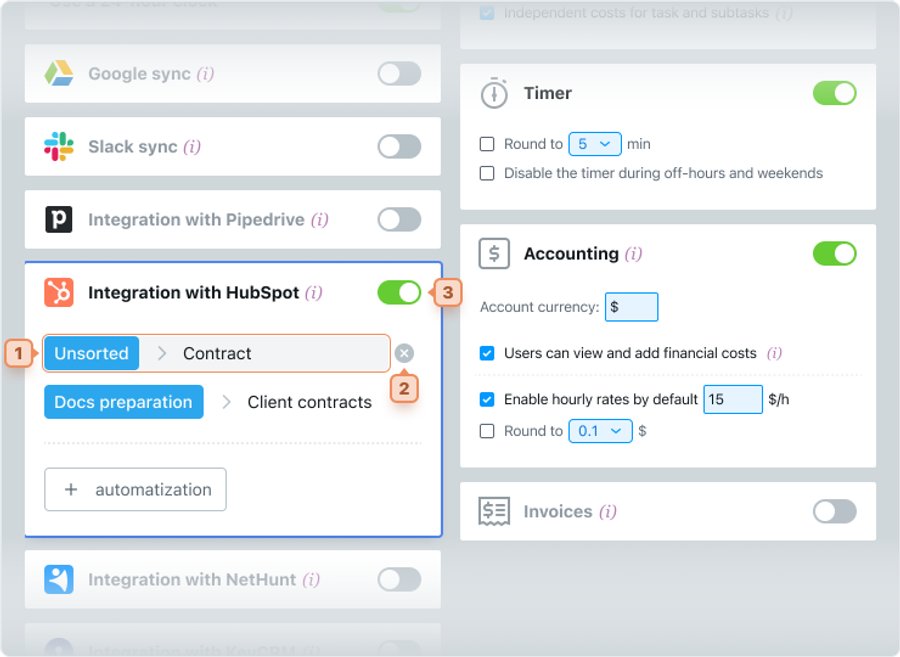
To delete an automation, move the cursor over the desired automation, and the icon for deleting will appear2. A warning message will appear, after which you can delete this automation.
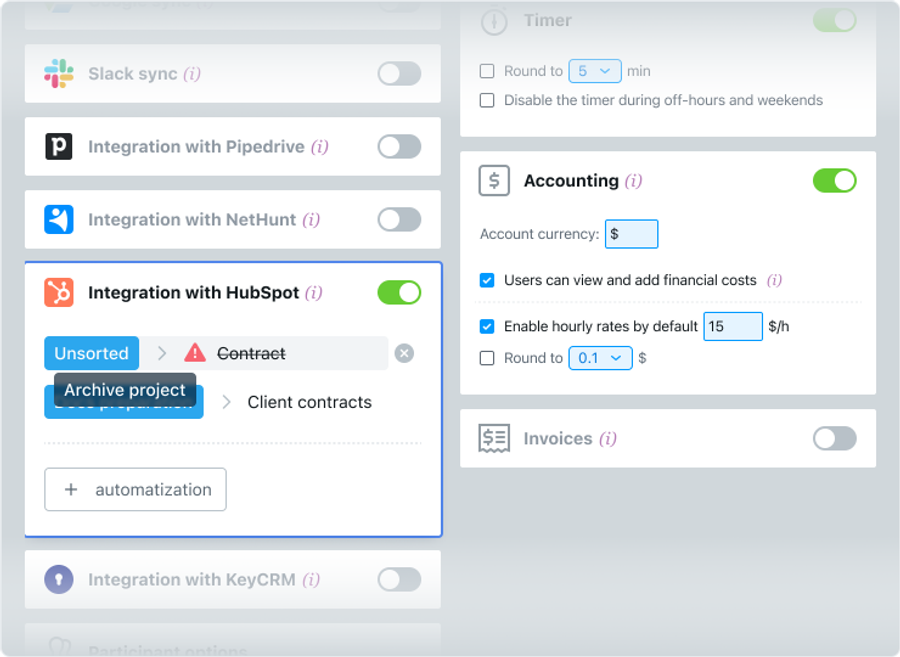
#Important! Tasks will not be created in an archived project. If a project has been moved to the archive or deleted, an explanation will be marked in the integration block opposite the corresponding automation.
☝️ Note! When you connect the integration, the first tasks will be created in 5 minutes. Synchronization is performed every 5 minutes, so there may be some delay in automation.
Leave your review
Did this article help you?
Glad we could help! What was helpful?
Sorry this didn't help. What went wrong?
Previous
Connecting HubSpot CRM

