Sign up forZapier. Zapier has a free plan. Paid plans scale the features as needed.
Create your own Zap, or choose from templates and follow the prompts inside.
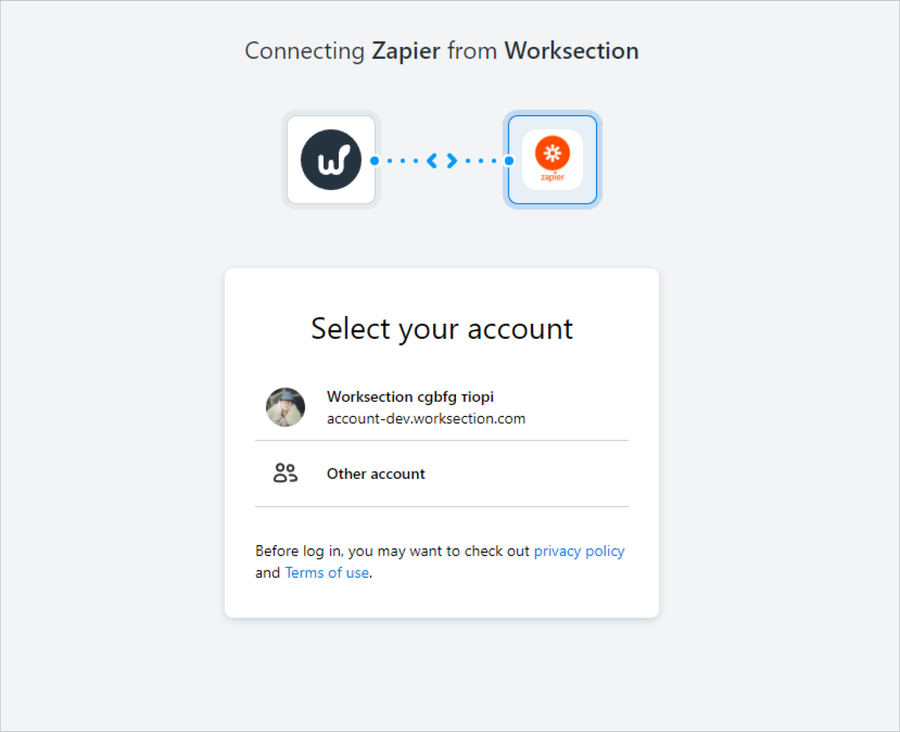
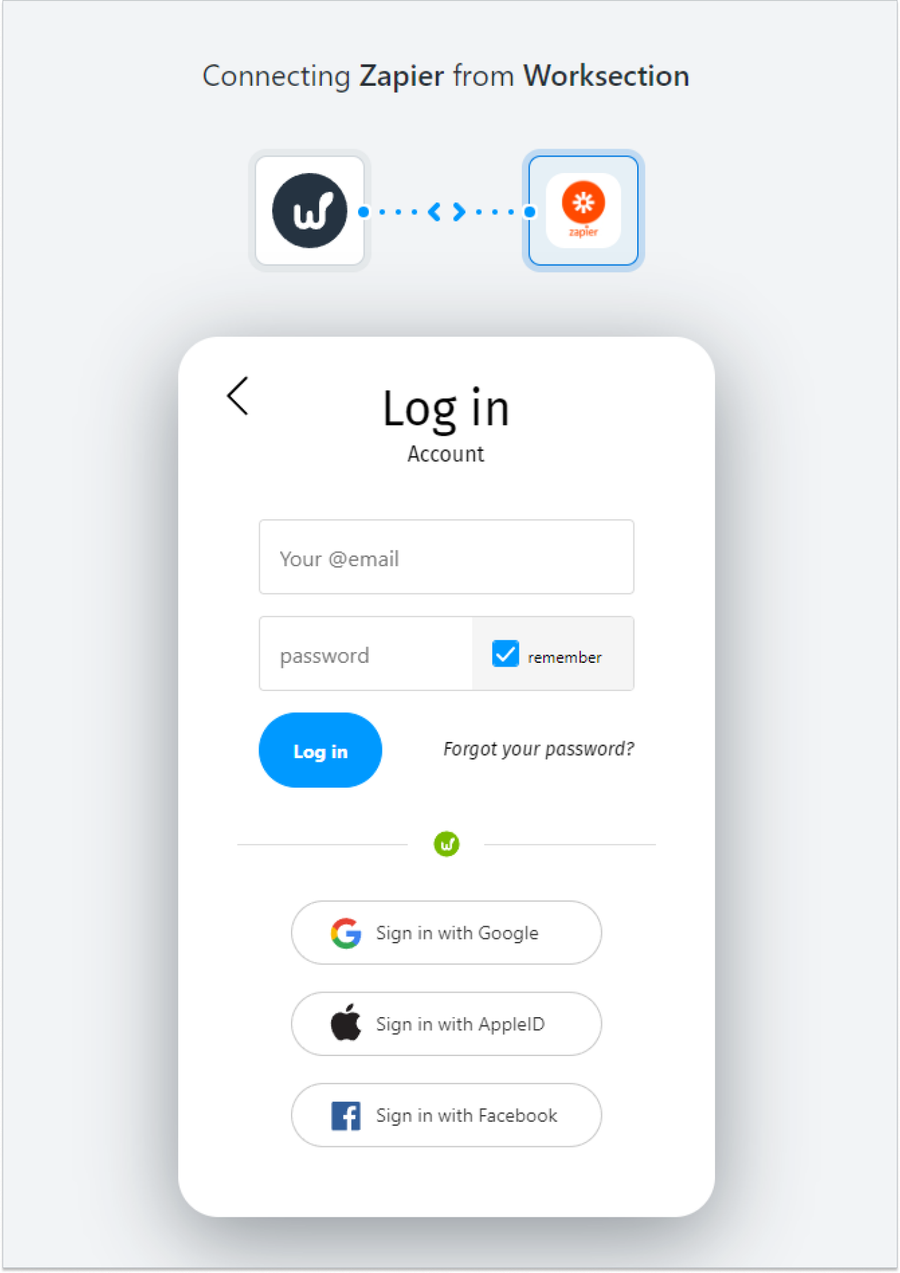
Log in to Worksection. When you create a Worksection Zap, the system will prompt you to log in to your Worksection account.
Give Zapier access to your Worksection account.
The process of creating a Zap includes an automatic testing stage. Before you finally enable it, you can check if it works correctly.
After Zap is created and tested, don't forget to enable it.
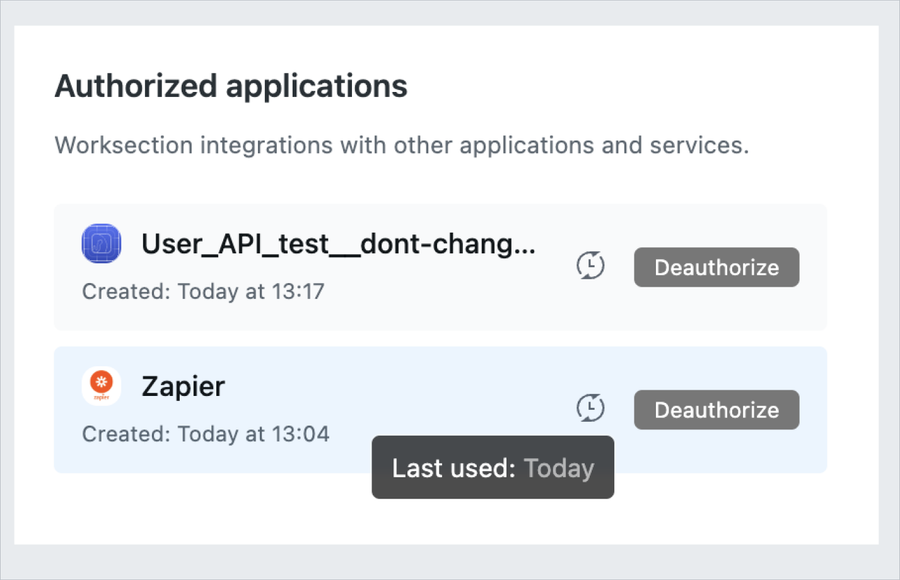
After authorization of Zapier-Worksection, the authorized session will appear in the Profile settings of your Worksection account. Here you can view the "last used session" and delete it if necessary.