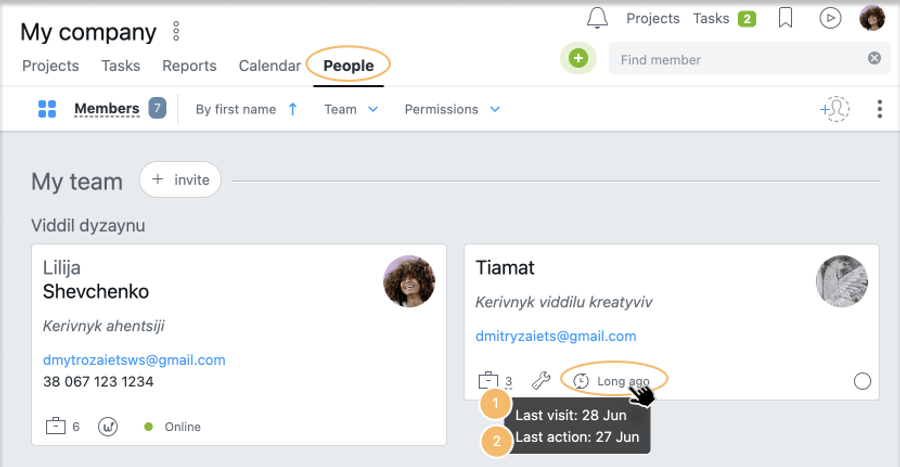
Go to the People section, then point to the clock icon on the user's card. A popup message will appear with the information on when the user
last entered the account1 and
performed the last active action2 .
Note: if the user logged into the account for the last time and made the last active action at the same time, only one message will be displayed: "Last action on ___"