Solutions
worksection
beta
help
How to subscribe or unsubscribe from a task?
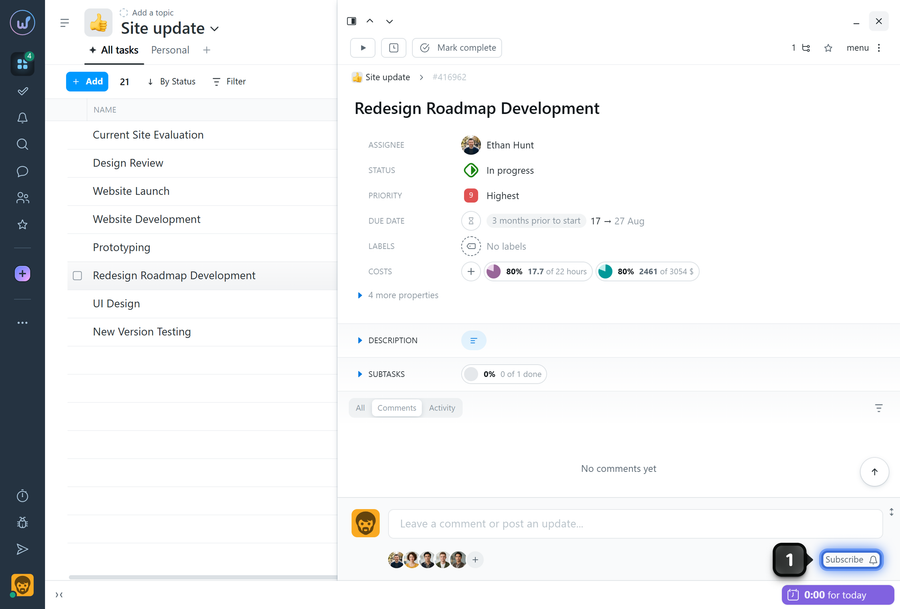
Subscribing to a task is necessary to receive notifications about events in it (comments, properties changes, etc.).
To subscribe to a task, click "Subscribe"1 in the task window.
Note
Leave your review
Did this article help you?
Glad we could help! What was helpful?
Sorry this didn't help. What went wrong?

