Solutions
worksection
beta
help
How to set tasks without an executive?
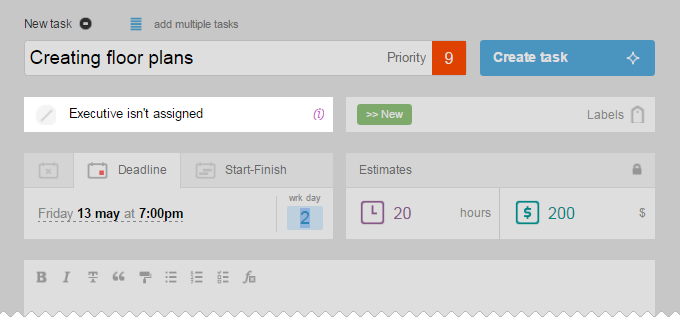
To set tasks without an executive, just leave the «Executive» box empty. Responsibility for such tasks can be taken by any member of the project team.
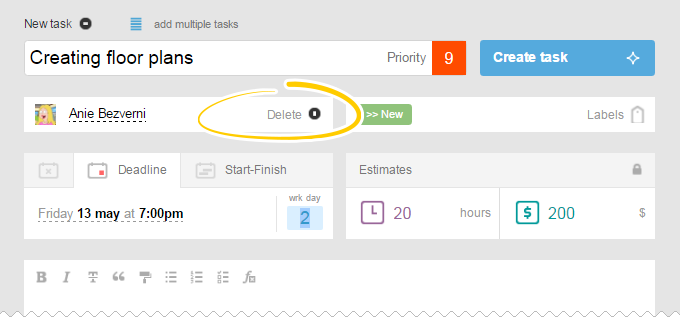
Please, note! If the project you set has a default executive, then the user you've assigned will be shown in the Executive field. In order to remove an executive, just move your mouse in the box and click «Remove».
Leave your review
Did this article help you?
Glad we could help! What was helpful?
Sorry this didn't help. What went wrong?

