
Solutions
worksection
beta
help
How to enter your account
There are 2 ways to enter your account:
Method 1
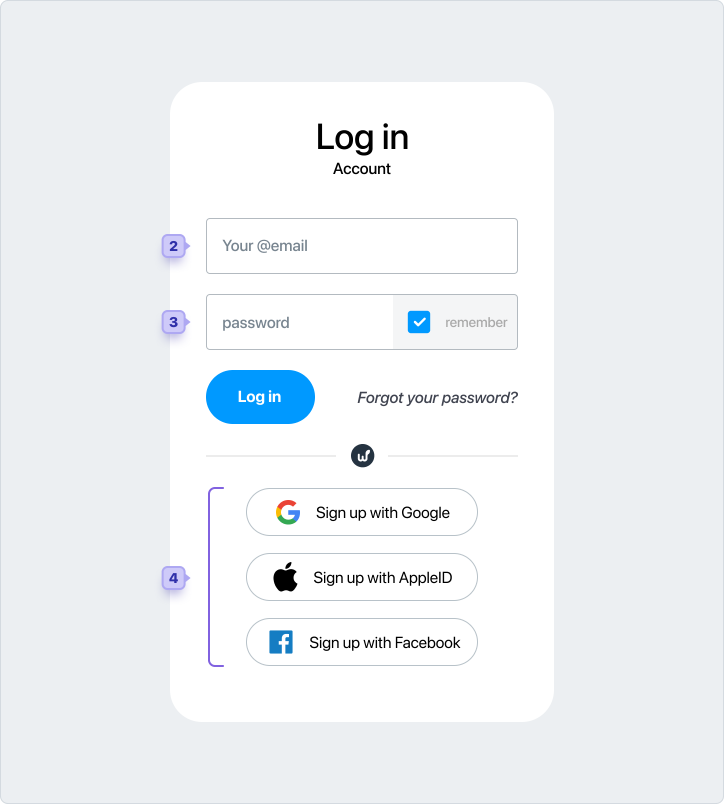
Open the main page of the account (for example: yourdomain.worksection.com), after which you will be automatically directed to the login page.Enter your email1, password2 and click the "Log in" button. You will be logged in.
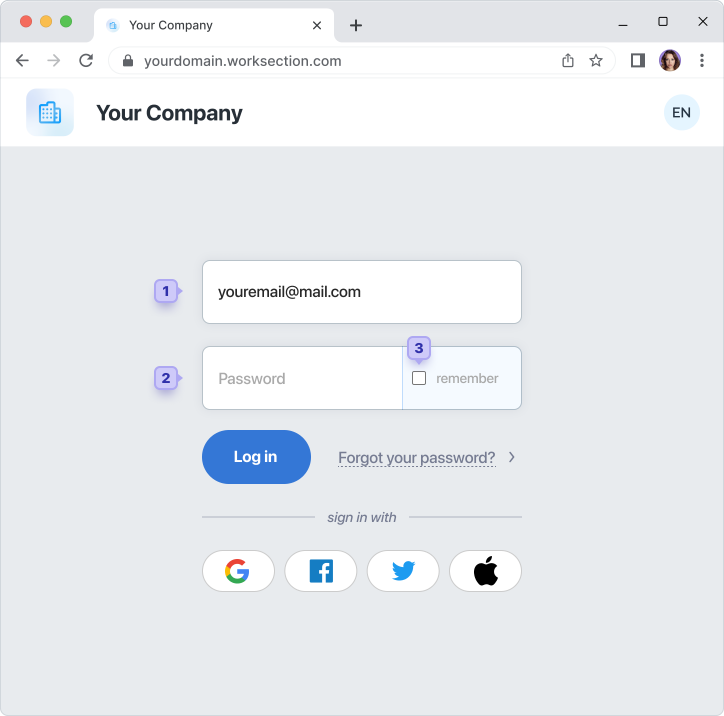
If you check the "Remember"3 when logging in, then in the future (when you open the main page of the project) you will immediately enter the project, without the authorization procedure.
Method 2
On almost any page of the worksection.com website, you can click "Login" in the upper right corner. After that, you will be offered an authorization form.
Note! Whatever way you choose to log in to the account, the language of the interface inside the account will match the language of the login page.
Can I log in using my Google, Facebook, Twitter account or AppleID?
Yes, if you have a Google, Facebook, Twitter account or AppleID, you can log in with one click. There is no need to enter your login and password.Important! For such authorization, your Worksection account email must match your Google or Facebook email address.
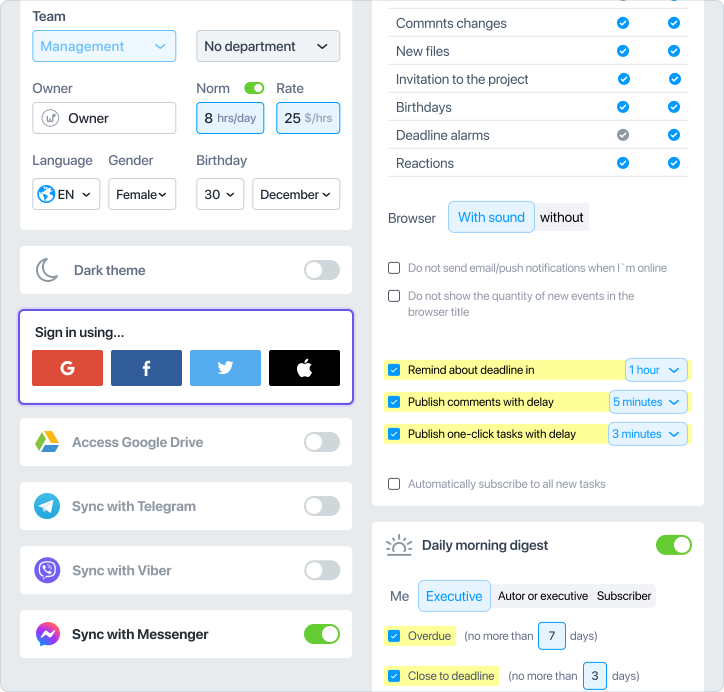
If the email addresses are different, or you prefer to sign in with Twitter or AppleID, you can link the account in your profile settings.
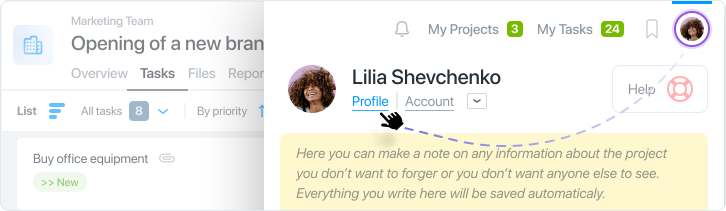
You can enter the profile settings by clicking on the avatar in the upper right corner:
In the "Profile" section, simply link the accounts. After that, you will no longer need to enter your email and remember your password when logging into your Worksection account.
Leave your review
Did this article help you?
Glad we could help! What was helpful?
Sorry this didn't help. What went wrong?

